Update your profile and password
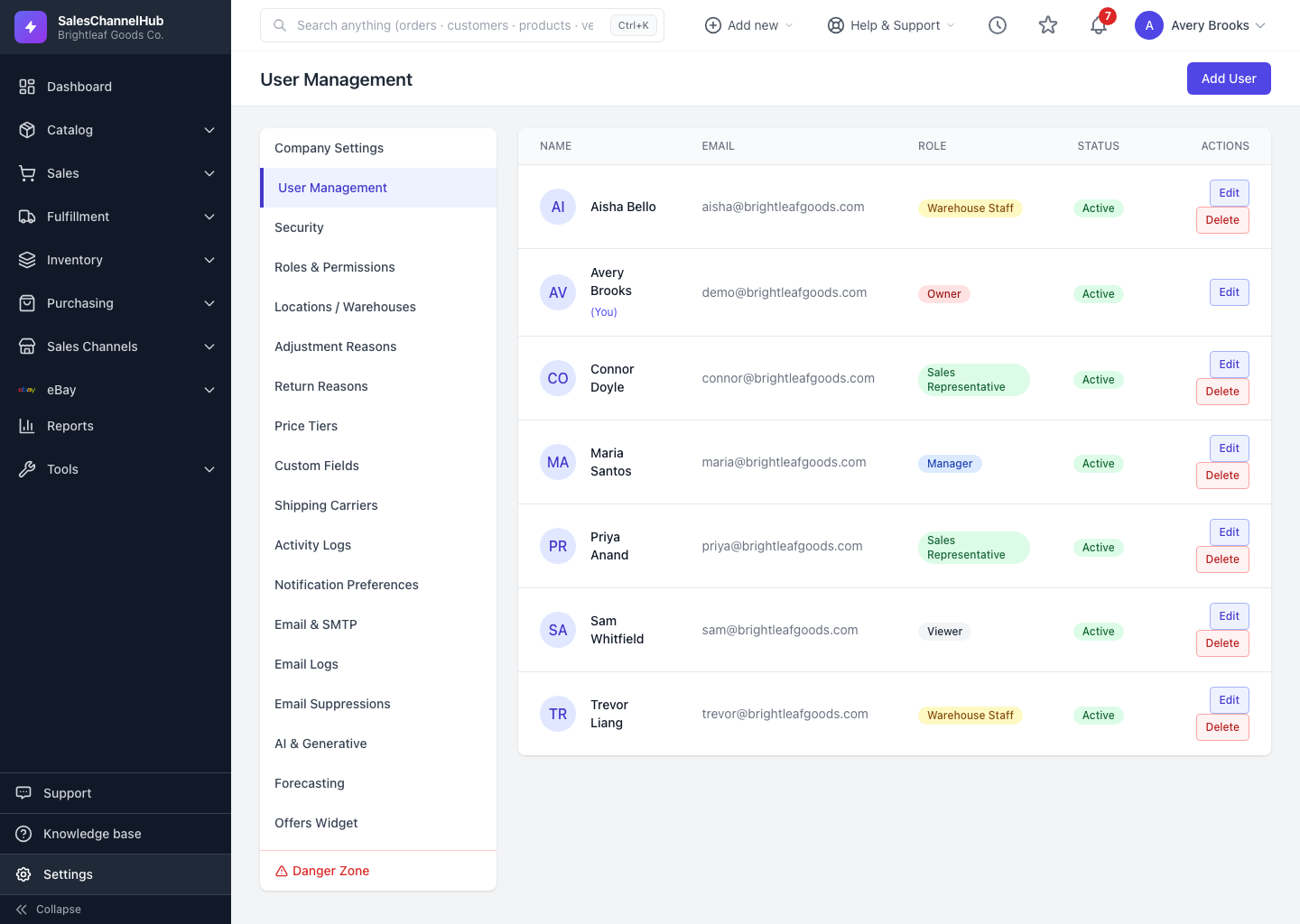
Edit your own name, email or password from your row in User Management, and add two-factor under Settings → Security.
You manage your own details the same way you'd manage any user, and you secure the account from the Security page.
How do I update my account?
- Go to Settings → User Management and click Edit on your own row, marked (You).
- Update your Name, Email or Phone.
- To change your password, enter a New Password and confirm it; leave it blank to keep the current one.
- Click Update User.
- For extra security, open Settings → Security and turn on two-factor authentication so sign-in also asks for a 6-digit code.
Tip. Locked out? Use Forgot password on the login screen to reset it by email yourself, with no admin needed.
Was this article helpful?