Work with label batches
Group orders into a named batch via Other Actions → Add to Batch so a pickup or shift's shipments stay together.
A batch is a named group of shipments you work as a unit, for example everything going on the afternoon FedEx pickup. Batches keep a shift's orders together and easy to find.
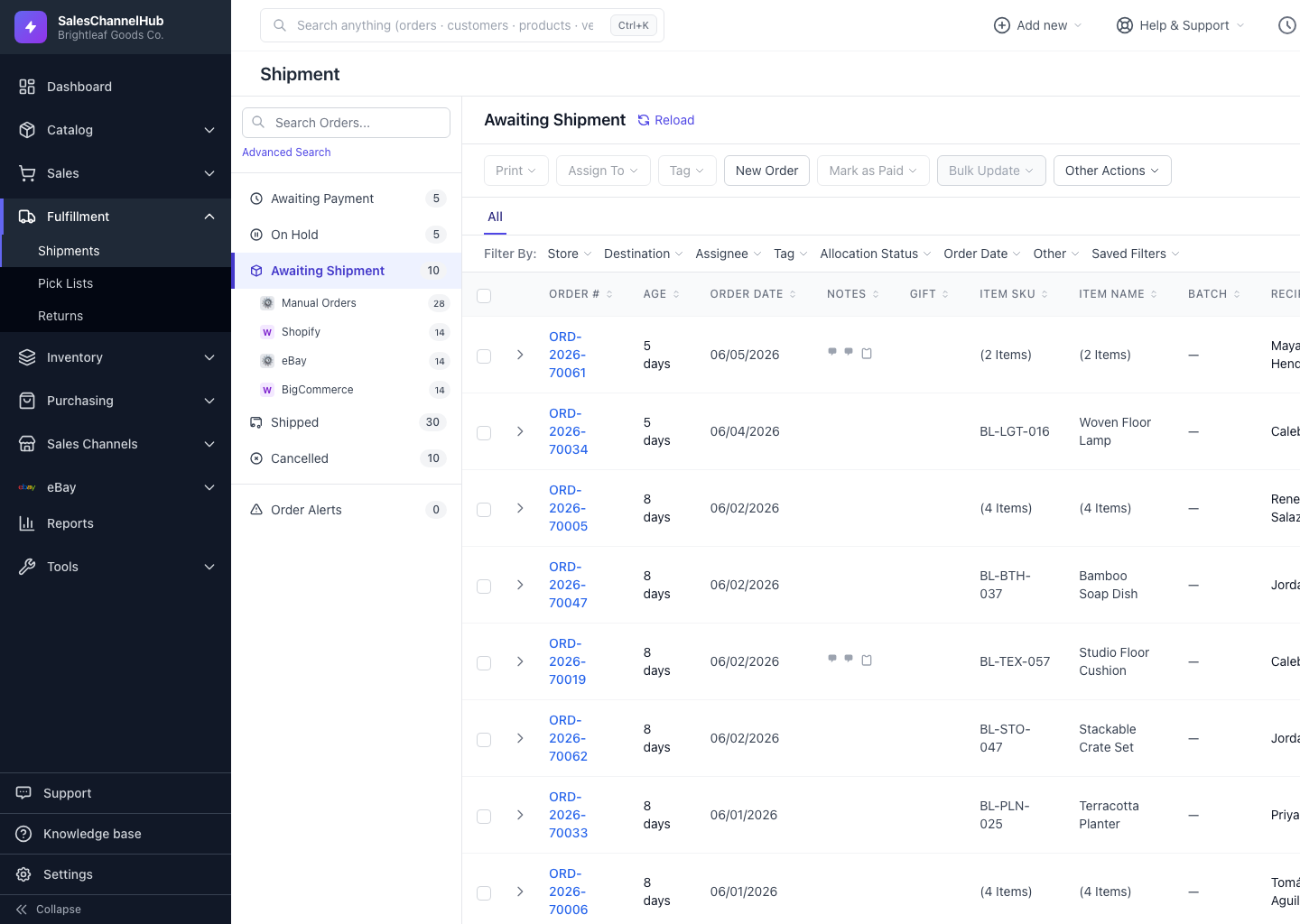
How do I add orders to a batch?
- Tick the orders, open Other Actions and click Add to Batch.
- Pick an open batch, or type a name like FedEx pickup 5/24 under Or create a new batch.
- Click Add.
Can I set a batch on one order?
Yes. Set a single order's batch from the Batch dropdown in its Shipment Details card. New batches stay open for 30 days.
Tip. Name batches after the real-world pickup or shift, not the date alone. It's far easier to tell FedEx 4pm from UPS morning at a glance.
Was this article helpful?