Forecasting: common questions
Quick answers to the questions sellers ask most about missing suggestions, odd numbers, lead times and the nightly refresh.
Quick answers to the things people ask most about forecasting. Most surprises trace back to one input: sales history, locations, vendors or your settings. For step-by-step guides, see the articles above.
Tip. Suggestions refresh overnight, so a setting you change today shows its effect in tomorrow's numbers, not instantly.
Common questions
The list is empty or a SKU is missing. Why?
Suggestions only appear for SKUs with paid-order sales in the lookback window, attributed to a warehouse location. Brand-new or never-sold items won't show until they've sold a few times.
A SKU shows blank days of supply. Why?
Forecast demand is zero. No sales in the window means there's no rate to divide by, so DOS is left blank.
The suggested numbers look too high. What should I check?
Check your lead time and replenishment cycle under Settings → Forecasting, plus the safety days or service level for that SKU's ABC class. Longer lead times and bigger buffers raise the reorder point.
The lead time looks wrong. Where does it come from?
The SKU's preferred vendor first. If that vendor has no lead time set, the default lead time from settings is used.
I applied a suggestion but no purchase order appeared. Why?
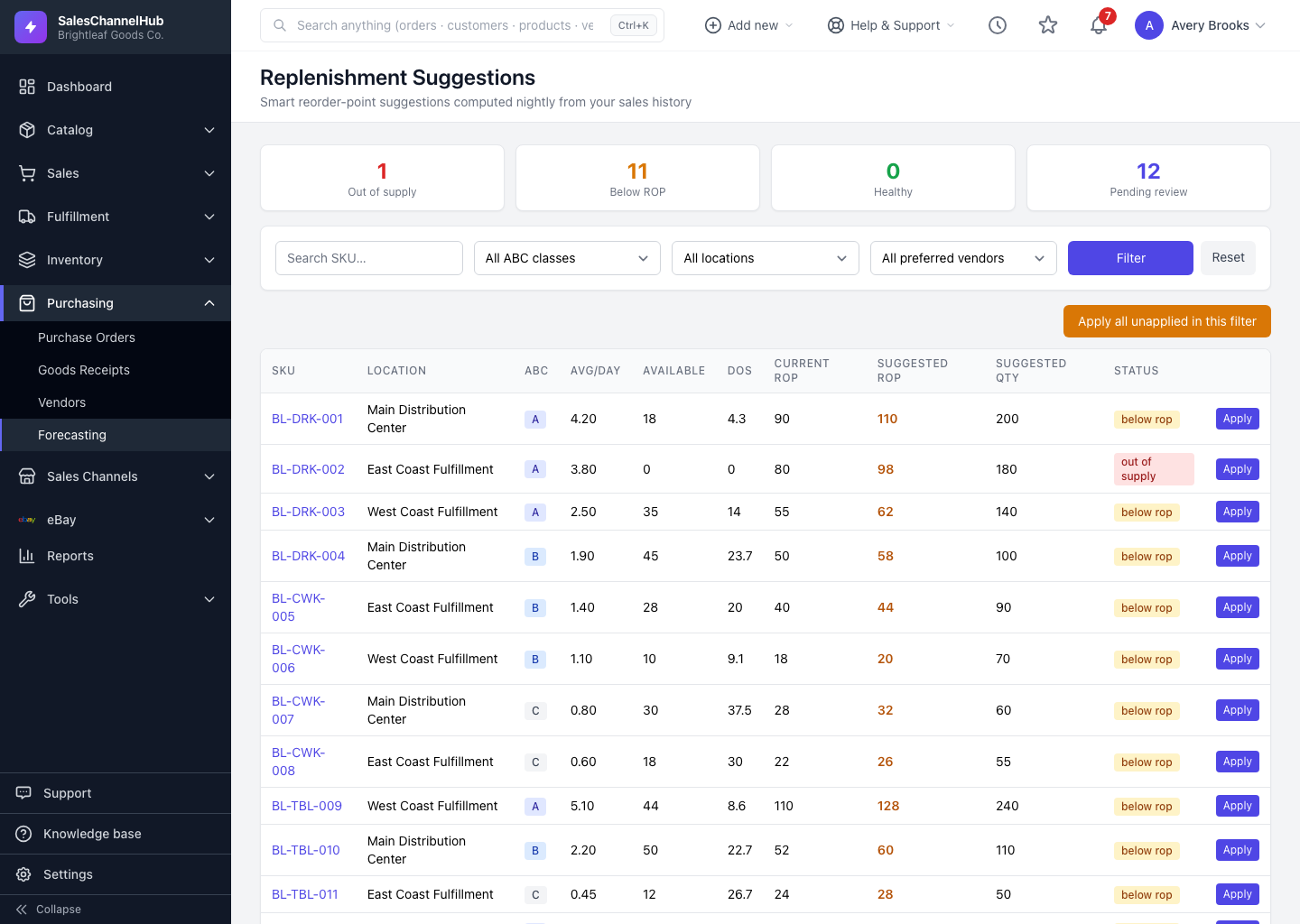
Applying only sets the reorder point and quantity. Ordering happens through auto-replenishment, which must be enabled and needs a preferred vendor on the SKU.
Did the nightly refresh overwrite my applied values?
No. The refresh updates the suggested numbers but preserves anything you've already applied.
I can't see the Apply button. Why?
You need the forecasting apply permission. Ask an administrator to grant it under Settings → Roles & Permissions.