Reject an offer
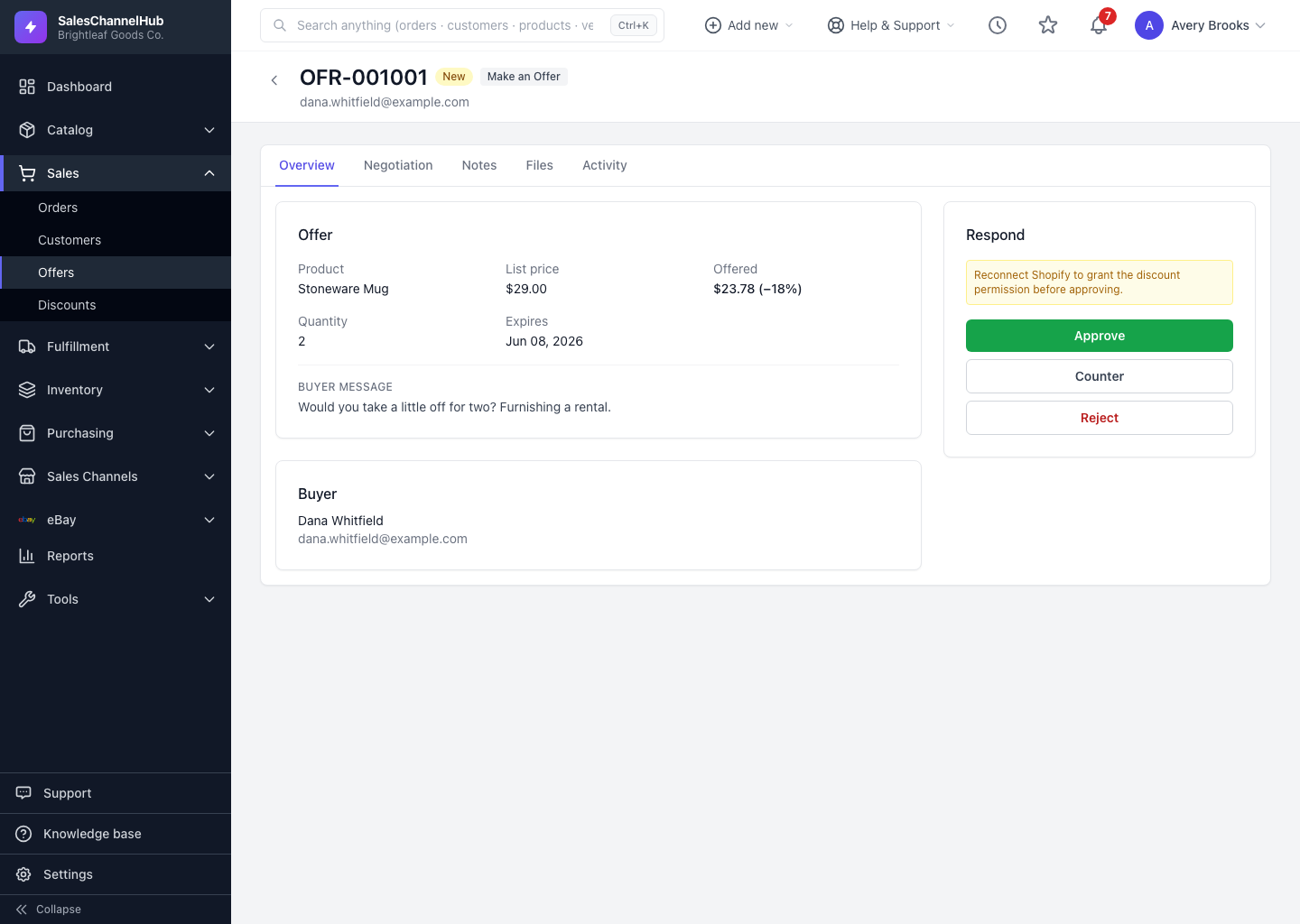
Click Reject in the Respond panel, add an optional reason, then Reject & notify. The buyer is told and the offer closes.
If you can't meet an offer, reject it. The buyer is notified and the offer moves to Rejected. You can include a short reason that's recorded on the timeline.
How do I reject an offer?
- Open the offer and click Reject in the Respond panel.
- Optionally add a Reason. It's saved on the negotiation timeline.
- Click Reject & notify.
You can only reject while the offer is still open. Once rejected there's no further action, but the buyer can always send a fresh offer from your storefront.
Tip. If the price is just too low rather than impossible, a counter usually works better than a flat reject. It keeps the conversation alive.
Common questions
Does the buyer find out why I rejected?
Only if you add a Reason. It's saved on the timeline and included when the buyer is notified. Leave it blank for a plain decline.
Can a buyer offer again after I reject?
Yes. Rejection closes the current offer, but the buyer can submit a new one from your storefront. It appears linked under Re-offers on the original.