Bulk revise prices
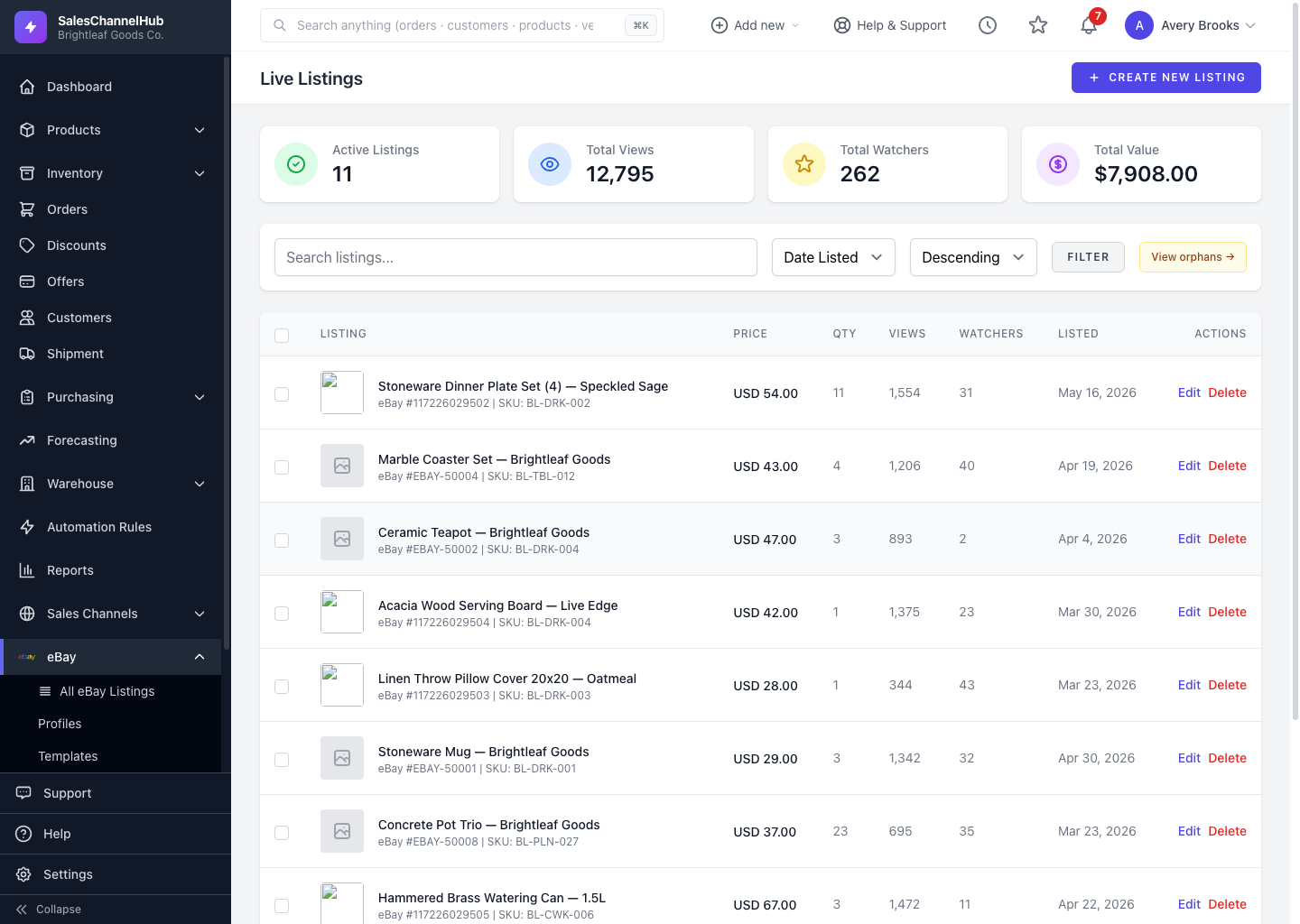
Tick live listings, choose Revise Price from the bulk menu, then adjust by a percentage or set a specific price across them all.
The bulk Revise Price tool reprices many live fixed-price listings in one pass, whether for a flash sale or an across-the-board increase.
How do I reprice in bulk?
- On Live Listings, tick the listings to reprice.
- Choose Revise Price from the bulk action menu and click Apply.
- Pick Adjust by percentage (e.g.
-10for 10% off,25for a 25% raise) or Set to specific price. - Enter the value and click Apply.
What gets skipped?
Auctions, multi-variant listings and anything that isn't live are skipped automatically. The summary tells you how many.
Tip. A new price of $0 (from an extreme percentage) is skipped, so an accidental discount can't push listings to free.
Common questions
Why were some listings skipped when I revised prices?
Bulk Revise Price only touches live, fixed-price, single-SKU listings. Auctions, multi-variant listings and non-live items are skipped by design, and the result summary says how many and why.
Can I take a percentage off rather than set one price?
Yes. Choose Adjust by percentage and enter a negative number for a discount (e.g. -10) or a positive one for an increase (e.g. 25).