Browse your brands
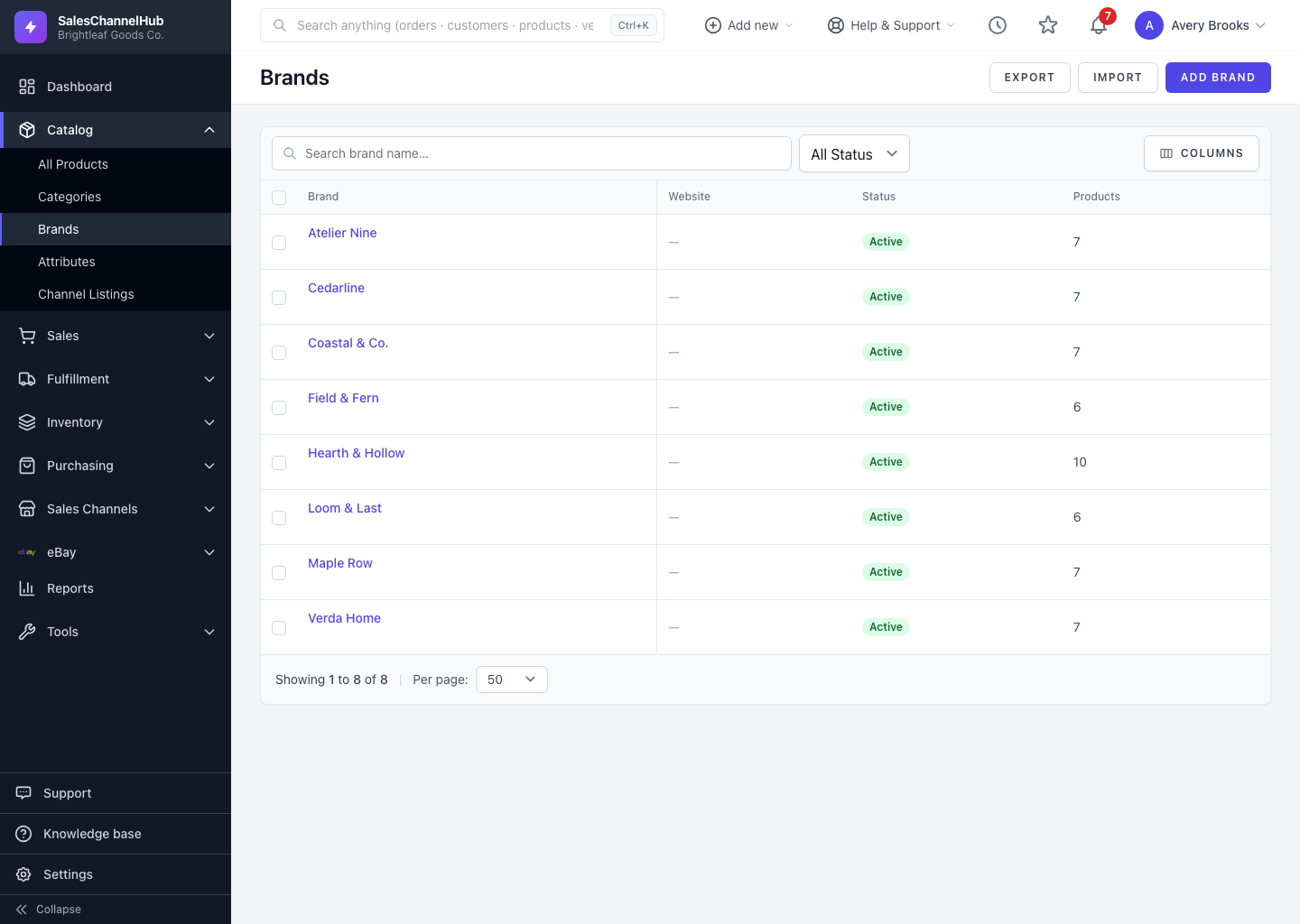
Open Catalog → Brands for a directory of your manufacturers, with search, status filter, sortable columns and a product count.
Open Catalog > Brands for your directory of manufacturers and labels. Each row shows the brand's website, status and product count.
How do I find a brand?
- In the sidebar, open Catalog and click Brands.
- Use Search brand name… to find one quickly.
- Set the All Status dropdown to show only Active or Inactive brands.
- Click a column header to sort, and use Columns to choose which columns appear.
- From the header you can also jump to Export, Import or Add Brand.
Tip. The Products count beside each brand tells you how many products would be left unassigned if you removed it.
Was this article helpful?