End a listing
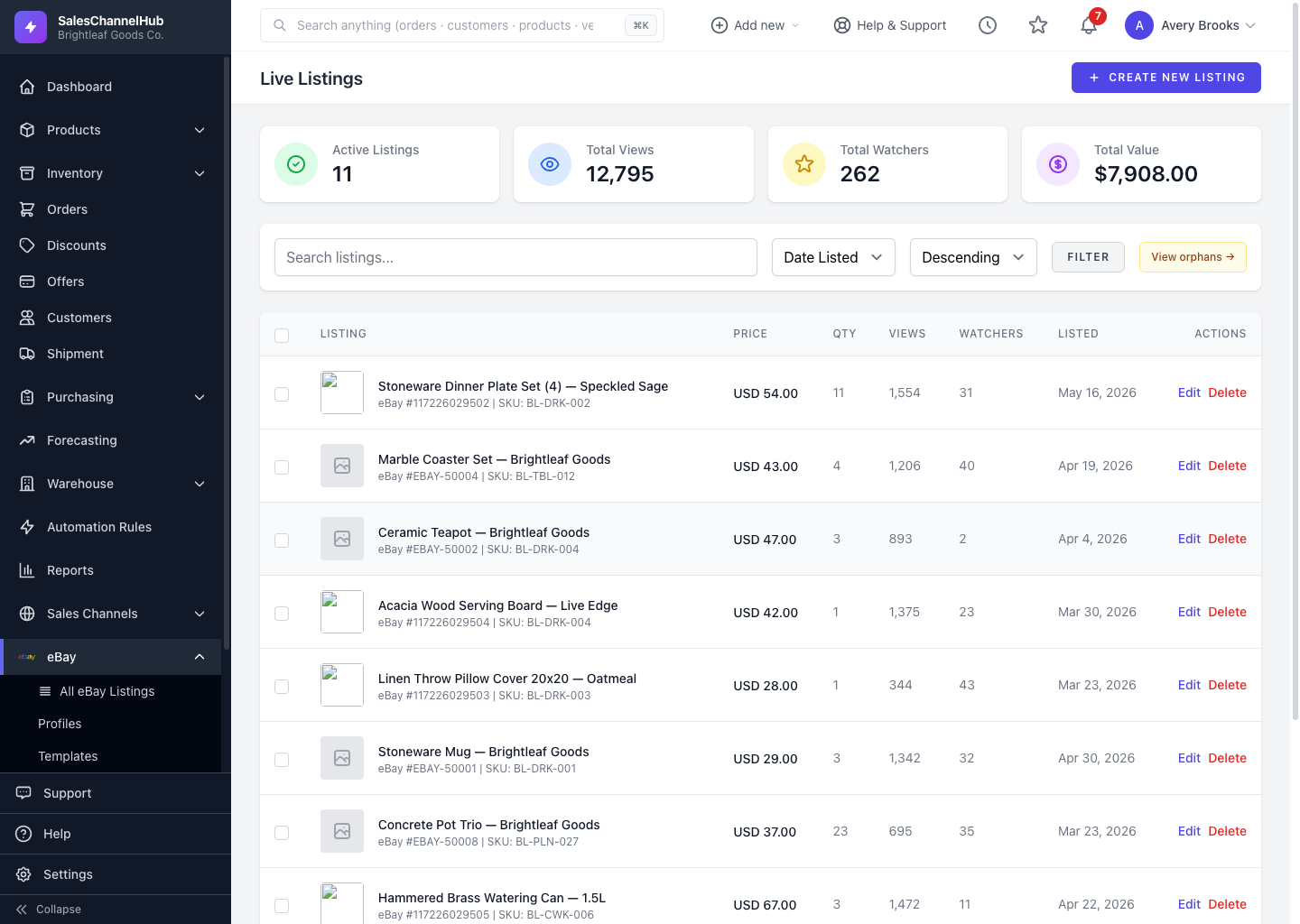
Open a live listing and click End Listing, or end several from the bulk menu. Ended items stay in your records to relist later.
Ending a listing takes a live item off eBay before its natural end. Use it when an item is out of stock, mispriced, or you want to pause selling it. Ended items can be relisted later.
How do I end a listing?
- Open a live listing and click End Listing, then confirm.
- Or, on Live Listings, tick the items, choose End Listings from the bulk menu and click Apply.
Tip. Ending happens in the background. Refresh after a moment and the item drops out of the live view. It stays in your records so you can relist it.
Was this article helpful?