Receive a transfer order
In the Receive Items section, enter the quantity received per line and click Record Receipt. Receive everything at once or in partial batches.
Receiving lands the in-transit stock as on-hand at the destination. You can receive everything at once, or record several partial receipts as shipments trickle in.
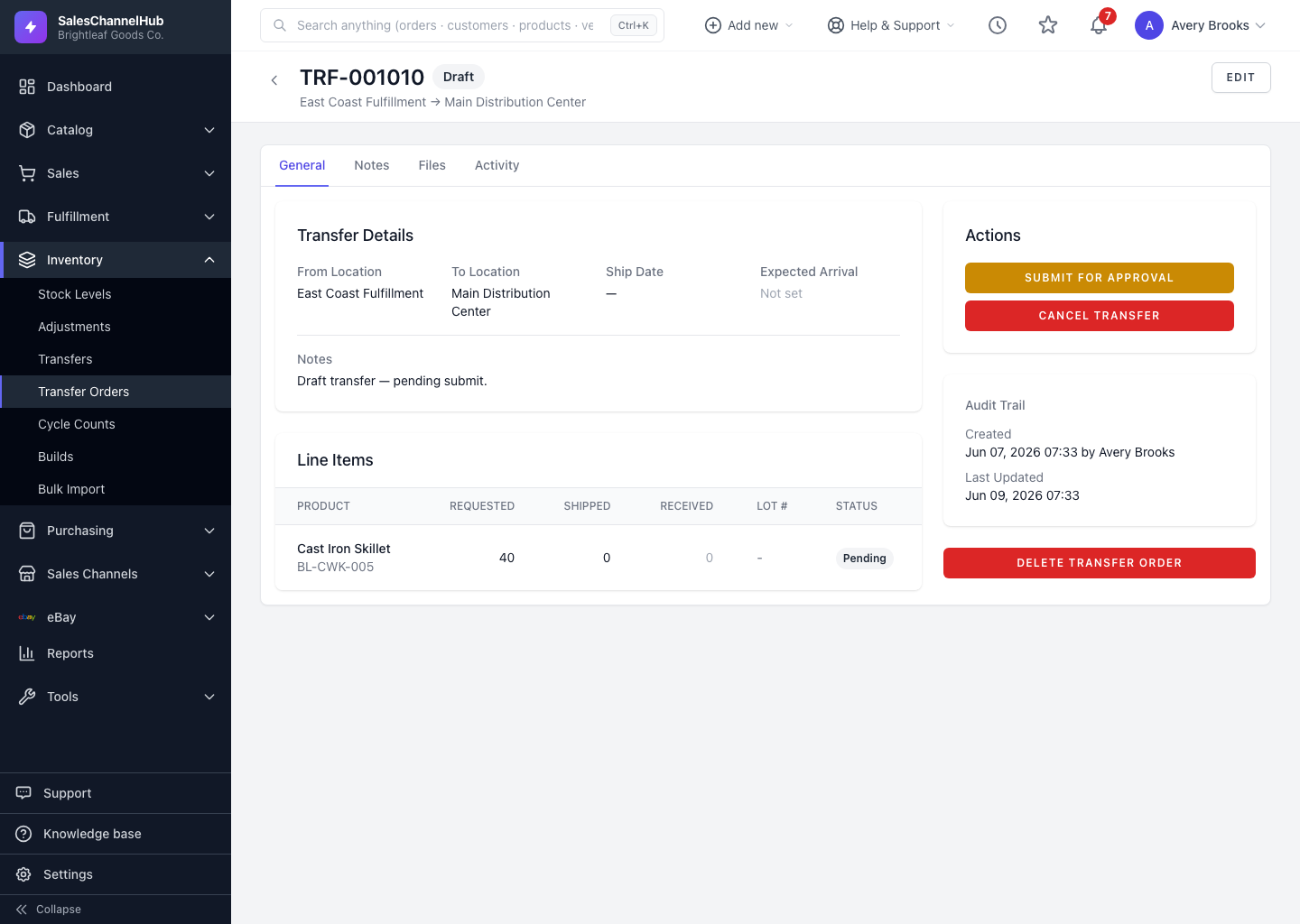
How do I receive a transfer?
- Open an In Transit or Partially Received transfer order.
- In the Receive Items section, enter the quantity received against each line. The Remaining column shows what's still outstanding.
- Add per-line notes if anything is off.
- Click Record Receipt.
What's the difference between full and partial?
- Receive everything and the order moves to Received.
- Receive some lines and it becomes Partially Received, so you can come back for the rest later.
Tip. The Receiving Progress panel shows a percentage and a received/remaining breakdown, so you can track multi-leg deliveries.
Common questions
Can I receive a transfer in more than one batch?
Yes. Enter what arrived and click Record Receipt. The transfer becomes Partially Received, and you receive the remaining units on later visits.
What if I receive fewer units than were shipped?
The transfer stays Partially Received with the shortfall in the Remaining column. Chase the missing units, then record the rest when they arrive.
Was this article helpful?