


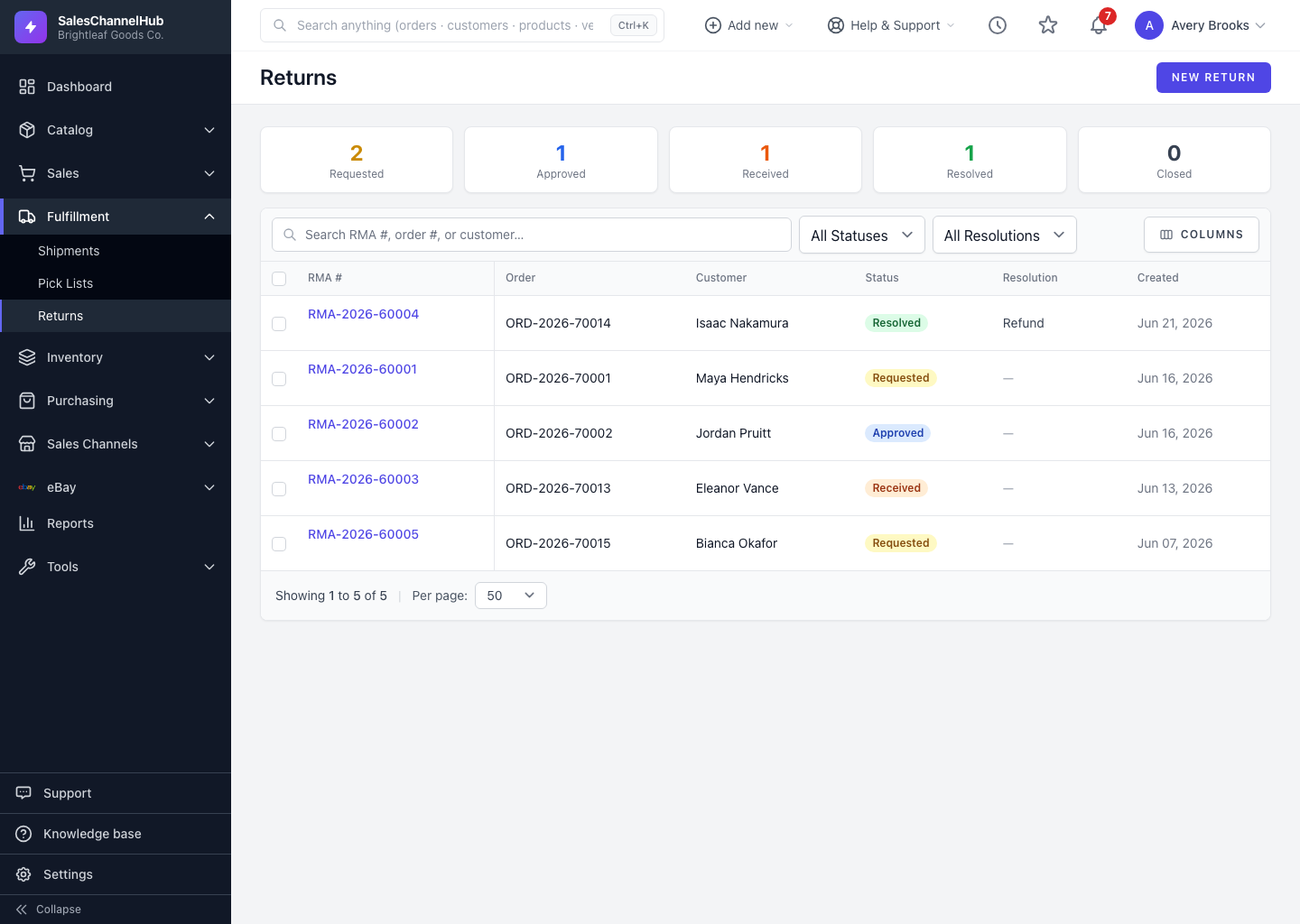
A return authorisation (RMA) tracks a customer return from the moment it's requested through to refund, restock or replacement. Every RMA starts from a real order, so the system knows what was sold and how much can come back. The list lives under Fulfillment → Returns.
What's the return lifecycle?
- Requested → Approved (or Rejected).
- Optionally Label Sent and In Transit while the goods come back.
- Received → Inspecting as you check condition.
- Resolved → Closed.
Tip. The status tabs at the top of the list show a count for every stage, so you can see where your returns are piling up. To start a new return, open the order it's for and choose Create Return; the list's Start a return button takes you to your orders.
Was this article helpful?