Build a template in the visual designer
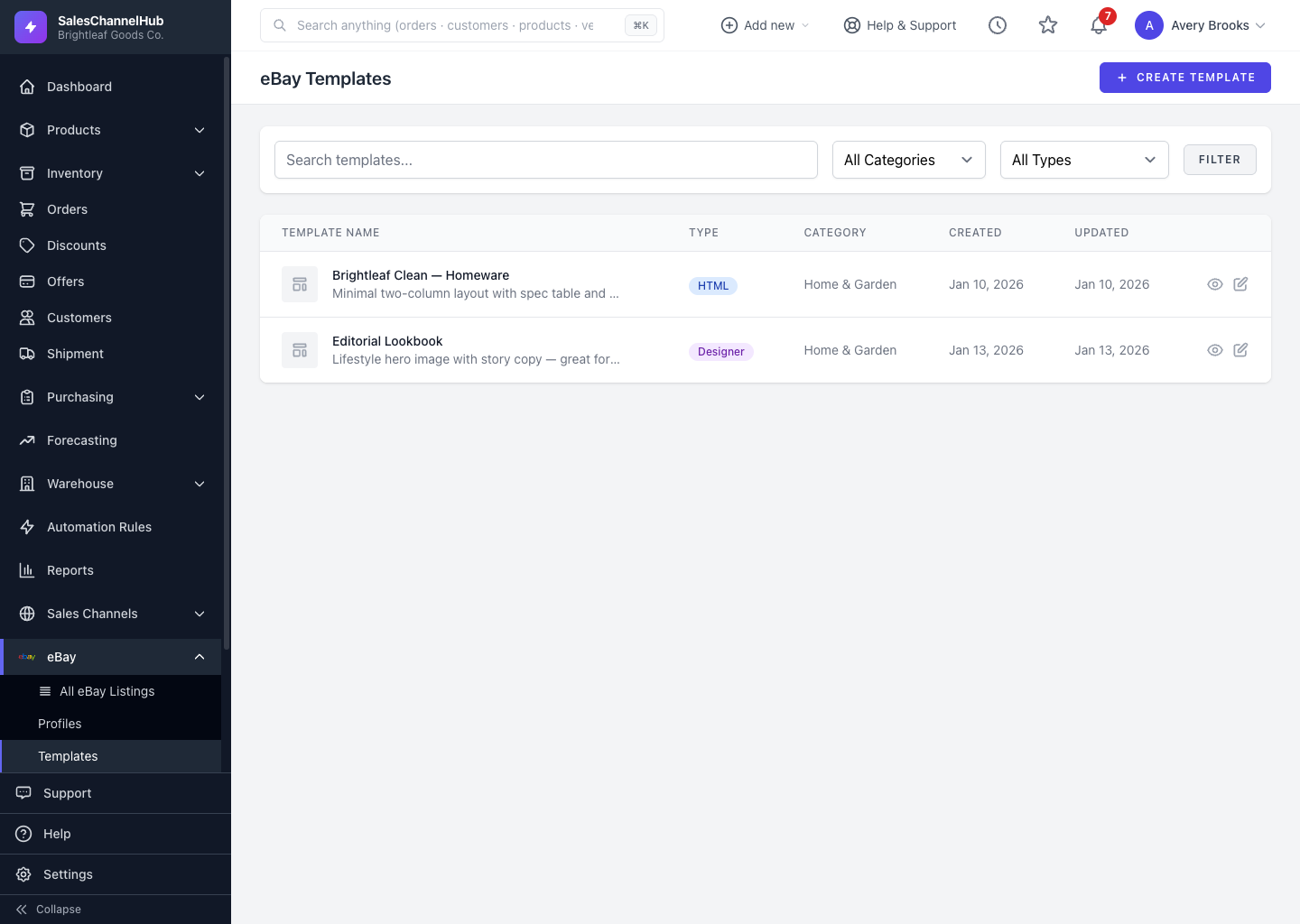
Create a template, choose Visual Designer, drag blocks onto the canvas, then Save Changes. The designer writes the code for you.
The visual designer is a drag-and-drop canvas for building listing templates without touching HTML. Drop in blocks, arrange the layout and save; the designer writes the code for you.
How do I build with the designer?
- Create a template and choose Visual Designer, or open an existing designer template's editor.
- Name the template in the field at the top.
- Drag blocks onto the canvas and arrange your layout.
- Click Save Changes, or Preview to open it against sample data in a new tab.
Tip. Preview often as you build. It fills the template with one of your real products, so you catch layout issues before attaching it to a listing.
Was this article helpful?