Search anything with global search
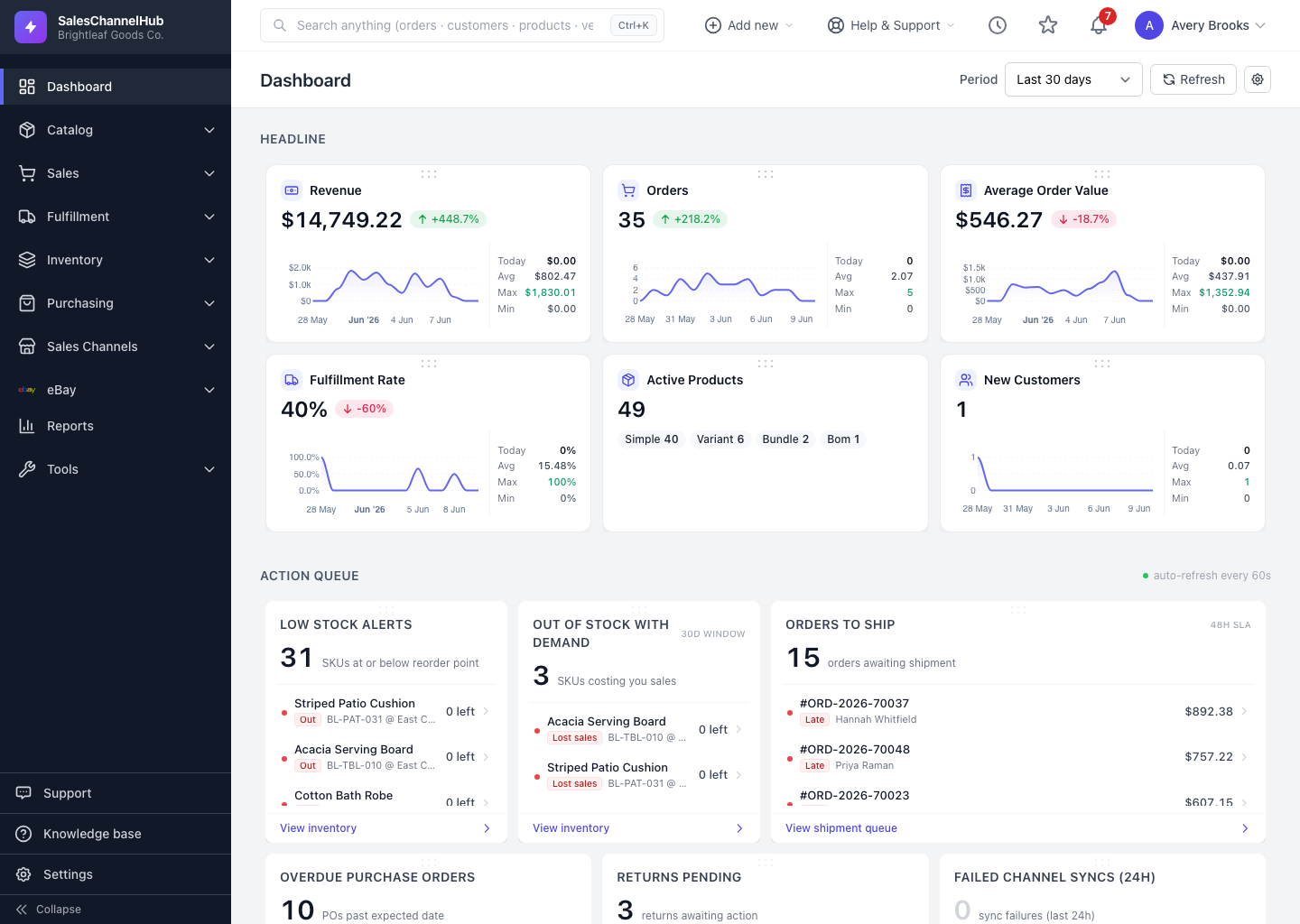
The search bar in the top bar (or Ctrl+K / ⌘K) jumps to any order, customer, product, vendor or purchase order.
To find any record fast, use the search bar at the top of every page. It searches orders, customers, products, vendors and purchase orders at once.
How do I search?
- Click the search box, or press Ctrl+K (⌘K on a Mac), to focus it.
- Type at least two characters: an order number, customer name, SKU or PO number works well.
- Results appear grouped by type. Use the ↑ and ↓ arrows to move and Enter to open the highlighted result.
- Choose View all under a group to open the full list for that record type.
Tip. Click the box without typing to see your recent searches and reuse one in a click.
Common questions
Why does search return nothing?
Type at least two characters, and try an exact value such as an order number, customer name, SKU or PO number.
What can global search find?
Orders, customers, products, vendors and purchase orders. For other records, open the relevant page and use its own filters.
Was this article helpful?