Cancel an order
Click Cancel Order to call an order off, which releases its stock and voids any active shipments. It can't be undone.
Cancelling an order calls it off cleanly. It releases any stock allocated to the order and voids or cancels any shipments still in progress.
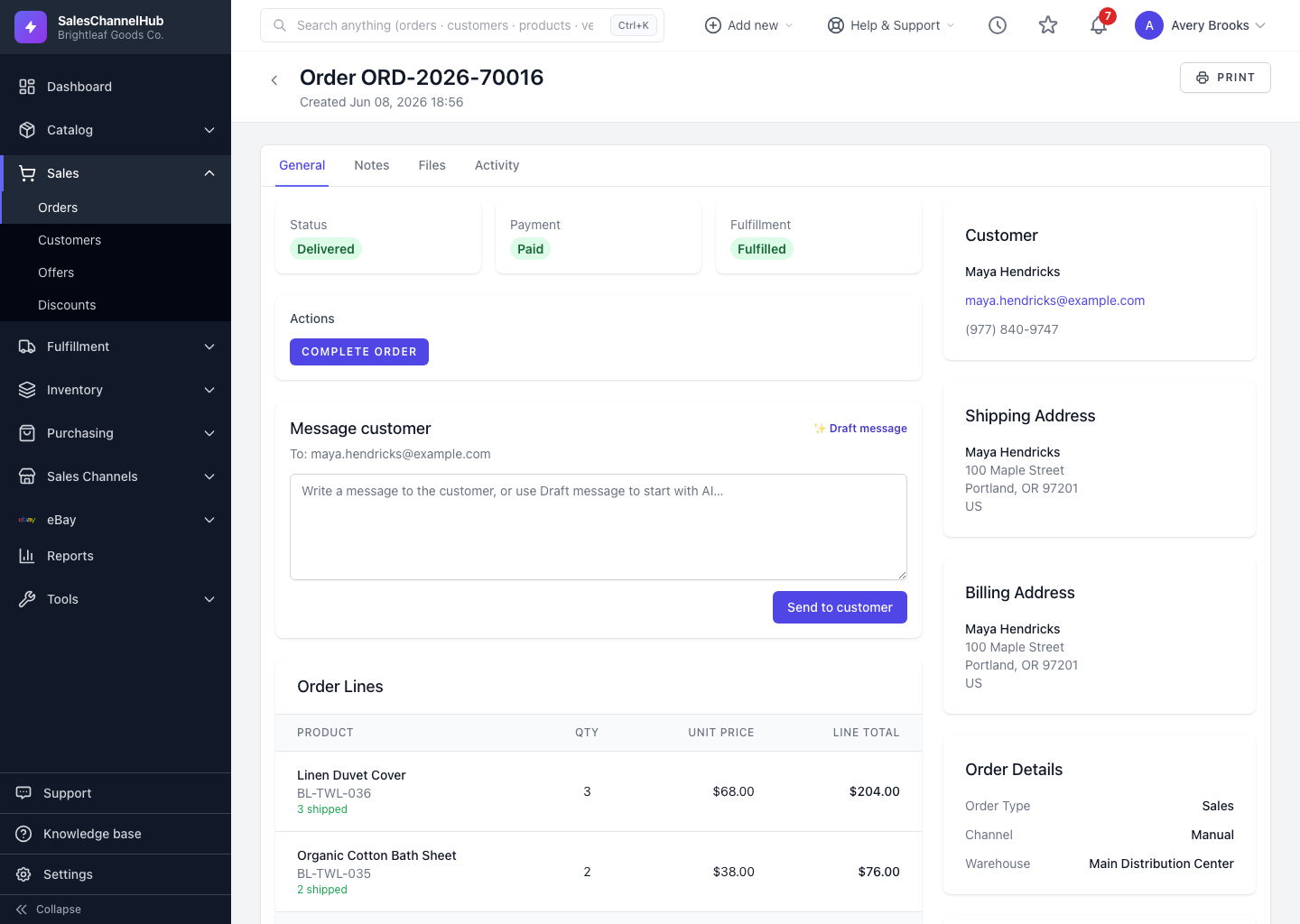
How do I cancel an order?
- Open the order and click Cancel Order at the top right.
- Confirm the prompt. Cancellation cannot be undone.
- The order moves to Cancelled, stock is released, and active shipments are voided.
To cancel several orders, tick them on the list and use the Cancel bulk action.
Which orders can't be cancelled?
Orders already shipped, delivered, completed or cancelled can't be cancelled. Raise a return instead. In a bulk cancel, ineligible orders are skipped and reported in the summary.
Tip. If you might still fulfil the order, put it On Hold instead. Holding is reversible; cancelling is not.
Common questions
Can I undo a cancellation?
No. Cancelling is permanent and releases stock and shipments. If there's any chance the order proceeds, use On Hold instead.
What happens to shipments when I cancel?
Active shipments are voided or cancelled and the allocated stock is released back to inventory.