Reconnect a connection that needs attention
When a channel rejects a connection it's flagged Reconnect required and syncing pauses. Click Reconnect to restore it without losing data.
Sometimes a channel rejects a connection, usually after a password or login change on an authorise-based channel like eBay or Etsy. The connection is then flagged Reconnect required and syncing pauses, so the app stops hammering a dead connection.
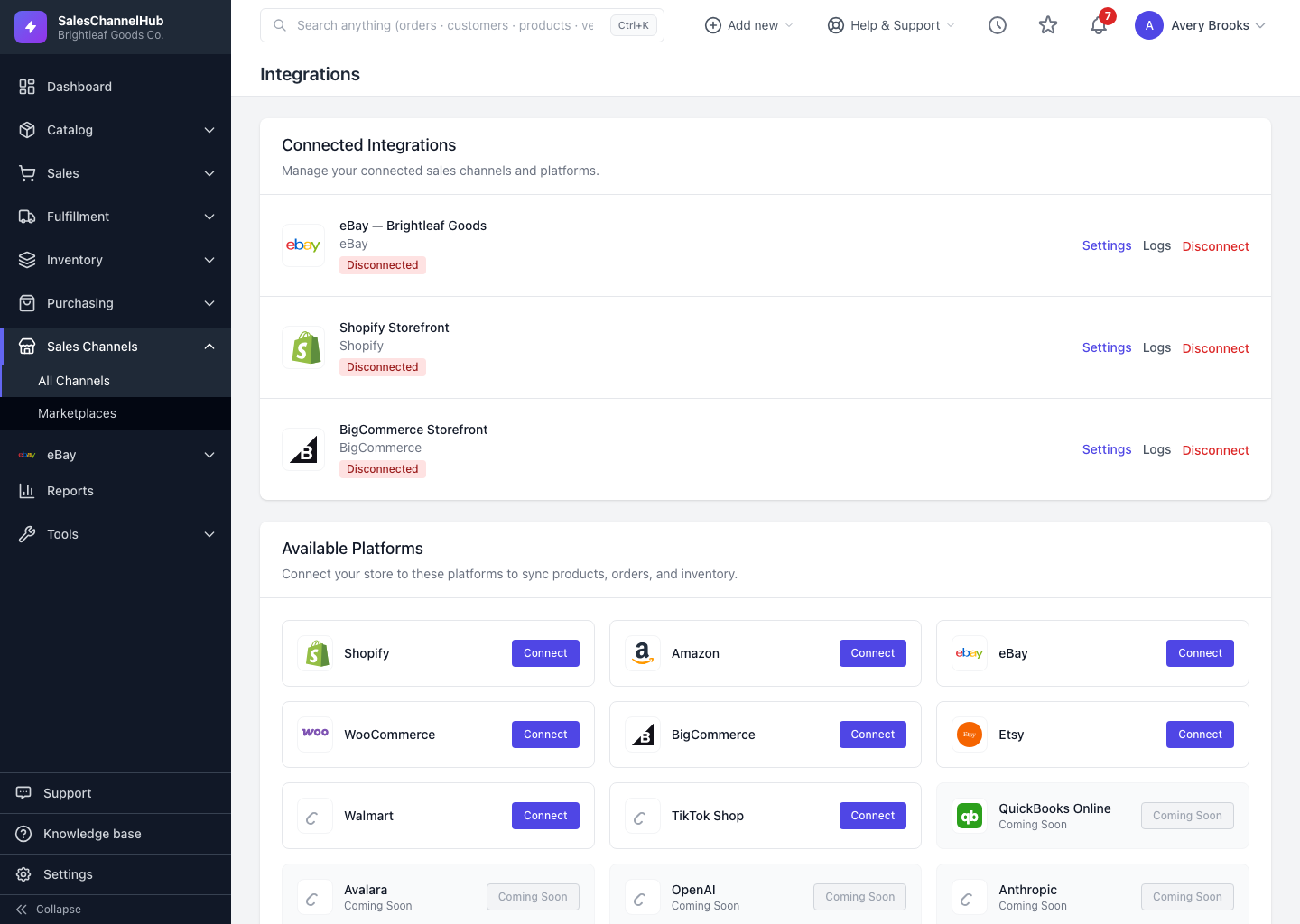
How do I reconnect?
- On the integrations page, look for the amber Reconnect required badge and click Reconnect on that row. (Opening Settings shows the same notice with the reason.)
- You're taken back through the channel's authorise flow. Sign in and approve the permissions again.
- When you return, the badge turns green and syncing resumes.
Tip. Reconnecting keeps everything. Your orders, products, customers and messages stay in place; it only refreshes the access the channel revoked. You're notified when a connection enters this state, so you don't have to keep checking.
Common questions
Will reconnecting wipe my existing data?
No. Reconnecting only refreshes the channel's access. Your synced orders, products, customers and messages are untouched.
Why did my connection break in the first place?
The channel revoked its access, most often after a password or login change on an authorise-based channel like eBay or Etsy. Re-running the authorise flow restores it.
Should I disconnect and reconnect, or just reconnect?
Just reconnect. The Reconnect button keeps the connection's history and settings. Disconnecting removes the connection entirely and is only for channels you've stopped using.