Use the free template gallery
Browse the Free Templates gallery, preview a design, and click Use Template to copy it into your account as an editable starting point.
The Free Templates gallery is a collection of ready-made, mobile-friendly designs. Rather than start from a blank page, pick one that fits your store and make it your own.
How do I use a gallery template?
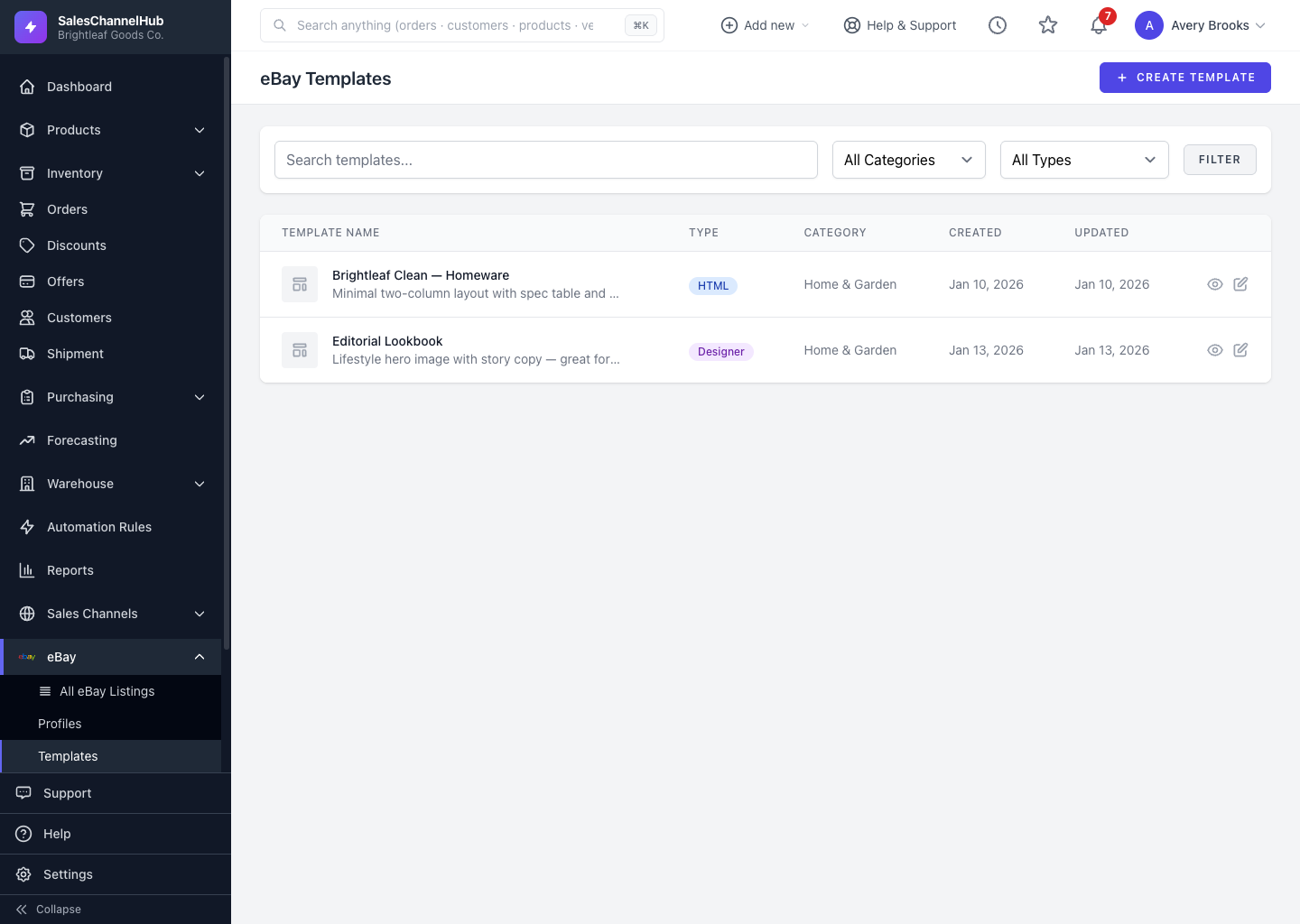
- Open eBay → Templates, click Create Template, then Free Templates to open the gallery.
- Filter by category or search to find a design you like.
- Click Preview to see it, or Use Template to copy it into your account.
- The copy opens in the editor so you can rename and customise it.
Tip. Gallery (system) templates can't be edited directly. Using one always makes your own editable copy, leaving the original intact.
Was this article helpful?