Invite a teammate
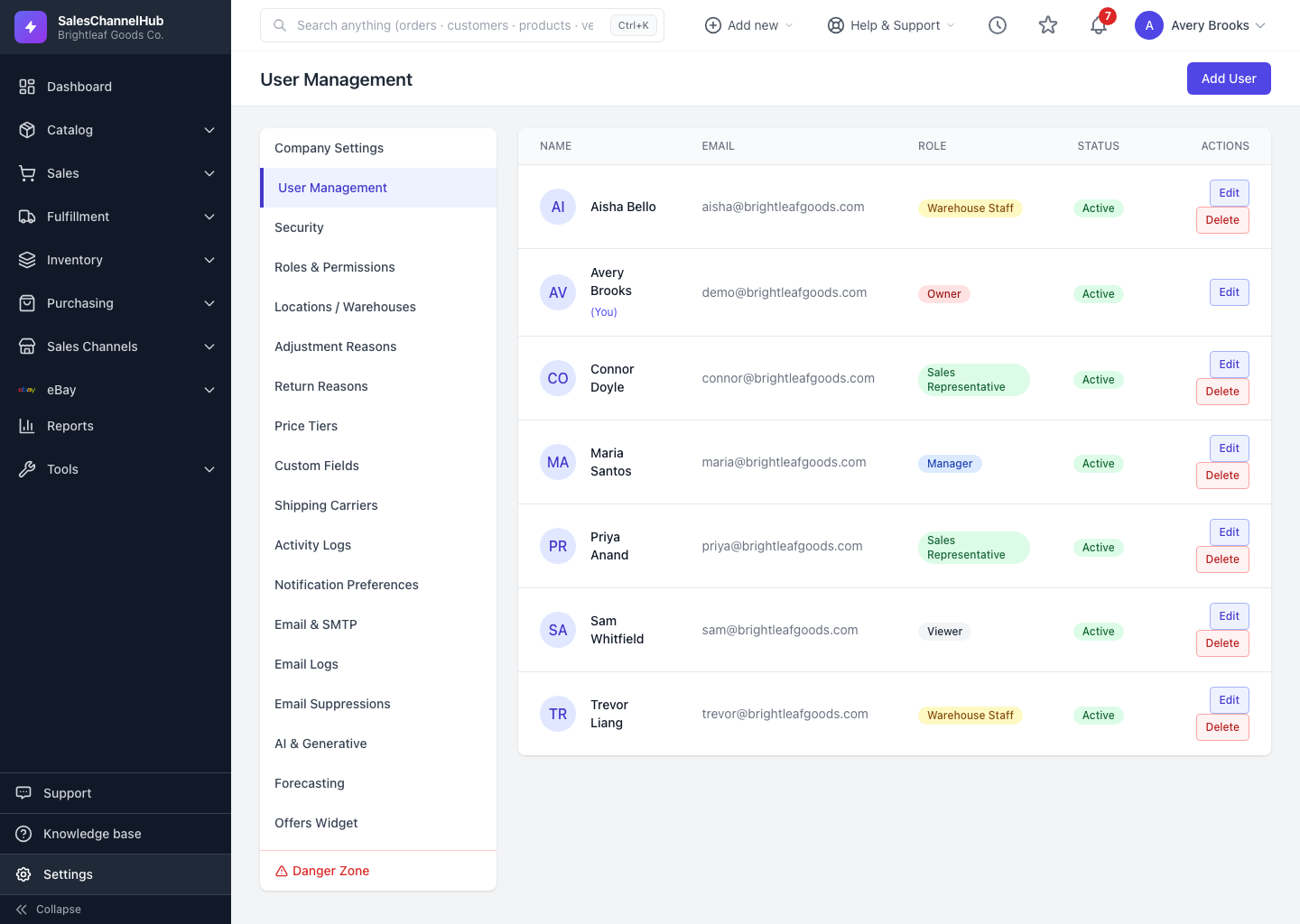
Add a colleague under Settings → User Management → Add User, set a password, and assign a role so they can log in.
To give a colleague access, add them as a user under Settings. Each person gets their own login, and their role decides what they can see and do.
How do I add a user?
- Go to Settings → User Management.
- Click Add User at the top right.
- Enter the person's Name, Email and (optionally) Phone.
- Set a Password and confirm it.
- Choose a Role to set their permissions, and leave Active ticked so they can sign in.
- Click Create User.
Tip. Give people the narrowest role that covers their job. A warehouse picker rarely needs finance pages, and a tighter role keeps the app focused for them.
Was this article helpful?