Channel listings: common questions
Quick answers to the questions sellers ask most about Channel Listings: empty lists, missing listings, dashes and stale data.
Quick answers to the things people ask most about Channel Listings. For step-by-step guides, see the articles above.
Tip. If you can't reach this page at all, your role lacks the integrations permission. Ask an owner or admin to grant it under Settings → Roles & Permissions.
Common questions
The list is empty. Where did my listings go?
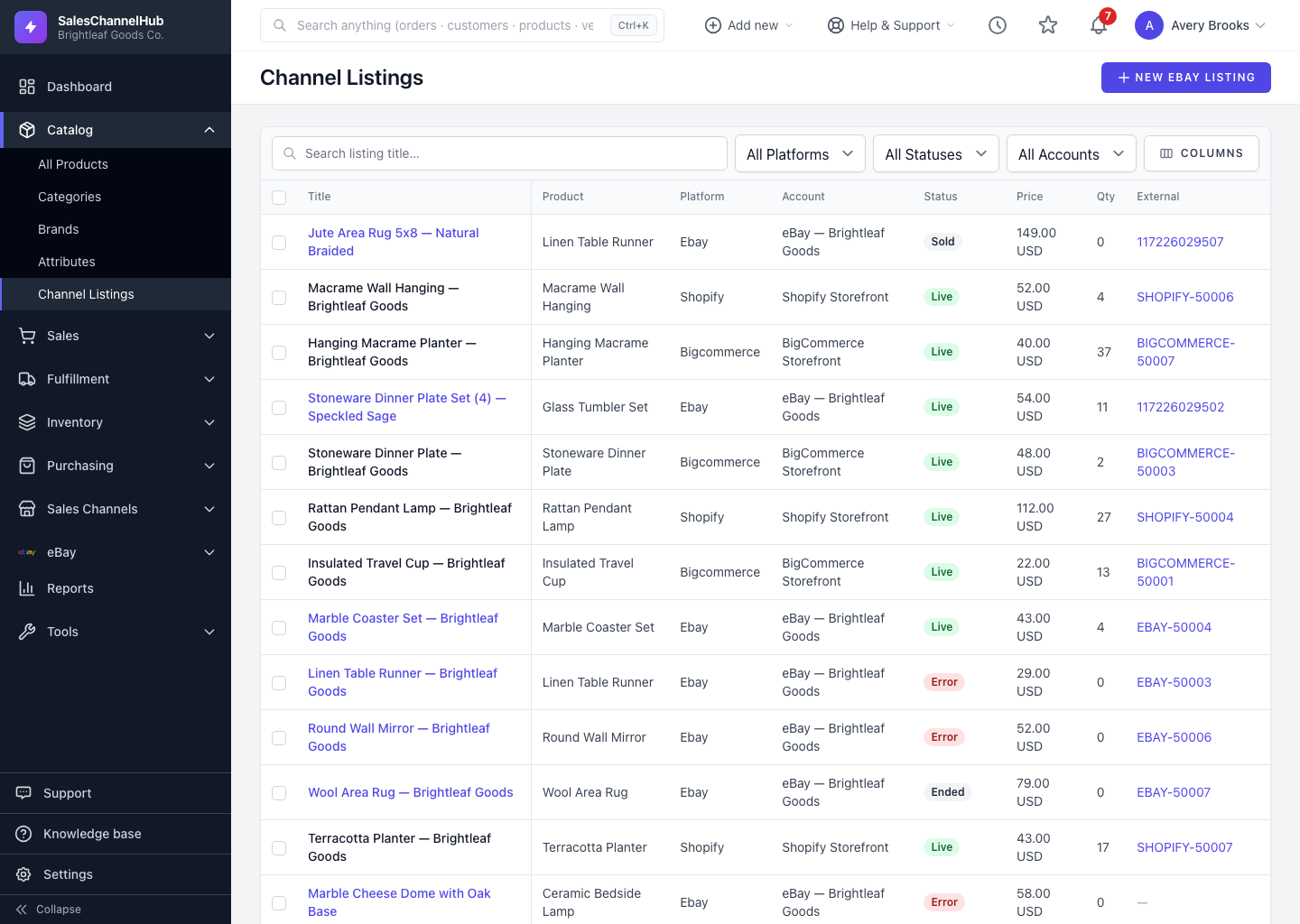
Check the filter bar first. "No listings match these filters" means a filter is hiding rows. Clear the Platform, Status and Account dropdowns and the title search to see everything.
A listing I just created isn't here. Why?
New listings appear once they're saved in the app. A listing you published on the platform directly shows up after the next sync from that channel.
The Product column shows a dash. What does that mean?
That listing isn't linked to a product in your catalog. It's an orphan listing. Match its SKU to a product to reconnect it, as covered in Orphan listings (no matching product).
I can't open a listing by clicking its title. Why not?
Only eBay listings open a full record here. Listings from other platforms are shown for reference. Manage those from the product's Platforms tab or from Integrations.
The price or quantity looks out of date. Is it wrong?
The figures reflect the last sync from the platform. Turn on the Updated column from Columns to see when each listing last changed.
I can't reach the page at all. What's missing?
Viewing Channel Listings needs the integrations permission. Ask an owner or admin to grant it under Settings → Roles & Permissions.