


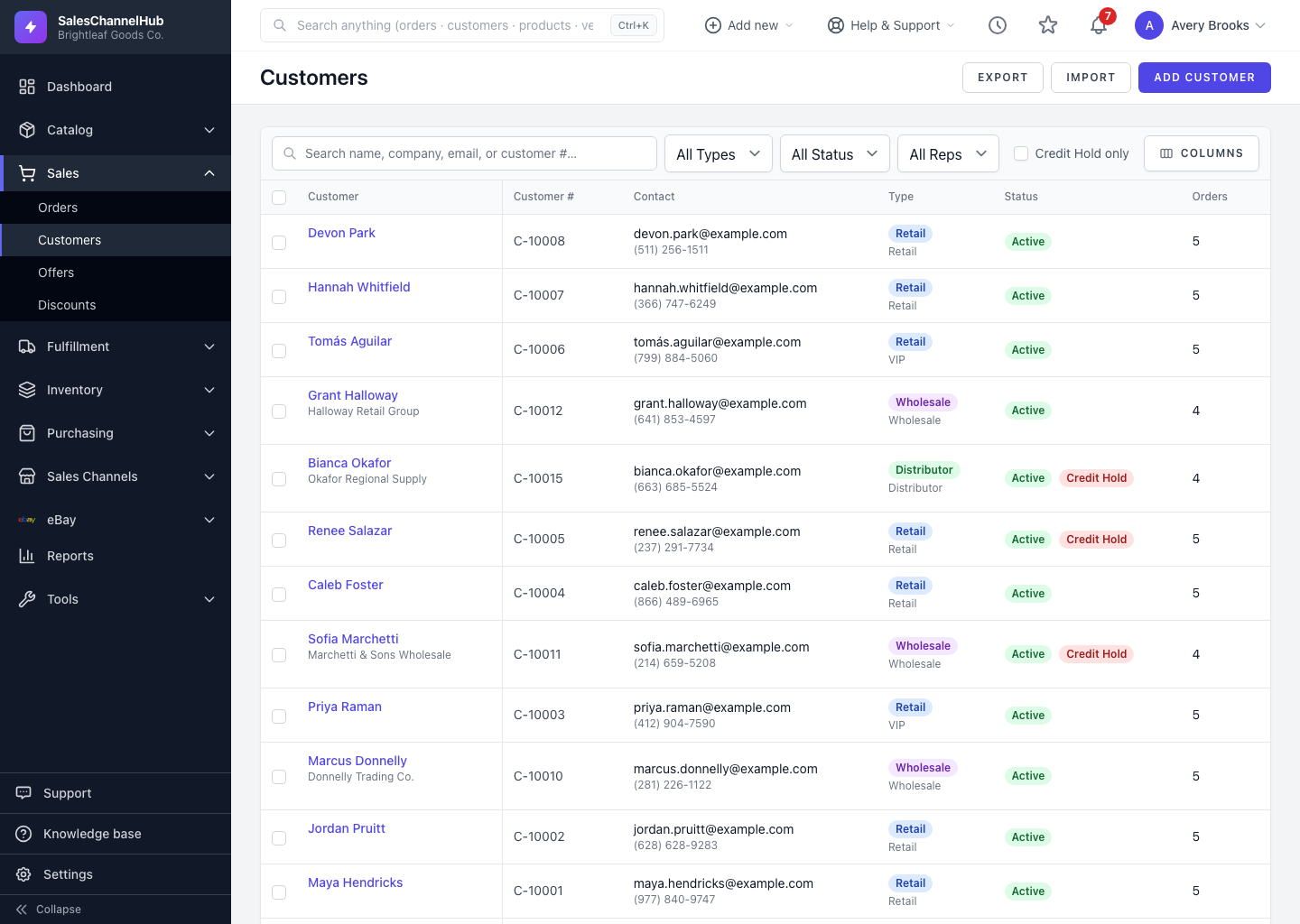
The Customers module holds one record per buyer, whether that's a one-off retail shopper or a repeat distributor account. Each customer stores contact details, addresses, pricing, payment terms and credit settings, and links to every order they've placed.
What does it give you?
- A central list you can search and filter by type, status, sales rep or credit hold.
- A 360 view per customer: lifetime value, accounts receivable, recent orders and linked marketplace accounts.
- Pricing control through customer type and price tiers, so a customer's tier discount is filled in on every manual order you create for them.
- Credit controls: limits, payment terms and holds for accounts that buy on terms.
- Import and export for bulk onboarding and round-tripping edits through a spreadsheet.
How does pricing fit together?
A customer's type (Retail, Wholesale, Distributor) labels how you trade with them. The price tier sets the percentage discount their manual orders start with. Set your tiers up in Settings, then assign each customer to one as you create them.
Tip. Build your price tiers first, then attach customers to a tier as you add them. It saves re-editing every record later.
Was this article helpful?