Export products to CSV
Click Export on the product list to download your catalog as a CSV that respects whatever filters you've applied.
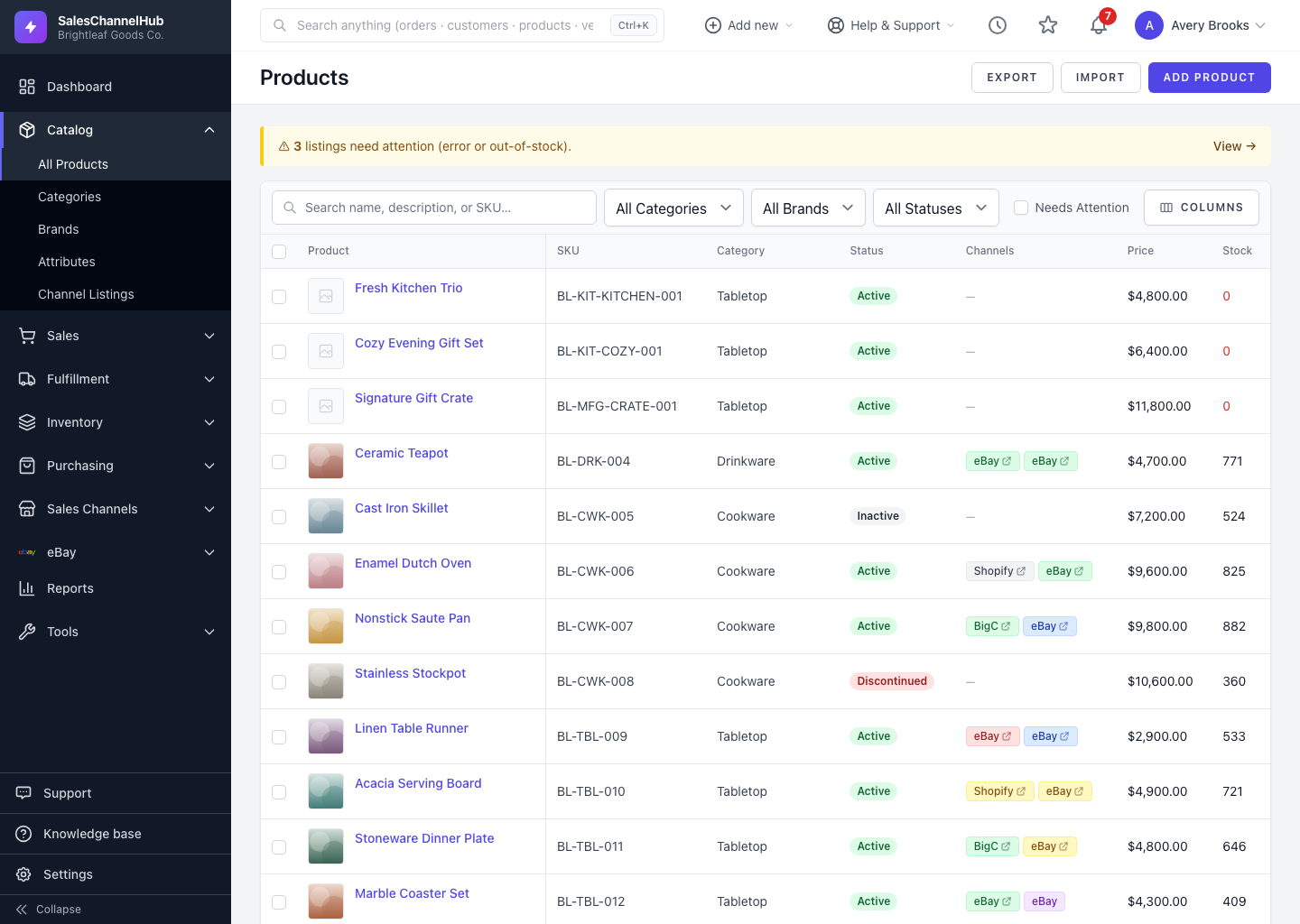
To download your products as a spreadsheet, click Export on the product list. The export honours the filters currently applied, so you get exactly the products you're looking at.
How do I export products?
- Open Products.
- Apply any search, category, brand or status filters to narrow what you want.
- Click Export at the top right.
- The CSV downloads with the matching products and their full set of columns.
Tip. The full export contains 42 columns, including read-only fields. If you're going to edit and re-import, download the blank template from the import screen instead; it has just the columns you can change.
Was this article helpful?