View an attribute and its options
Open an attribute to review its code, sort order, creation date and the full list of option values with their swatches.
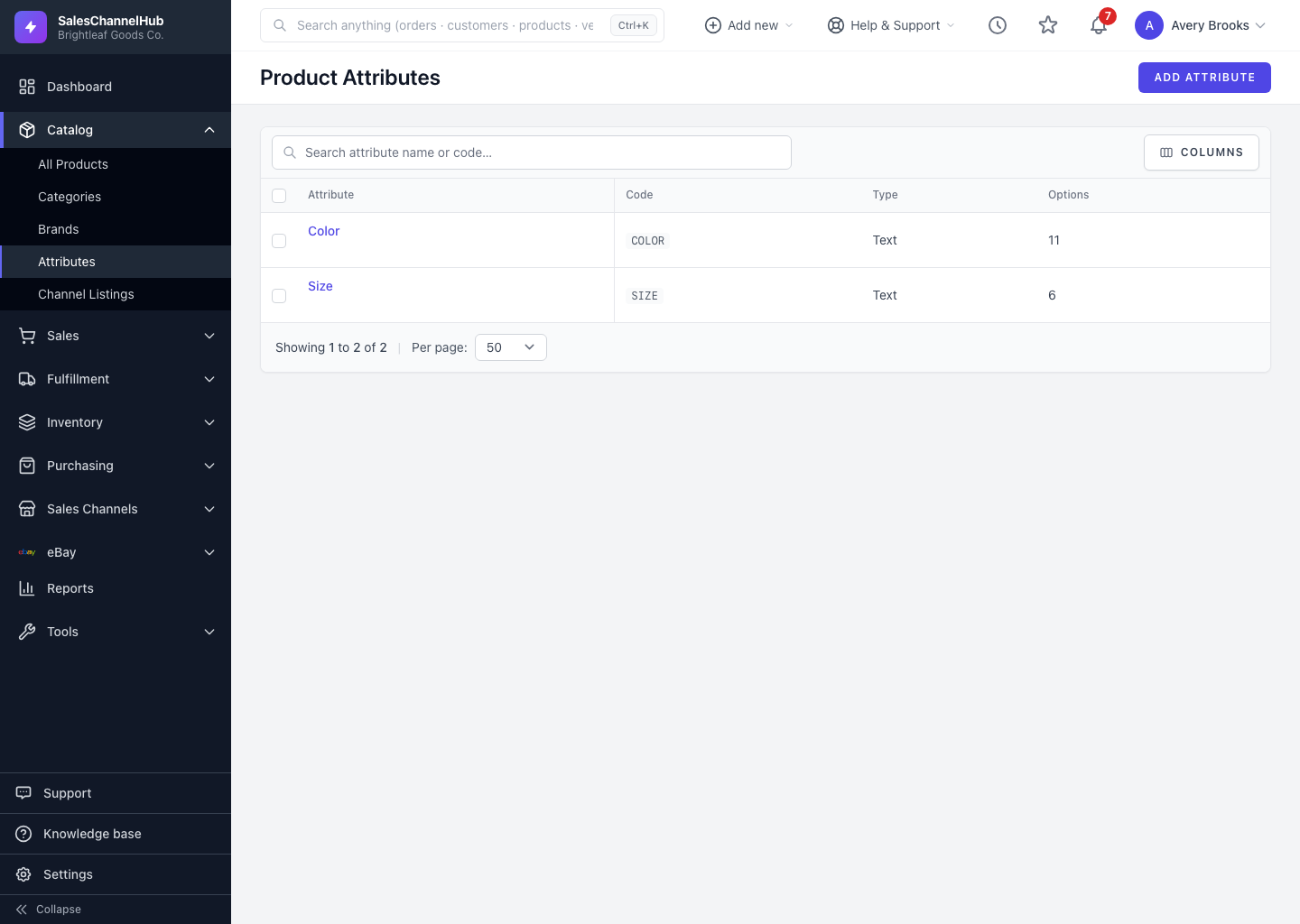
Click an attribute name to open its detail page, which summarises everything about one attribute: its code, when it was created, and every option with its color swatch.
What does the detail page show?
- Attribute Details: the name, code, sort order and creation date.
- Options: a table of every value, its color (if set) and sort order.
- Summary: the total number of options at a glance.
What can I do from here?
- Click Edit to change the attribute or its options.
- Click Delete to remove the attribute, if nothing depends on it.
Tip. Open the detail page to confirm an option's exact spelling and swatch before you use it on a product. It's the quickest read-only check.
Was this article helpful?