Check email DNS and deliverability
On the Email page, click Recheck now to verify SPF, DKIM and DMARC for your sending domain so your emails reach the inbox.
Good deliverability depends on three DNS records on your sending domain. The Email page checks them for you and shows whether each is valid.
How do I check my email DNS?
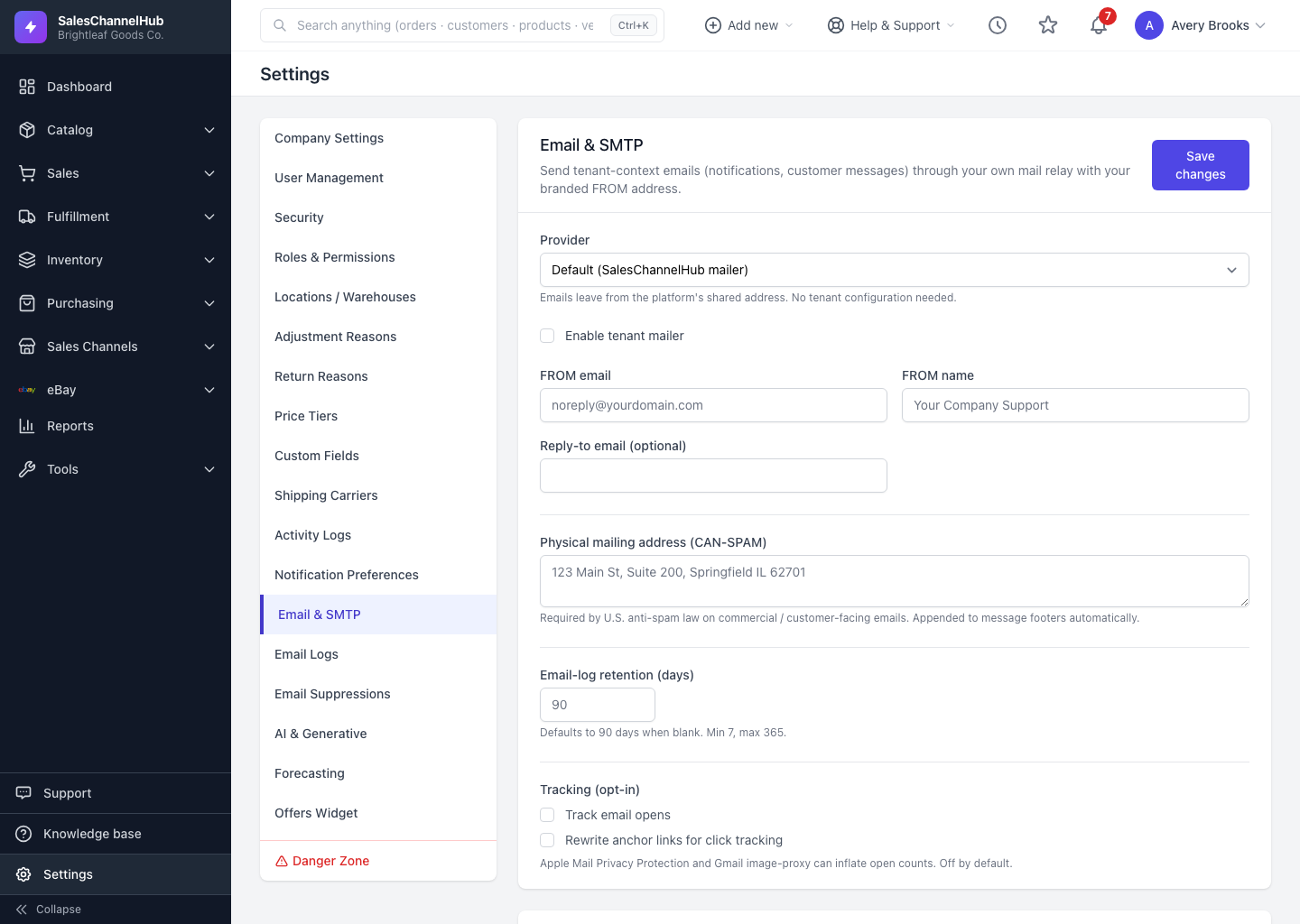
- Set a FROM email on the same domain you'll send from, and save.
- Scroll to DNS records and click Recheck now.
- Review each record (SPF, DKIM, DMARC) and its status: Valid, Partial, Invalid, Pending, or Lookup error.
- Where a record is missing or wrong, add the expected value shown to your domain's DNS, then recheck.
What do the three records do?
SPF and DKIM authorise your provider to send for you. DMARC tells inbox providers what to do with mail that fails those checks. The records are also re-checked automatically every day.
Tip. Aim for all three to read Valid before sending to real customers. Partial or Invalid records push your mail toward spam folders.
Common questions
I added the records but they still show Pending. Why?
DNS changes take time to propagate, sometimes hours. Wait, then click Recheck now. The page also re-checks automatically every day.
How often is DNS re-checked?
Automatically once a day, and on demand whenever you click Recheck now after editing your records.