Split a shipment
Use Shipment Actions → Split Shipment to peel quantities off a draft into a second shipment when an order ships in two parcels.
Splitting sends part of an order now and the rest later, which helps when one line is backordered or the order is too big for a single box. It peels quantities off the current draft into a new sibling shipment.
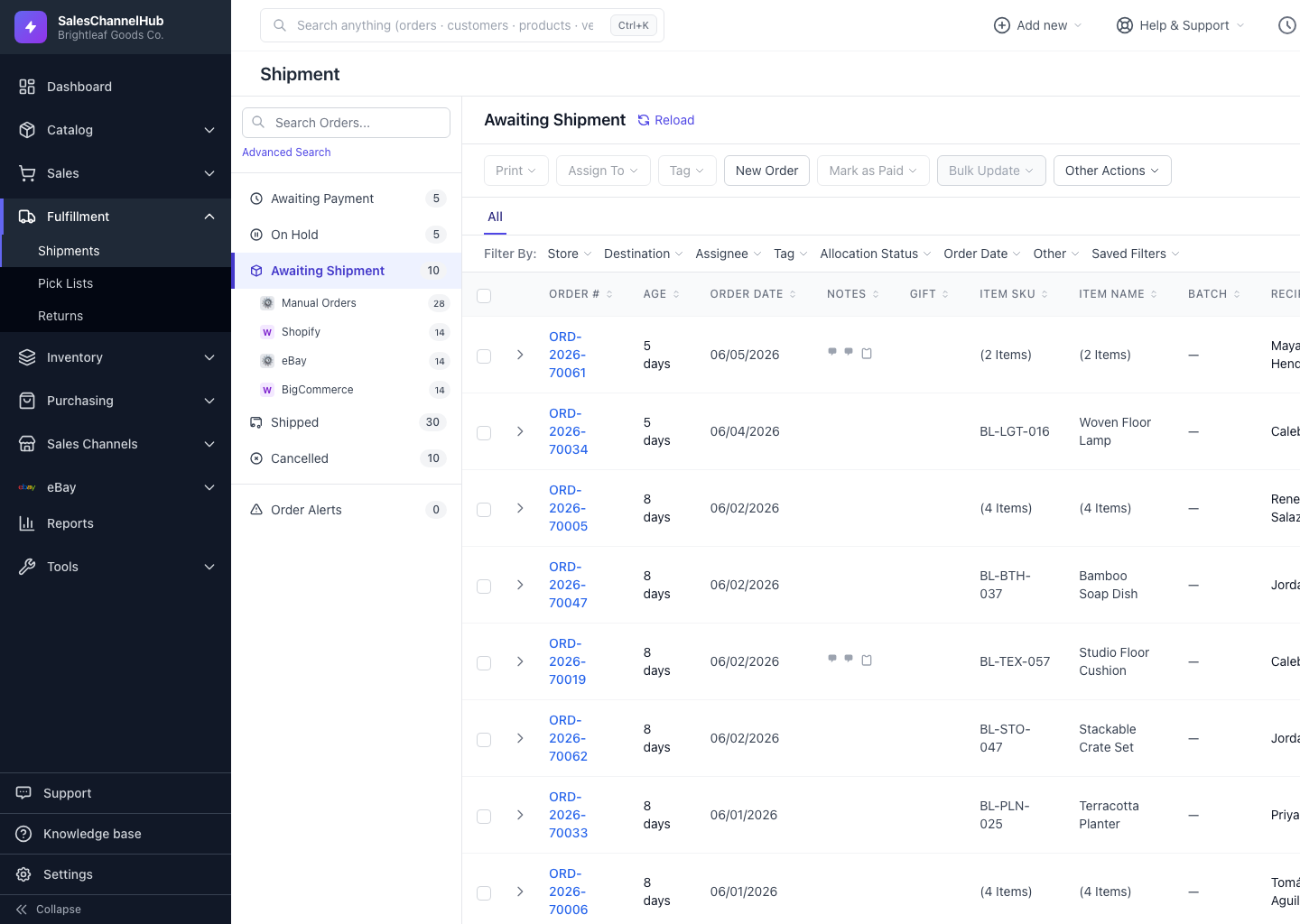
How do I split a shipment?
- Open the order, then open Shipment Actions and click Split Shipment.
- In the dialog, each line shows its quantity In draft and a Peel into sibling box.
- Enter how many of each item to move into the new shipment.
- Click Peel into new shipment.
Where does the new shipment go?
The original shipment stays open in the modal. Reach the new sibling from the order's shipments list. You can't peel everything, since leaving the original empty is blocked.
Tip. Split only appears when at least one line has more than one unit. There's nothing to peel off a single-unit line.
Was this article helpful?