Flag and filter messages
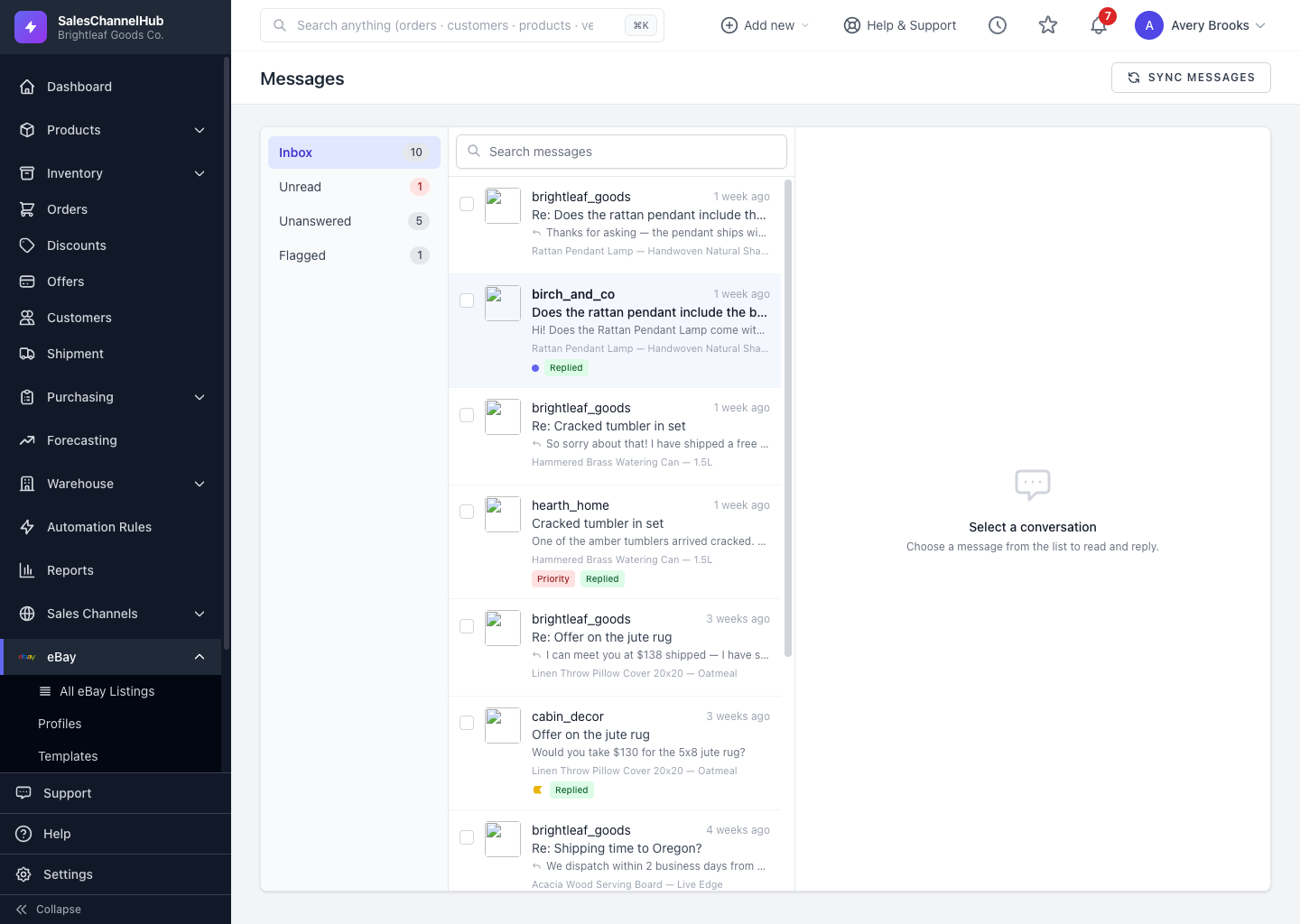
Use the folder rail (All, Unread, Unanswered, Flagged) and the bulk toolbar to triage and flag buyer messages.
Flags and folders help you triage a busy inbox: mark messages that need follow-up and jump straight to the ones still waiting on you.
How do I filter the inbox?
- The left rail filters by All, Unread, Unanswered and Flagged, each with a live count.
- Use the search box to find messages by subject, sender or text.
How do I flag and bulk-act?
- Tick one or more messages in the list to reveal the toolbar.
- Use Read, Unread, Flag or Unflag on the selection.
Tip. Flags are private to your team and aren't sent to eBay, so use them freely as your own to-do markers.
Was this article helpful?