Complete or cancel a pick list
Record picks for every line, then click Complete in the status banner. Cancel instead for any list that isn't completed yet.
When picking is done, mark the list complete so the packing team knows it's ready. If a list was created by mistake or is no longer needed, cancel it instead.
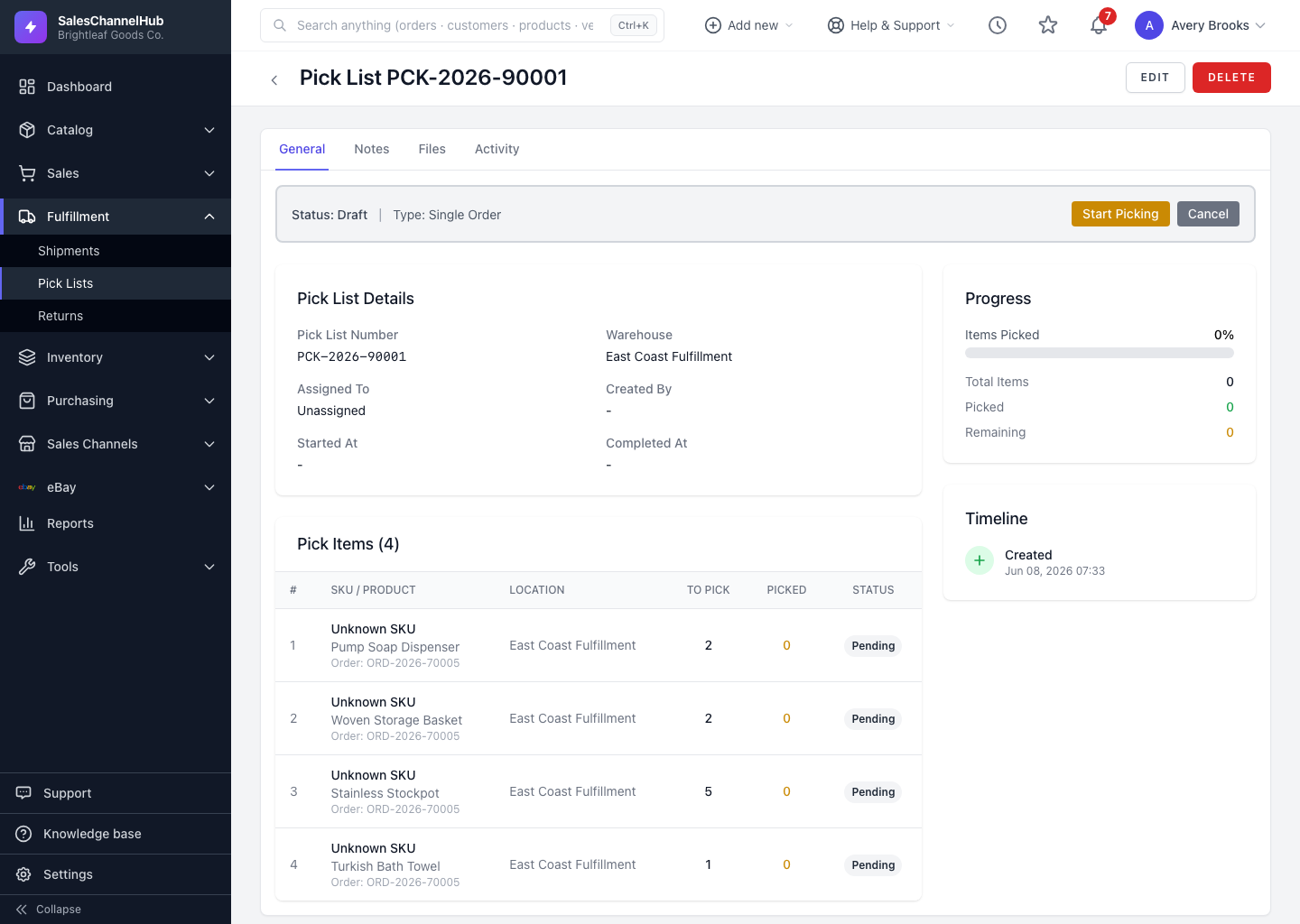
How do I complete a pick list?
- Open the in-progress pick list.
- Record picks for every line you can fulfil.
- Click Complete in the status banner.
How do I cancel one instead?
- Open any list that isn't already completed or cancelled.
- Click Cancel and confirm.
Tip. Completing a list with short lines is allowed. The shortages stay recorded on those lines, so you keep a record of what couldn't be filled.
Common questions
Can I complete a pick list that has short lines?
Yes. Shortages are recorded on the affected lines and the list still completes, so you have a record of what couldn't be picked.
Can I reopen a completed pick list?
No. Completed and cancelled are final states. Create a new pick list for any remaining work.
Was this article helpful?