Find and resolve sync errors
The Sync Errors page collects records that failed to sync so you can retry them or mark them resolved with a note.
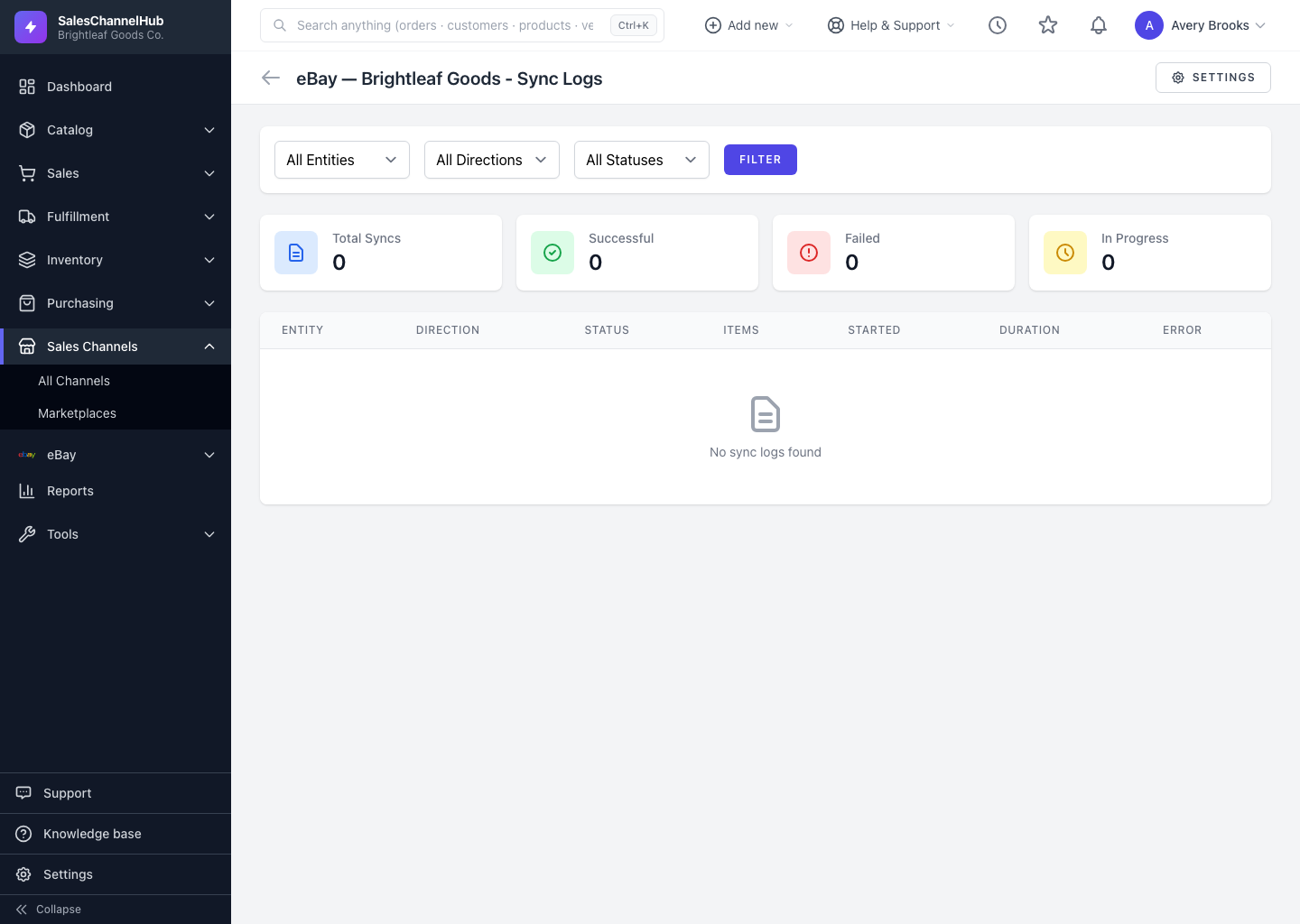
When individual records can't sync, a bad SKU or a rejected order, they're collected on the Sync Errors page so you handle them one by one instead of digging through logs. Reach it from a failed log's details or from the connection's Sync Errors page.
How do I work through sync errors?
- Open the connection's Sync Errors page. Each entry shows a severity badge, the entity, the error message, and the affected record.
- Use View Details to see the full technical context, or View Sync Log to open the run it came from.
- If a Retry button is shown, click it to queue the record to sync again.
- Once handled, click the tick to Mark as Resolved, add an optional note in Resolution Notes, and confirm.
Tip. Resolving an error clears it from the list but keeps the note, which helps the next person who hits the same thing. Only unresolved errors show here, so an empty list means you're caught up.
Common questions
What happens when I retry a sync error?
The affected record is queued to sync again. Retry only appears when the error is retryable. Fix the underlying record first if the cause was bad data.
Does marking an error resolved delete it?
No. It clears the error from the unresolved list but keeps your resolution note for reference. The Sync Errors page only shows unresolved items.