Turn a suggestion into a purchase order
Applied reorder points feed auto-replenishment, which drafts purchase orders grouped by vendor once stock falls to the reorder point.
Applying a suggestion sets the right reorder point and quantity, but it doesn't place an order. Ordering happens through auto-replenishment, which reads those reorder points and drafts purchase orders for you.
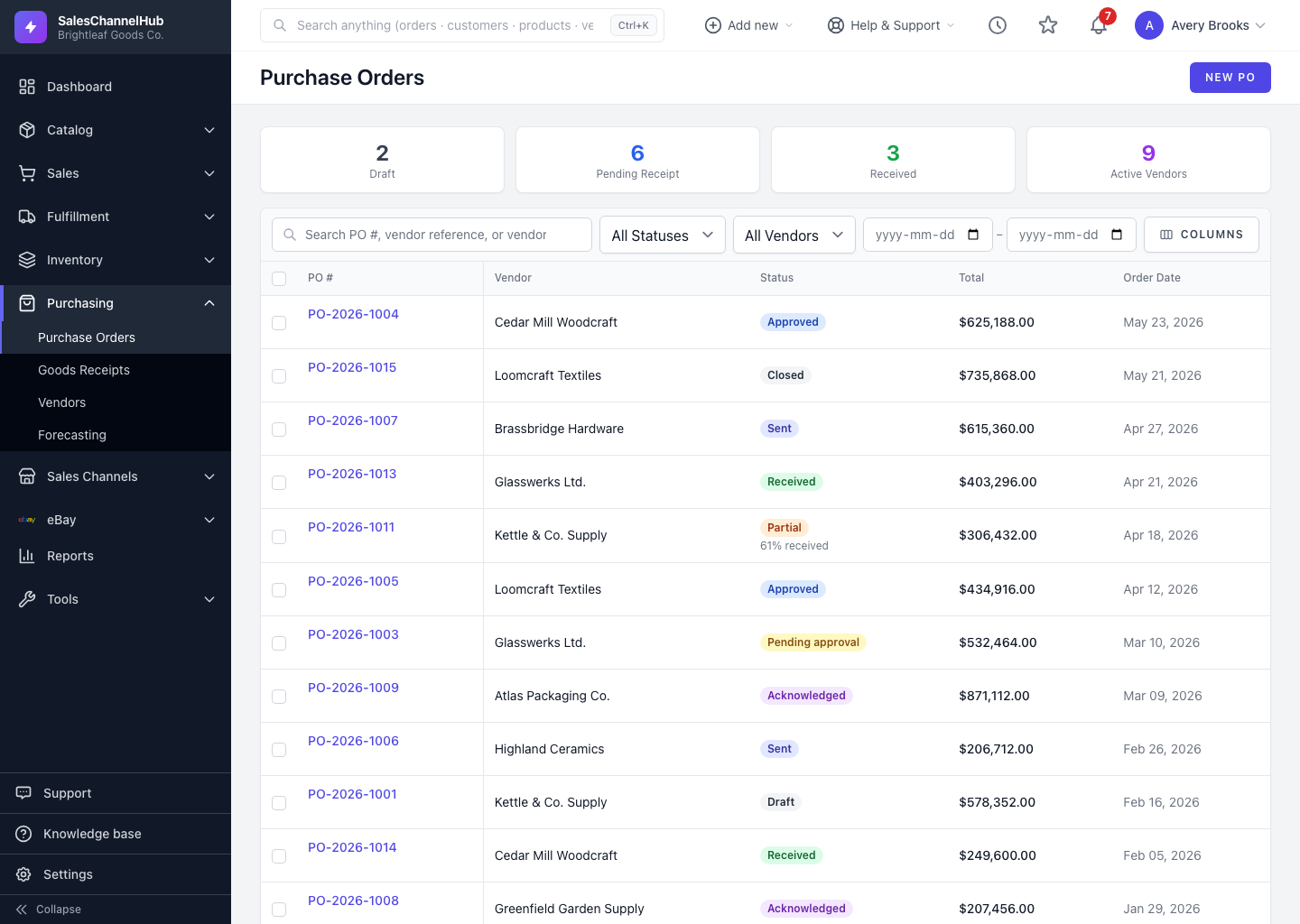
How does the handoff work?
- Apply the suggestions you agree with, so each SKU's stock level carries the right reorder point and quantity.
- Once a SKU's available stock falls to or below its reorder point, auto-replenishment picks it up on its next nightly run.
- It looks up each SKU's preferred vendor and groups by vendor. Three SKUs from one supplier become one purchase order with three lines, not three POs.
- Order quantity tops the SKU back up to its reorder quantity, clamped up to the vendor's minimum order quantity.
- Each PO is created as a Draft and appears under Purchasing. Nothing is auto-approved.
What do I need before relying on it?
- Auto-replenishment is off until you opt in, and SKUs need a preferred vendor mapping to be ordered.
- You can also act manually: filter the suggestions to one vendor and raise a purchase order yourself from Purchasing.
Tip. Review every auto-drafted PO before approving it. Drafts are a starting point, not a commitment.
Common questions
I applied a suggestion but no PO appeared. Why?
Applying only sets the reorder point and quantity. A draft PO is created by auto-replenishment, which must be enabled, and the SKU needs a preferred vendor.
Are auto-drafted purchase orders sent to suppliers automatically?
No. Every auto-created PO is a Draft. You review and approve it yourself before anything goes to a vendor.
Can I raise a PO from suggestions without auto-replenishment?
Yes. Filter the suggestions to one preferred vendor, then create a purchase order for that supplier manually from Purchasing.