Delete a discount
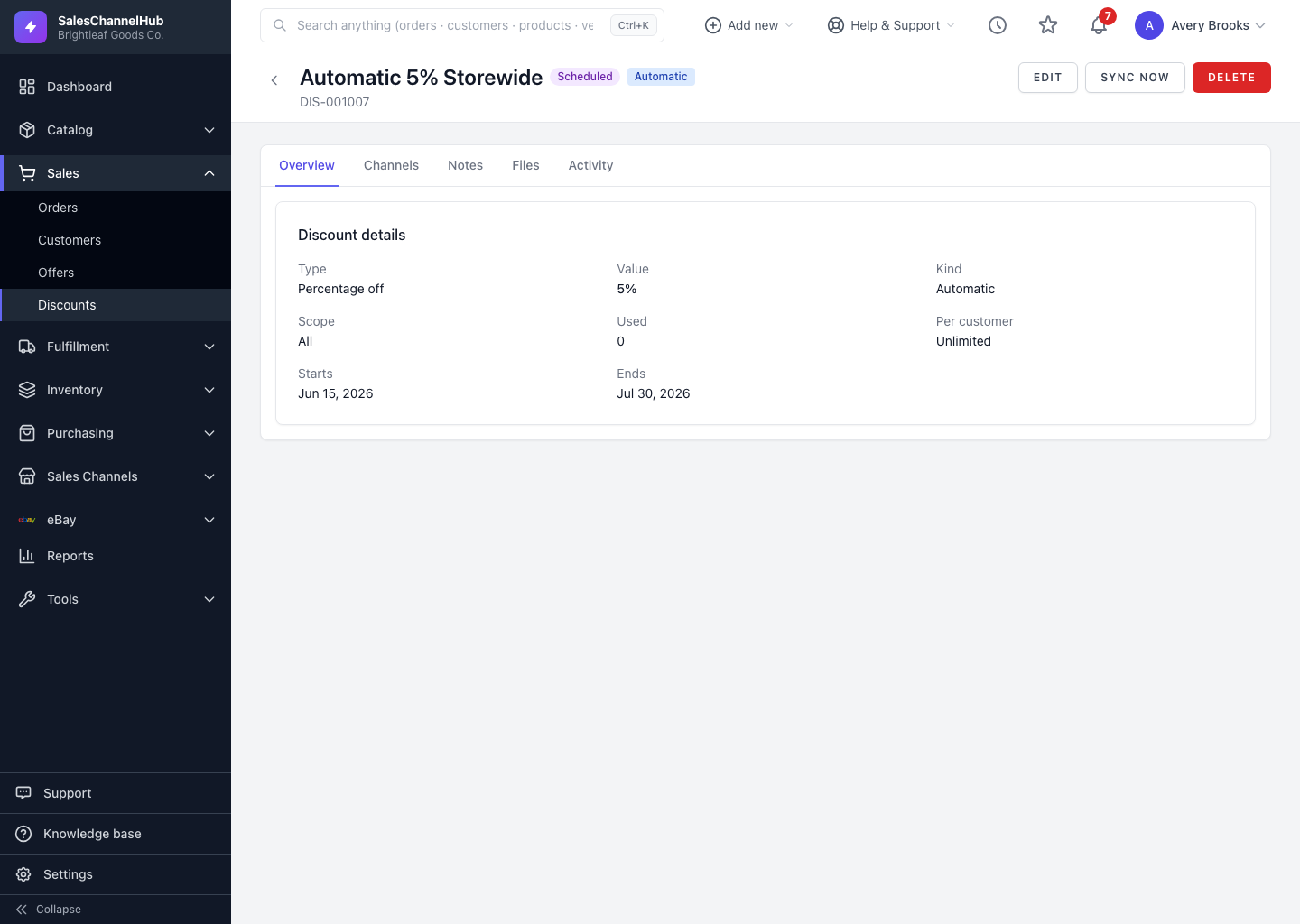
Click Delete on a discount to remove it here and queue its removal from every store it was pushed to.
Deleting a discount removes it here and queues its removal from every store it was pushed to, so a dead coupon can't keep being redeemed.
How do I delete a discount?
- Open the discount you want to remove.
- Click Delete in the header.
- Confirm the prompt. It warns that the discount will be removed from its channels too.
Removal from each channel runs in the background. Deletion is permanent, so to pause a coupon instead, edit it and set the status to Disabled.
Tip. If a store was offline when you deleted, its copy may linger until the removal job retries. Reconnect the channel if a deleted coupon keeps showing in its admin.
Common questions
Can I undo deleting a discount?
No. Deletion is permanent and also removes the coupon from its stores. To stop a coupon without losing it, set its status to Disabled instead.
A deleted coupon still shows in my store. Why?
The store was probably offline when the removal ran. Reconnect that channel from Integrations and the retry clears the leftover copy.