Drill from a summary into the detail
On a summary report, click any group row to open the individual records behind that total, then use Back to summary to return.
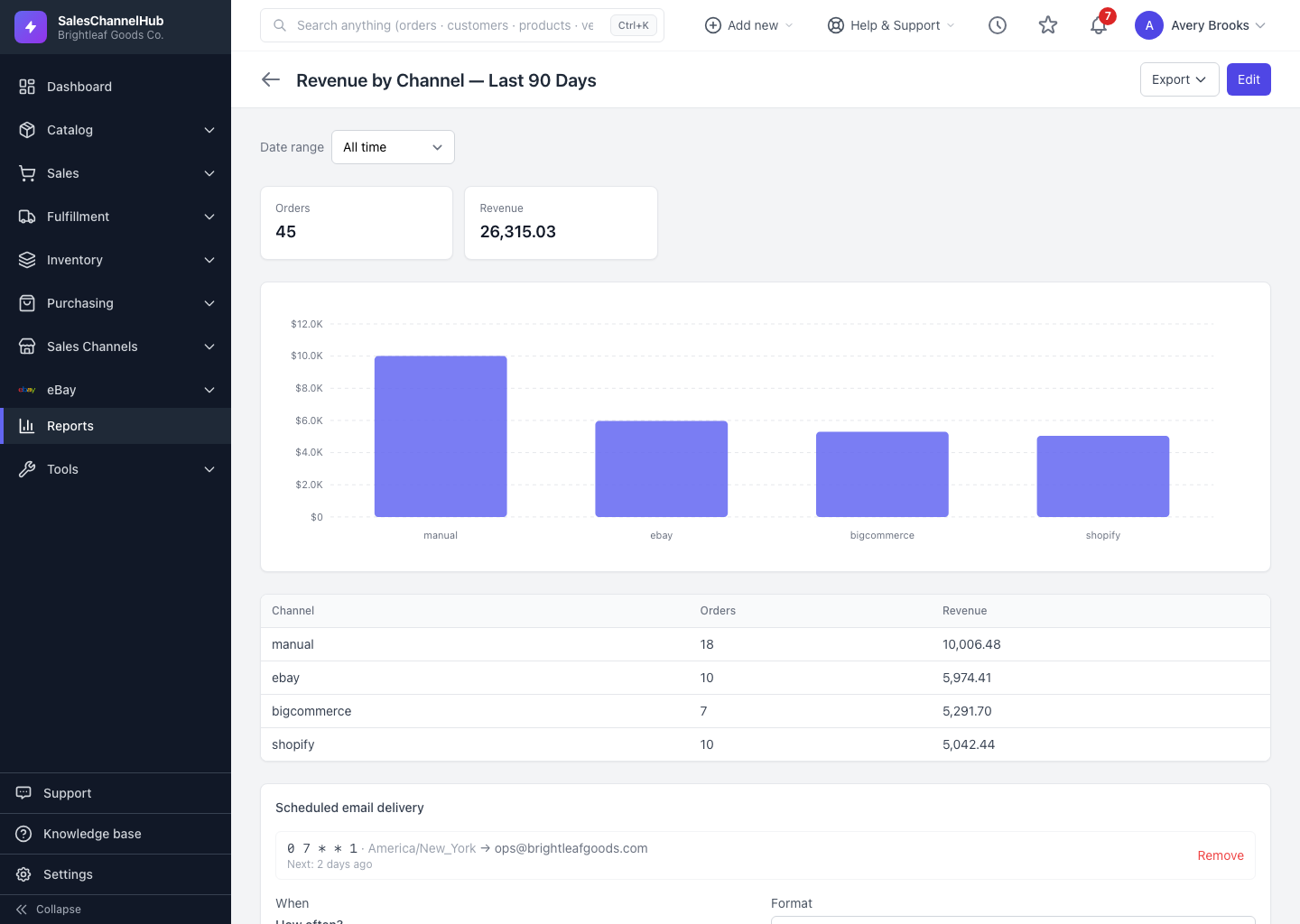
A summary answers "how much?"; drilling answers "which ones?". From any summary report you can click a group row to see the underlying records.
How do I drill into a total?
- Run a summary report, one with Group & aggregate turned on.
- Hover a row. Drillable rows highlight and show a hint. Click anywhere on the row.
- The detail view opens, listing the individual records that make up that group's total.
- Click ← Back to summary to return.
Does drilling work on templates too?
Yes. Template summaries drill the same way as your saved reports. If a channel's revenue looks off, drill into it to see the exact orders behind the number rather than re-querying by hand.
Tip. Drilling is read-only and never changes the report. It's the fastest way to sanity-check a surprising total before you act on it.
Was this article helpful?