Understand the category tree
Categories are hierarchical: each one can sit under a parent, forming a tree. Levels and sort order are set from that structure.
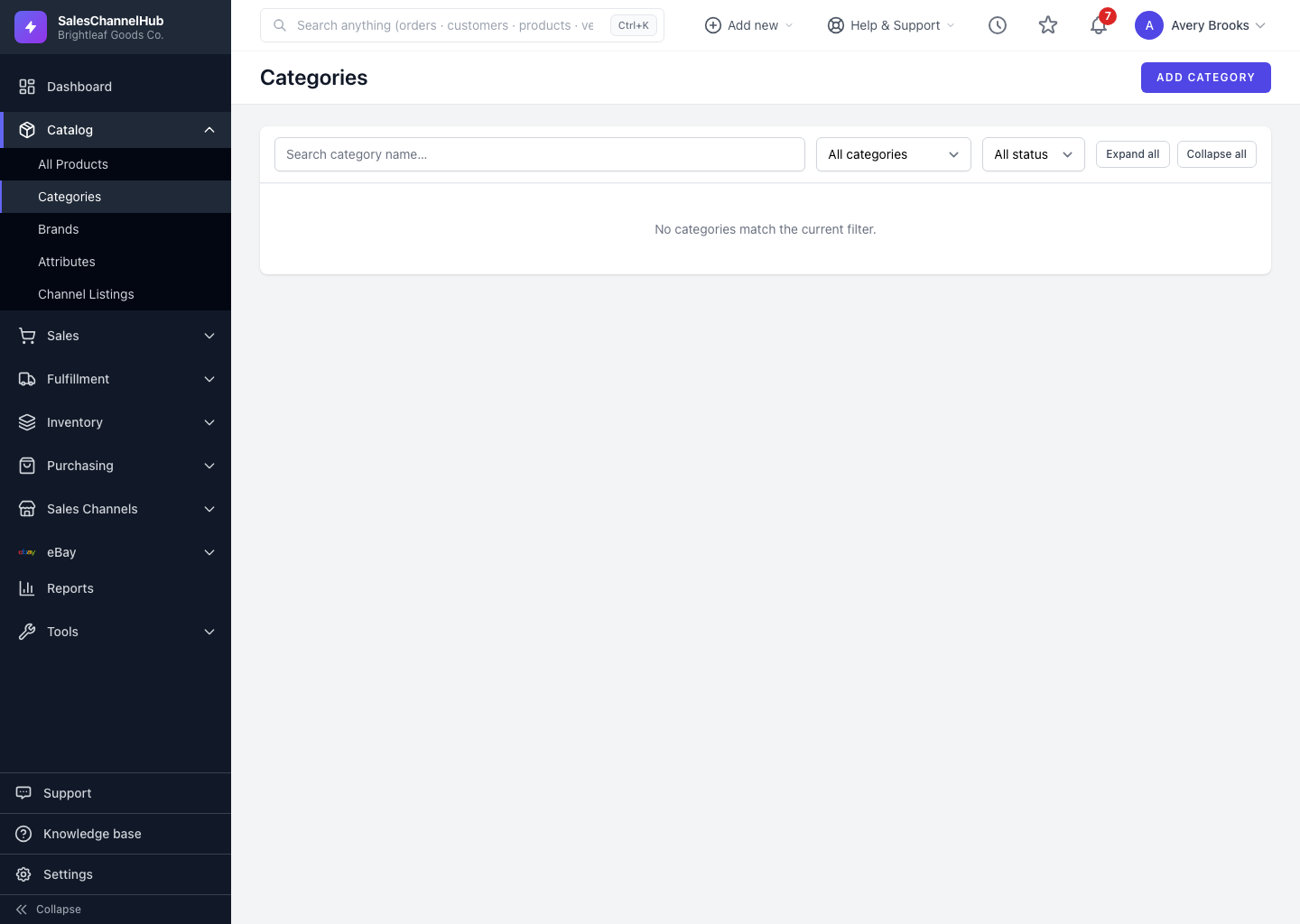
Categories are hierarchical. Every category can have a parent, which builds a tree of sections and sub-sections. That tree powers the indented Categories list and the path shown in search results.
How does the hierarchy work?
- A top-level (root) category has no parent. Everything else nests beneath one.
- Each category's level is set automatically from its parent. You never type it.
- Change a category's Parent Category to move the whole branch. Its sub-categories travel with it.
- Sort Order positions siblings under the same parent, lowest number first.
Can a category be its own parent?
No. You can't set a category as a child of itself or of one of its own descendants. The app blocks that to keep the tree valid.
Tip. Keep the tree shallow. Two or three levels are easier to browse and import than a deeply nested structure.
Was this article helpful?