Automation: common questions
Quick answers to the questions sellers ask most about rules that don't run, match nothing, or partly fail.
Most rule problems come down to scheduling, conditions or permissions. These are the questions people ask most, answered the way the app actually behaves. For step-by-step guides, see the articles above.
Tip. A button or page you read about here that you can't see is almost always your role hiding it. Ask an admin to adjust your automation permissions under Settings → Roles & Permissions.
Common questions
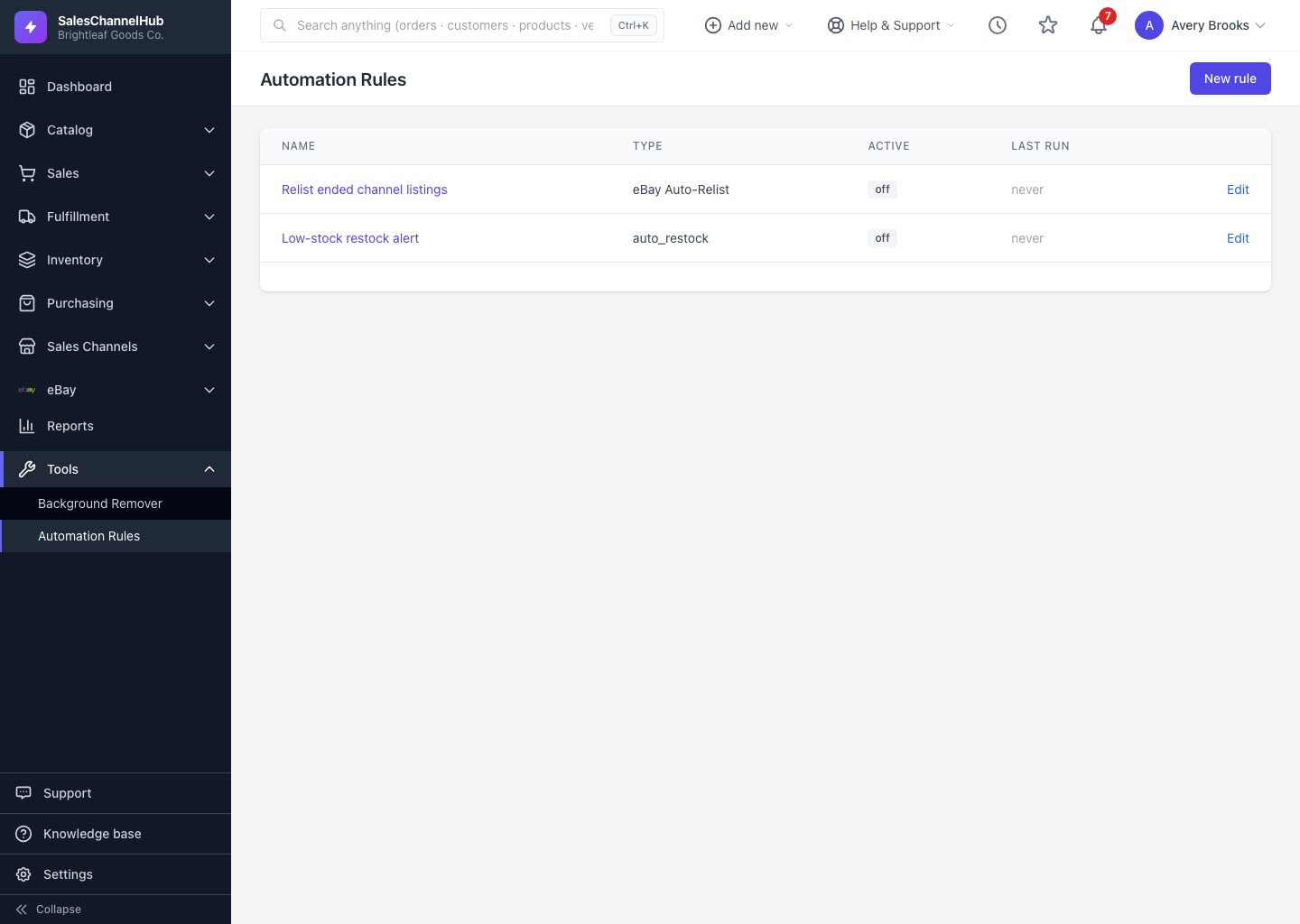
My rule says never under Last run. Why?
It hasn't reached its scheduled time yet. To check it immediately, open the rule and click Run now.
The rule runs but matches zero records. What's wrong?
Your conditions are probably too narrow. Recreate the rule and watch the Preview count as you loosen conditions. Conditions combine with AND, so each one you add can only reduce the matches.
A run shows partial. What does that mean?
Some candidates matched but couldn't be acted on. Open the run's Details and read the per-candidate errors; each names the target and the reason, such as an order whose status changed before the rule reached it.
The rule isn't doing anything even though it's scheduled. What do I check?
Check the Active column. An off rule never runs, on its schedule or via Run now. Open Edit, tick Active and save.
Can a preview or a run change my data by accident?
No. Preview only counts and never changes anything. A run does only what the rule type is built to do: alert rules notify, action rules make their defined change.
I can't see the New rule button or Edit links. Why?
Those depend on your role's automation permissions. Ask an admin to grant the create or edit permission under Settings → Roles & Permissions.