Set what a discount applies to
The Applies to section sets a discount's reach: the whole order, specific products, or specific categories.
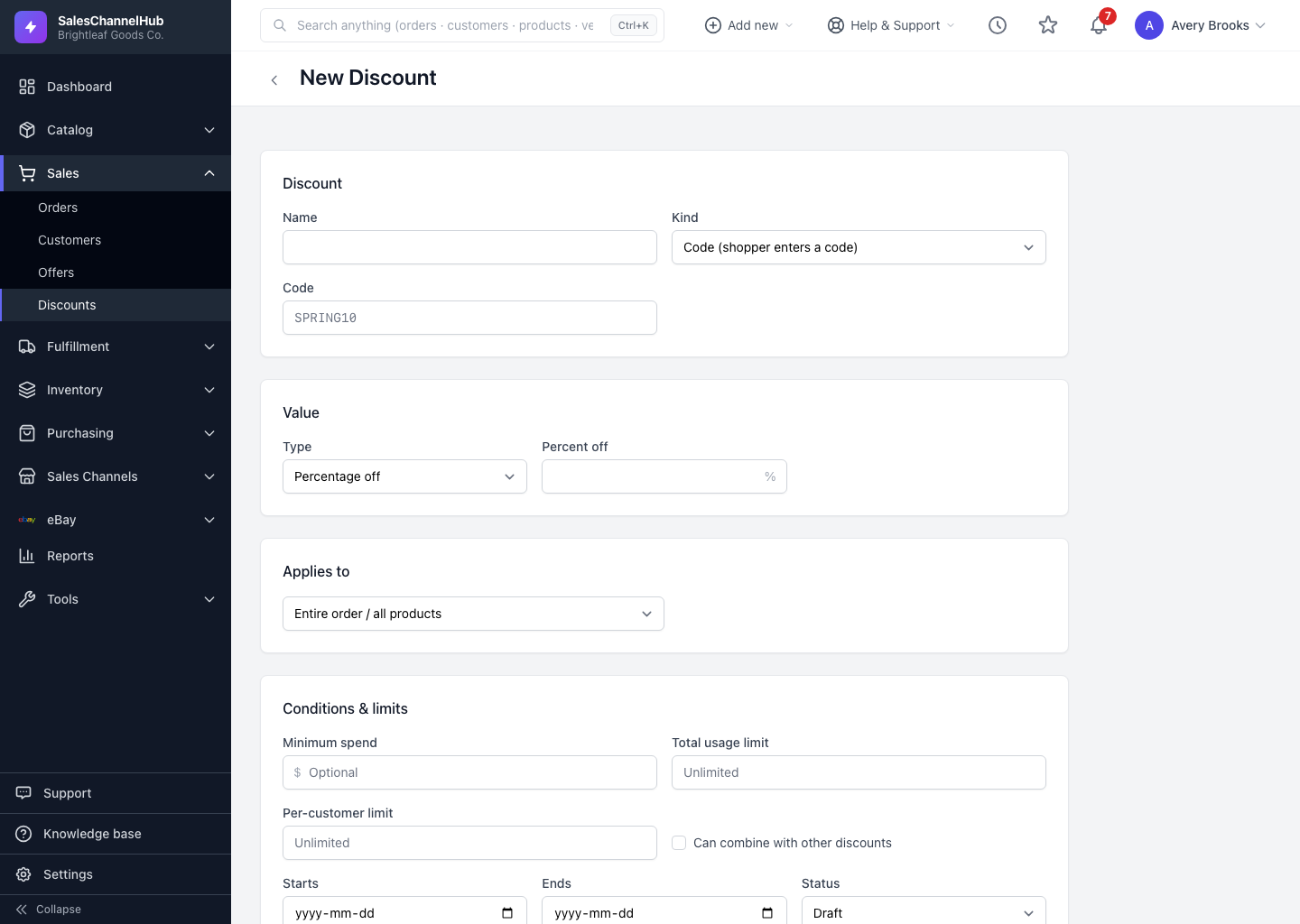
The Applies to section controls the reach of a discount. There are three scopes, and the form reveals a product or category picker depending on your choice.
What are the three scopes?
- Entire order / all products — the discount applies to the whole basket. No picker appears.
- Specific products — choose exact products from the multi-select list. Hold and click to pick several.
- Specific categories — choose one or more categories; the discount covers everything in them.
How does scope reach each channel?
Product and category scope resolves to each store's own product or collection IDs when the discount is pushed. If a channel can't match the scope, it falls back to a cart-wide discount on that channel.
Tip. Keep product names and categories consistent across stores so scope resolves cleanly at push time.
Was this article helpful?