Activate or deactivate a custom field
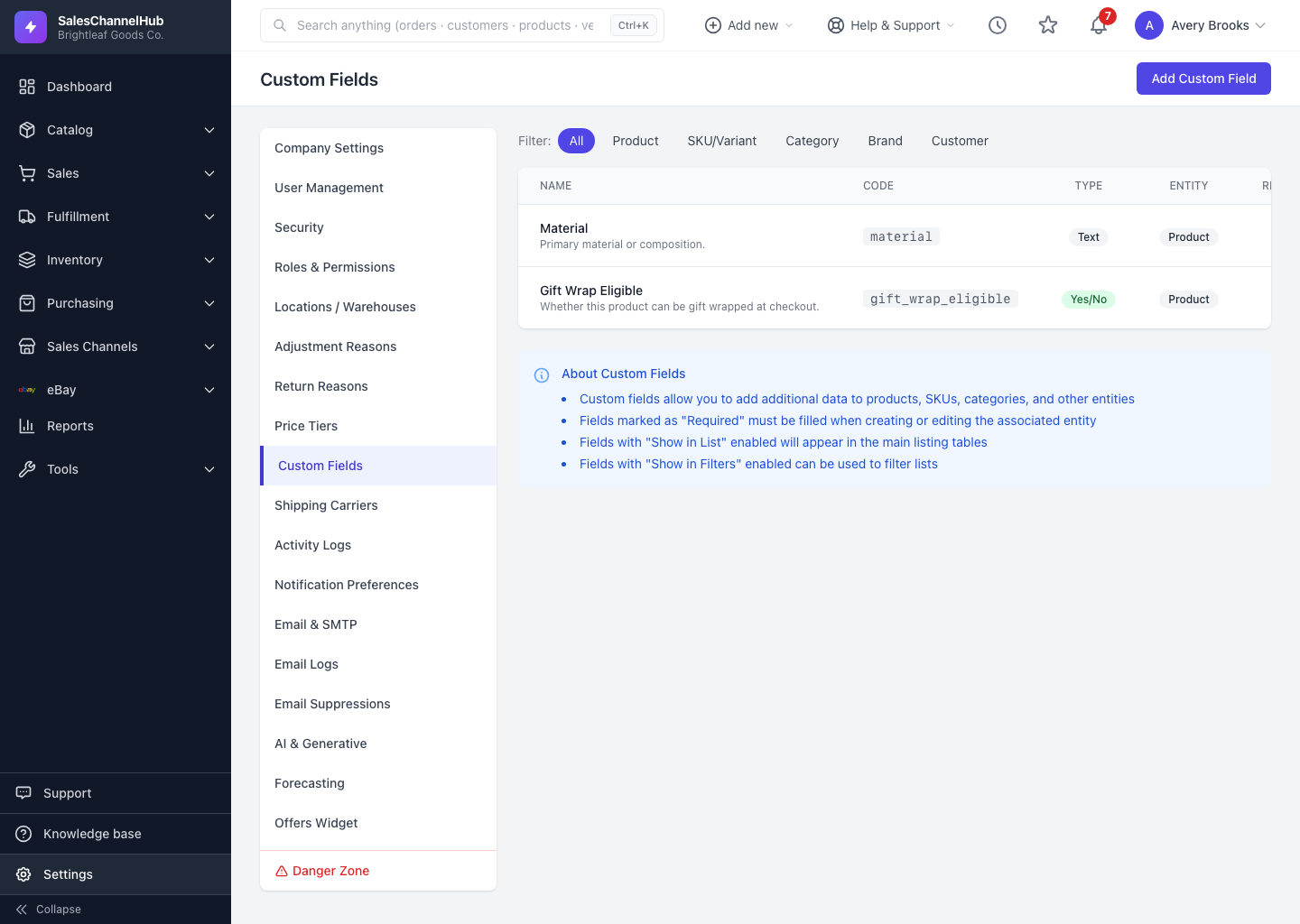
Click Deactivate on a custom field row to hide it everywhere without deleting the data it holds. Re-enable with Activate.
Deactivating is the safe way to retire a field. It disappears from forms, lists and filters, but the values already saved against records stay intact in case you switch it back on.
How do I deactivate a custom field?
- Go to Settings → Custom Fields.
- Find the field and click Deactivate on its row. The button reads Activate when the field is already off.
- The Status column updates between Active and Inactive.
How is deleting different?
Click Delete to remove a field permanently. That can't be undone and takes the saved values with it.
Tip. Prefer Deactivate over Delete when you might need the historical values later. Delete only fields you're certain you'll never report on again.
Was this article helpful?