Understand the eBay area
The eBay area runs your eBay selling from inside SalesChannelHub: listings, profiles, templates, messages, ads and a sync log.
The eBay area runs your eBay selling from inside SalesChannelHub. Once your account is connected, you build listings from your own products, push them live, track sales, answer buyer questions and run ad campaigns without opening eBay's own dashboard.
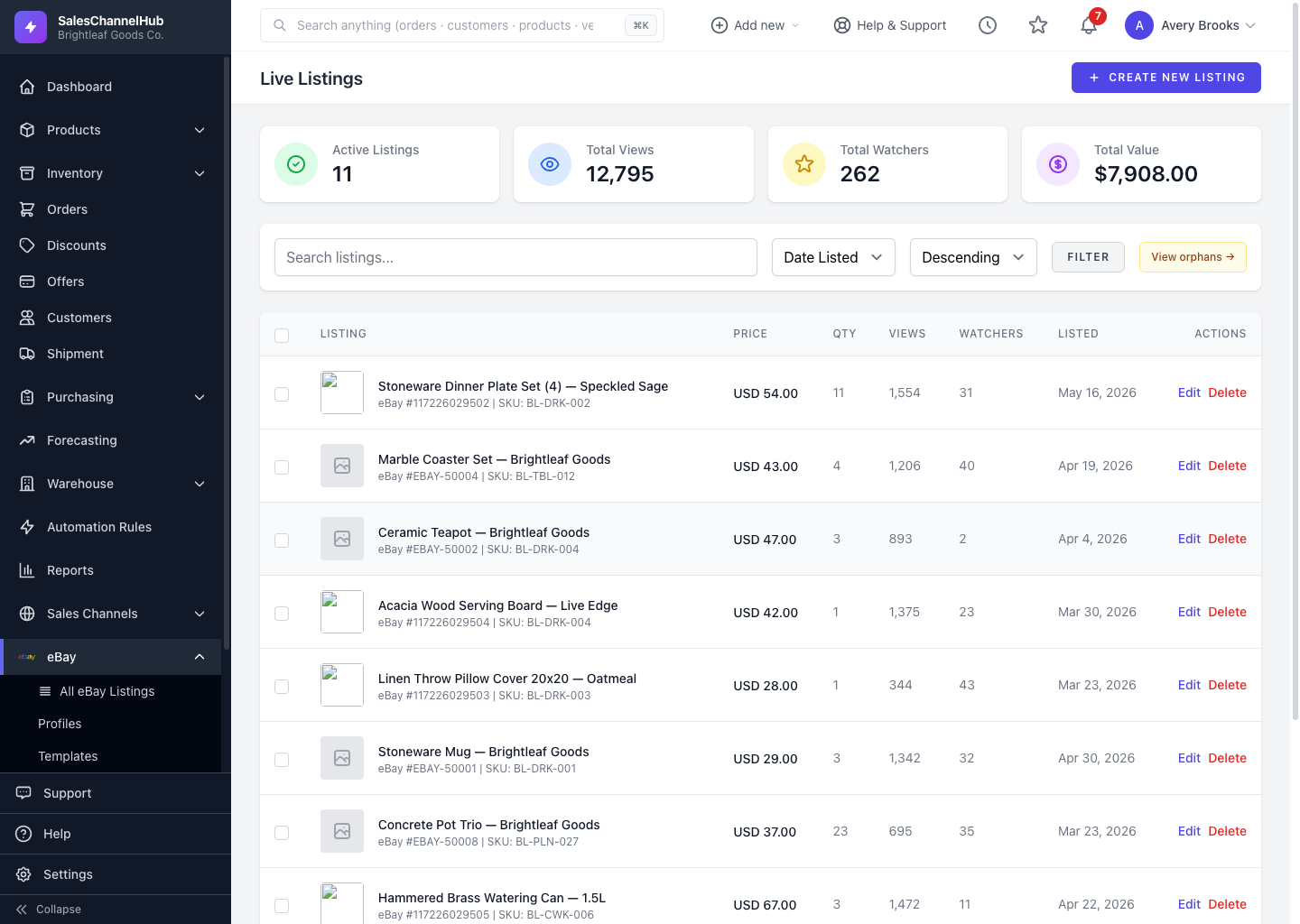
What's in the eBay menu?
- All eBay Listings — create, publish, schedule, end and relist items, split across Live, Sold, Unsold and Scheduled views.
- Profiles — reusable shipping, return, payment and master listing settings.
- Templates — branded HTML descriptions for your items.
- Messages — a shared inbox for buyer questions.
- Promoted Listings — ad campaigns that lift your items in eBay search.
- Event History — a log of every sync, listing change and error.
- Settings — your connection, sync schedule and listing defaults.
Tip. Every eBay listing links back to a master product, so stock and orders stay in sync as items sell.
Was this article helpful?