Map an internal category to a marketplace
Open a category's mapping page, find the matching eBay or Amazon category in the picker, and click Save default. Products inherit it on publish.
To map a category, open its mapping page, pick the matching marketplace category in the picker, and click Save default. Every product in that category then inherits the marketplace category automatically when you publish.
How do I map a category?
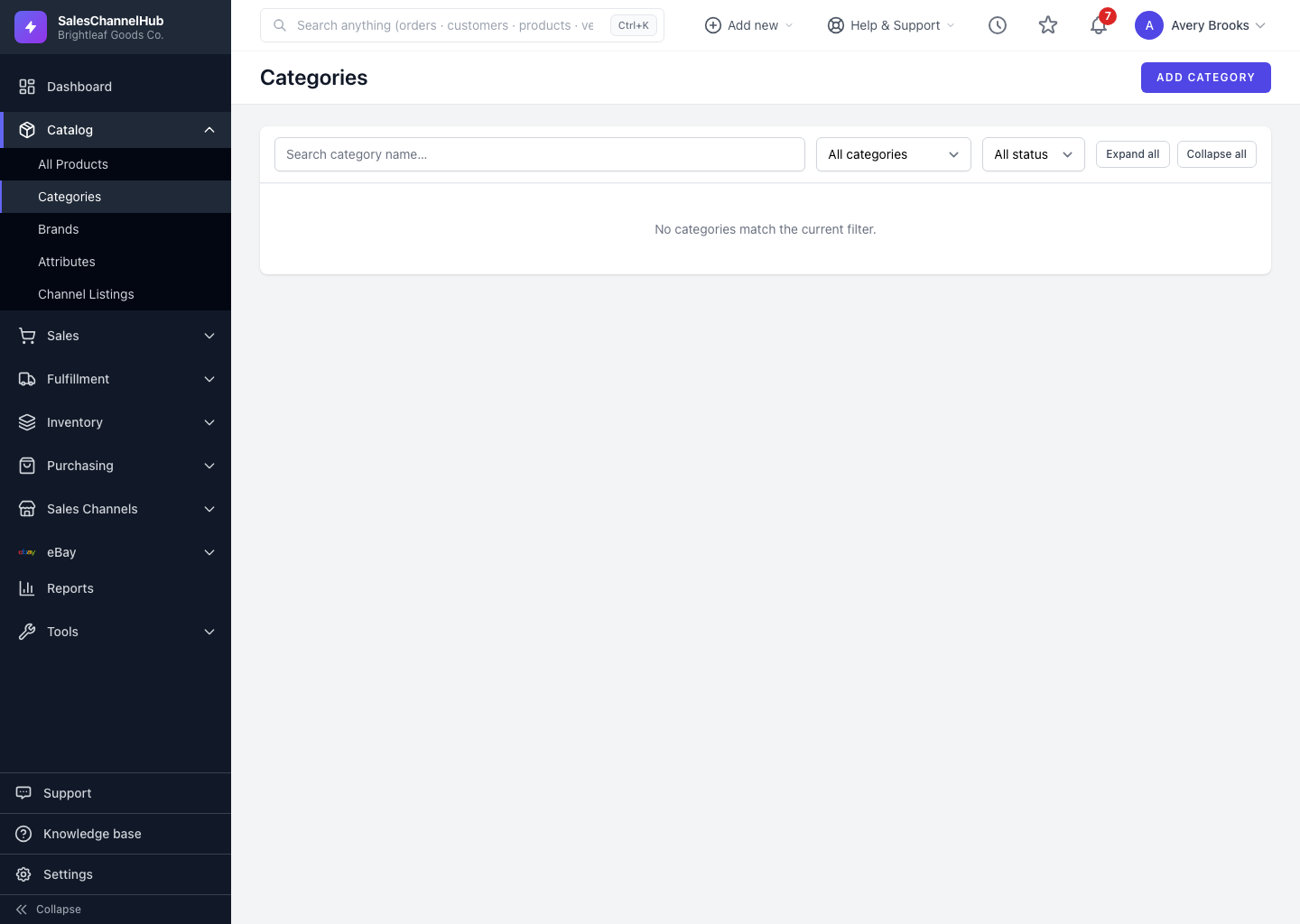
- From the uncategorized list, click Map → next to a category. The page is headed Marketplace mapping — [category name], with a Defaults for "[category name]" panel.
- You'll see one row per connected marketplace and region, each showing its label (for example eBay United States) with the platform beside it.
- In that row's picker, type to search or use the suggestions to find the matching marketplace category. The picker searches the live marketplace tree.
- Choose the category that best fits, then click Save default.
- Repeat for each marketplace and region on the page.
What does a "please review" note mean?
When a mapping was filled in from a suggestion rather than chosen by a person, it shows an amber Suggested — please review note. Confirm the match is right and click Save default to clear it. To drop a mapping you no longer want, use Remove default on that row.
Tip. Pick the most specific marketplace category that still fits. Marketplaces use the leaf category to drive required item details, fees and search placement, so too broad a choice can cost you visibility.
Common questions
Do I have to set the mapping on every product individually?
No. A mapping is a default for the whole internal category. Set it once and every product in that category inherits it on publish. A per-listing override still wins where you set one.
Why are there several rows on one mapping page?
One row per connected marketplace and region. eBay US, eBay UK and Amazon each use a different category tree, so each needs its own mapping. Save a category in every row that applies.
How do I remove a mapping I set by mistake?
Open the category's mapping page and click Remove default on the row you want to clear. Future publishes in that category then have no default for that region until you map it again.