Cycle count status workflow
A count moves Draft → In Progress → Pending Review → Approved → Posted, each step with its own action button.
A cycle count moves through a fixed set of statuses, each with its own action button. The flow keeps counting, reviewing and posting as separate, accountable steps.
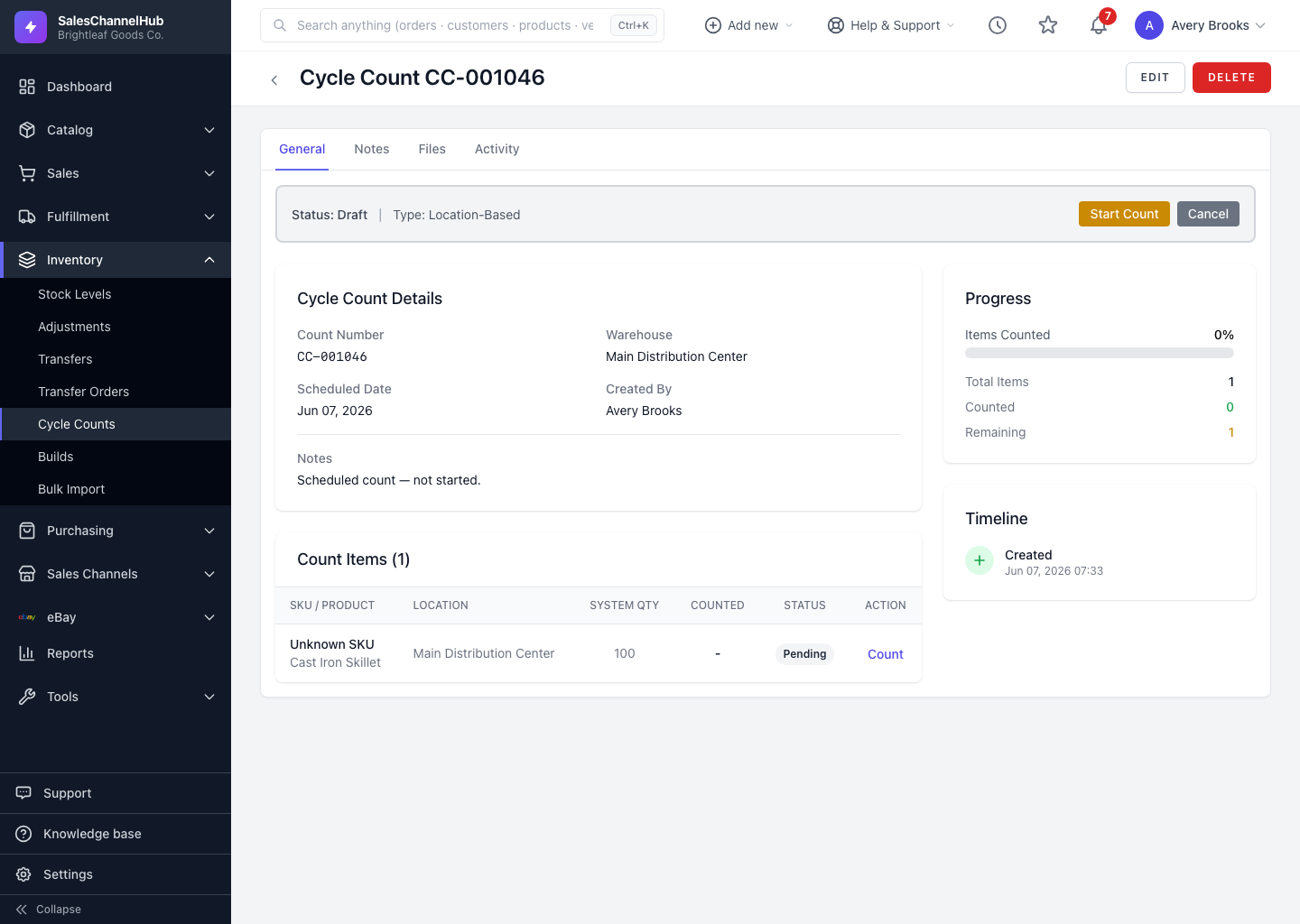
What's the path?
- Draft → click Start Count to begin.
- In Progress → record counts, then click Submit for Review.
- Pending Review → a reviewer clicks Approve, or sends it back to recount.
- Approved → click Post Adjustments to write the changes to stock.
- Posted → final, with the inventory adjustments applied.
You can Cancel a count at any point before it's posted.
Tip. A reviewer who isn't satisfied can send a pending count back to In Progress for a recount. A reason is required, so the history stays clear.
Was this article helpful?