Bulk edit products
To update fields across many products, export the filtered list, edit the CSV, and import it back with update-existing on.
To change fields across many products, reprice a range or retag a collection, export the list, edit it in a spreadsheet, and import it back over the top. Keep each SKU unchanged so the import matches the right product.
How do I bulk edit products?
- On the Products list, filter to the products you want to change, then click Export.
- Open the CSV and edit the columns you need. Keep each product's SKU unchanged so it matches.
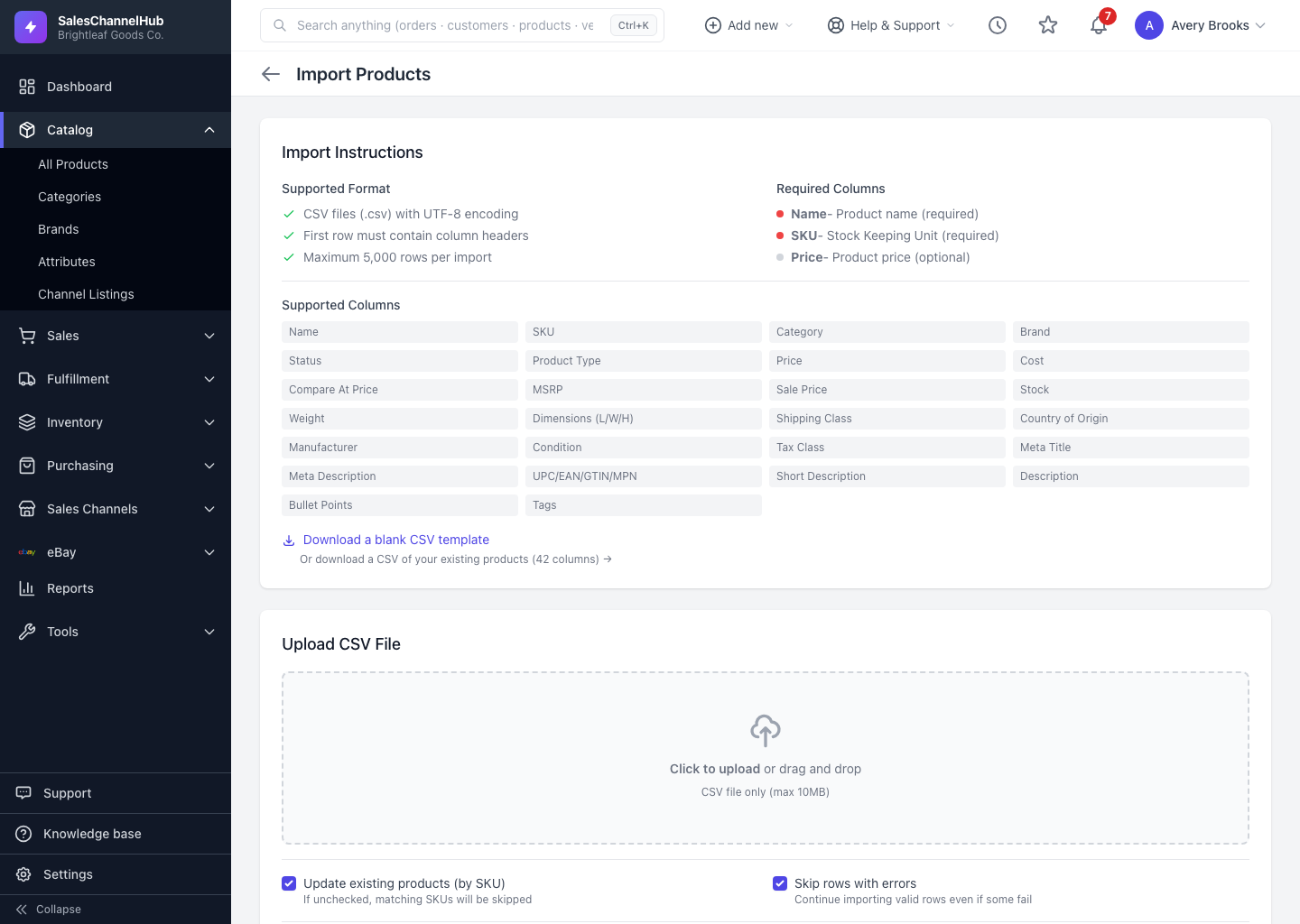
- Go to Products → Import and upload the edited file.
- Make sure Update existing products (by SKU) is on, then run the import.
- Check the summary to confirm how many products were updated.
Tip. For status changes specifically, the list's bulk Activate, Deactivate and Discontinue buttons are faster than a round-trip through CSV.
Was this article helpful?