Create a description template
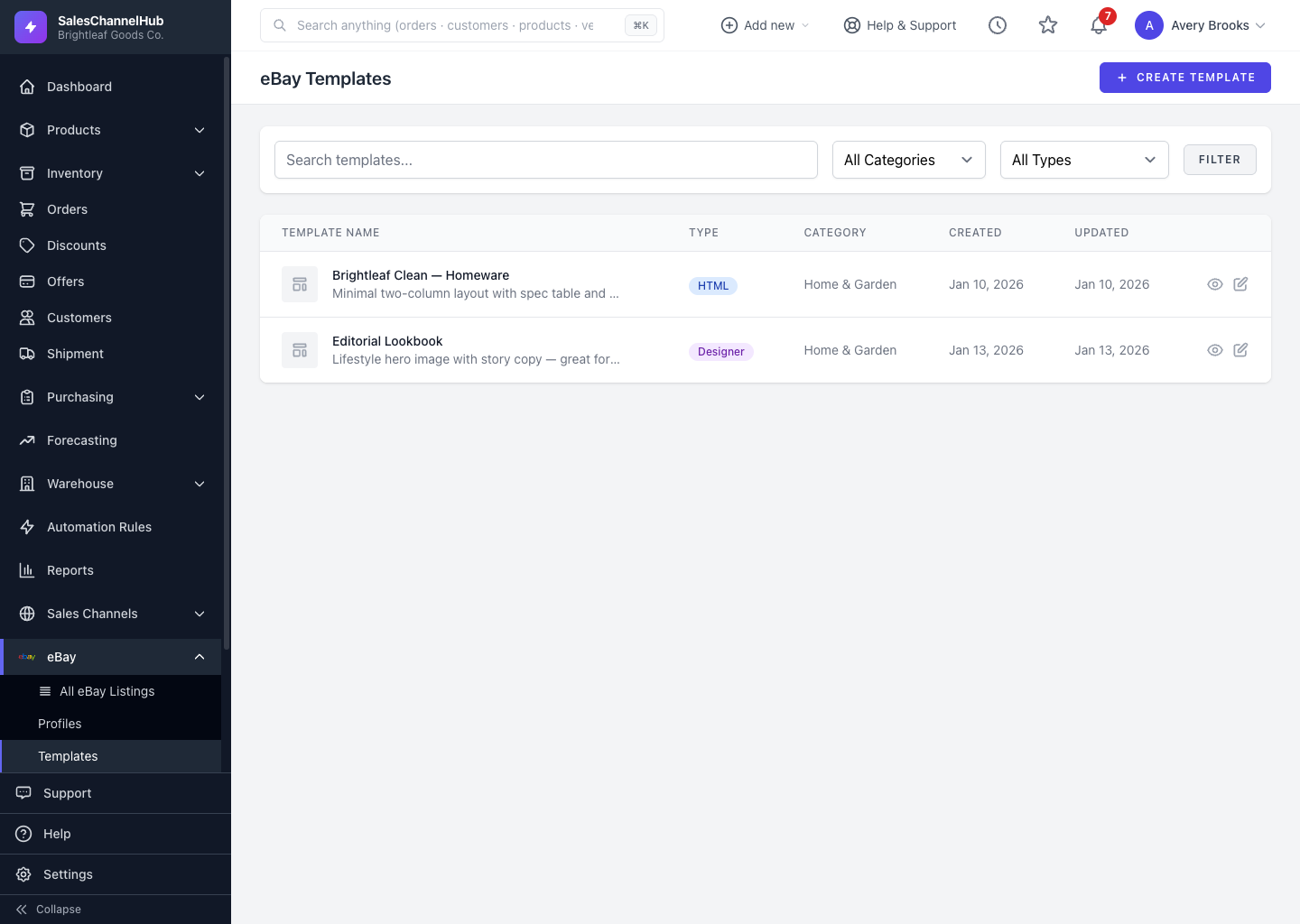
On eBay → Templates click Create Template, then pick Visual Designer, Custom HTML/CSS or a Free Template to start from.
Description templates give your listings a consistent, branded look. Build one and reuse it across items; your product details merge in automatically.
How do I create a template?
- Go to eBay → Templates and click Create Template.
- Choose how to build it: Visual Designer (drag-and-drop, no code), Custom HTML/CSS (full control), or Free Templates to start from a ready-made design.
- Give it a name and category, then build the layout.
- Save. The template appears in the list, ready to attach to listings.
Tip. Use the merge variables (title, price, image gallery and more) so one template works for every product without re-editing.
Common questions
How do I attach a template to a listing?
On the create or edit form, pick it under Description Template in the Profile & Template panel. To use one everywhere by default, set a Default Template under eBay → Settings.
Do I need to know HTML to make a template?
No. The Visual Designer builds the layout for you with drag-and-drop blocks. Custom HTML/CSS is there if you want to write the markup yourself.
Was this article helpful?