


Quick answers to the things people ask most around the Settings area. For step-by-step guides, see the articles above.
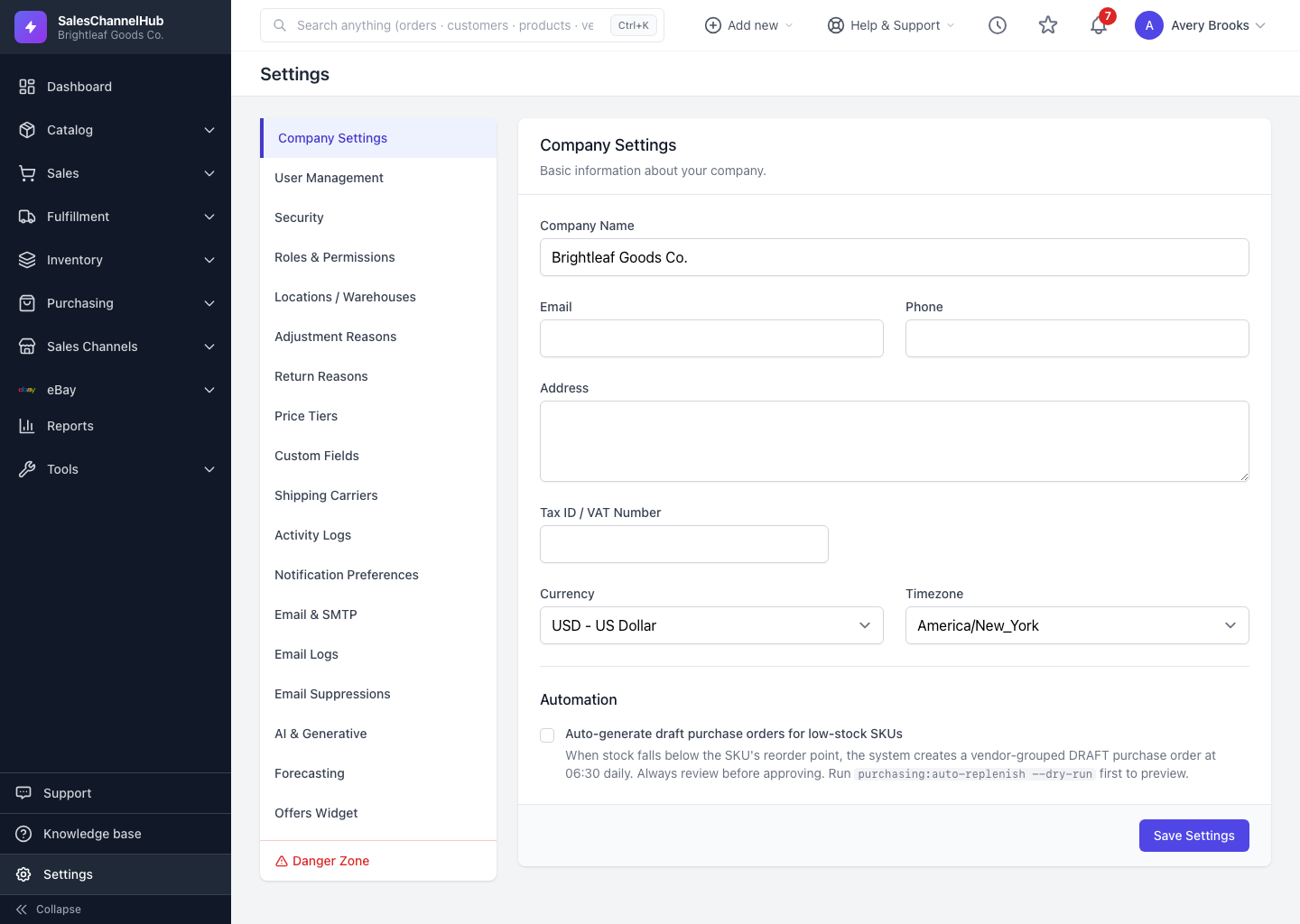
Tip. A settings page you can't see is almost always your role hiding it. Email & SMTP, Activity Logs and the Danger Zone are permission-gated; ask an owner or admin to grant the matching permission under Settings → Roles & Permissions.
Common questions
A settings page is missing from the menu. Where is it?
The sub-menu only shows pages your role can reach. Some pages, including Email & SMTP, Activity Logs and the Danger Zone, are permission-gated. Ask an owner or admin to grant the matching permission.
Why can't I delete a price tier, return reason or adjustment reason?
Items already in use can't be deleted, so their history stays intact. Move customers off the price tier, or deactivate the tier or reason to retire it instead.
My test email failed. What do I check?
Re-check the provider credentials, and confirm your FROM domain's SPF, DKIM and DMARC read Valid on the DNS panel. The error under the failed row in Recent tests names the cause. Fix it and test again.
Customers aren't getting our emails. Why?
Check Email Suppressions. The address may have bounced, complained or unsubscribed, so sending is skipped. Release it only if the cause is resolved.
I lost my authenticator app. How do I get in?
Sign in with one of your one-time recovery codes, then open Security and regenerate a fresh set so you have spares again.
Did the Danger Zone delete my locations or settings?
No. It only clears products, orders and customers. Users, roles, locations, vendors, categories, brands, integrations, settings and price tiers are kept.
Was this article helpful?