Edit the General tab
The General tab holds the name, descriptions, bullet points, category, brand, condition, tags and compliance details.
The General tab holds the core marketing and organisation details for a product: everything a buyer reads, plus the fields you use to organise your catalog.
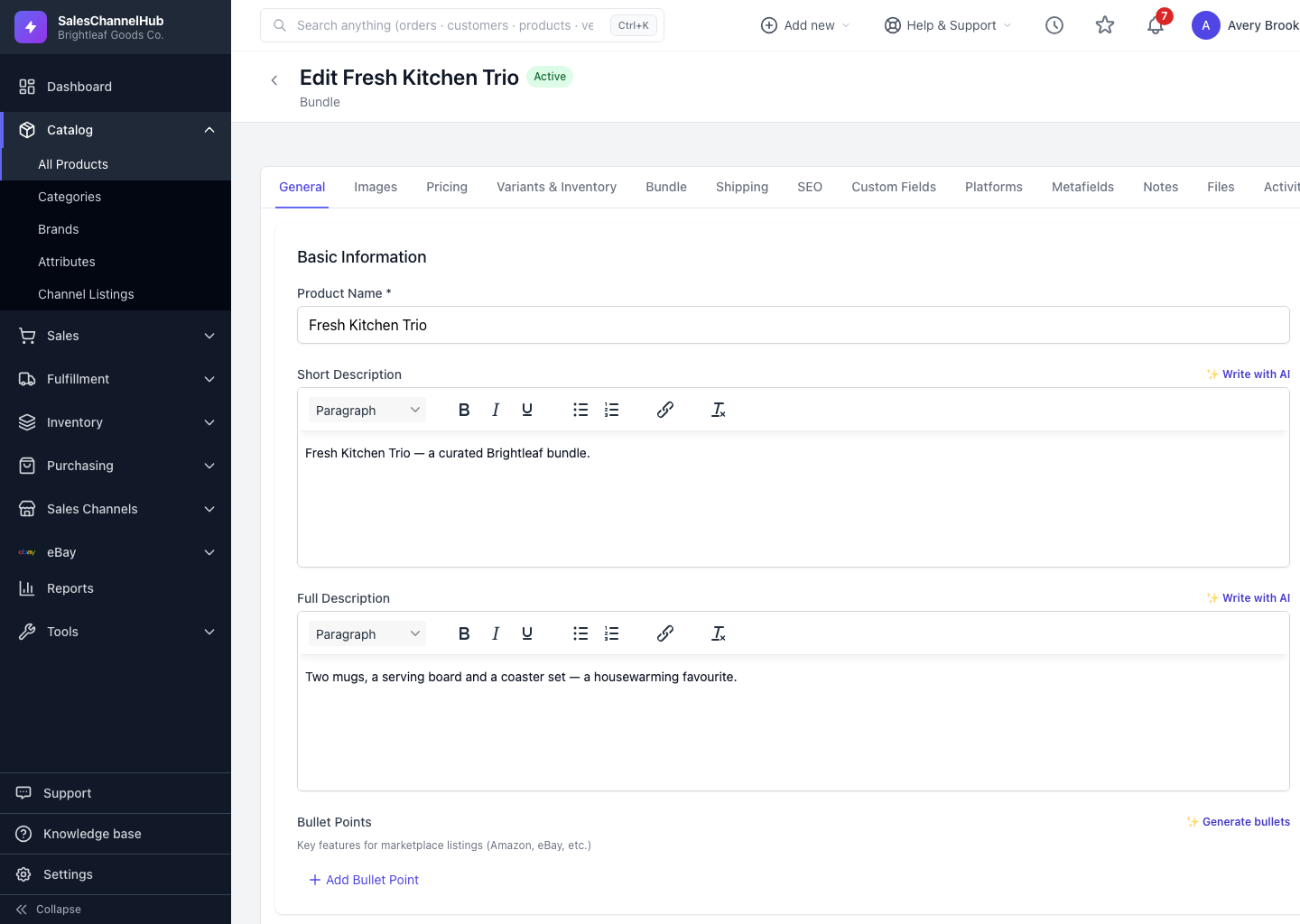
What can I set on the General tab?
- Basic Information: Product Name, Short Description, Full Description and Bullet Points for marketplace listings.
- Organization: Category, Brand, Status, Condition and comma-separated Tags.
- Compliance & Regulatory: Country of Origin, Manufacturer, Warranty, Material Composition and Care Instructions.
How do I edit it?
- Open a product and stay on the General tab.
- Edit the fields you need. Use the Write with AI and Generate bullets buttons to draft copy.
- Click Update Product at the bottom of the page to save.
Tip. Country of Origin is required by Amazon and for international sales, so fill it in early.
Was this article helpful?