Create a buy X get Y discount
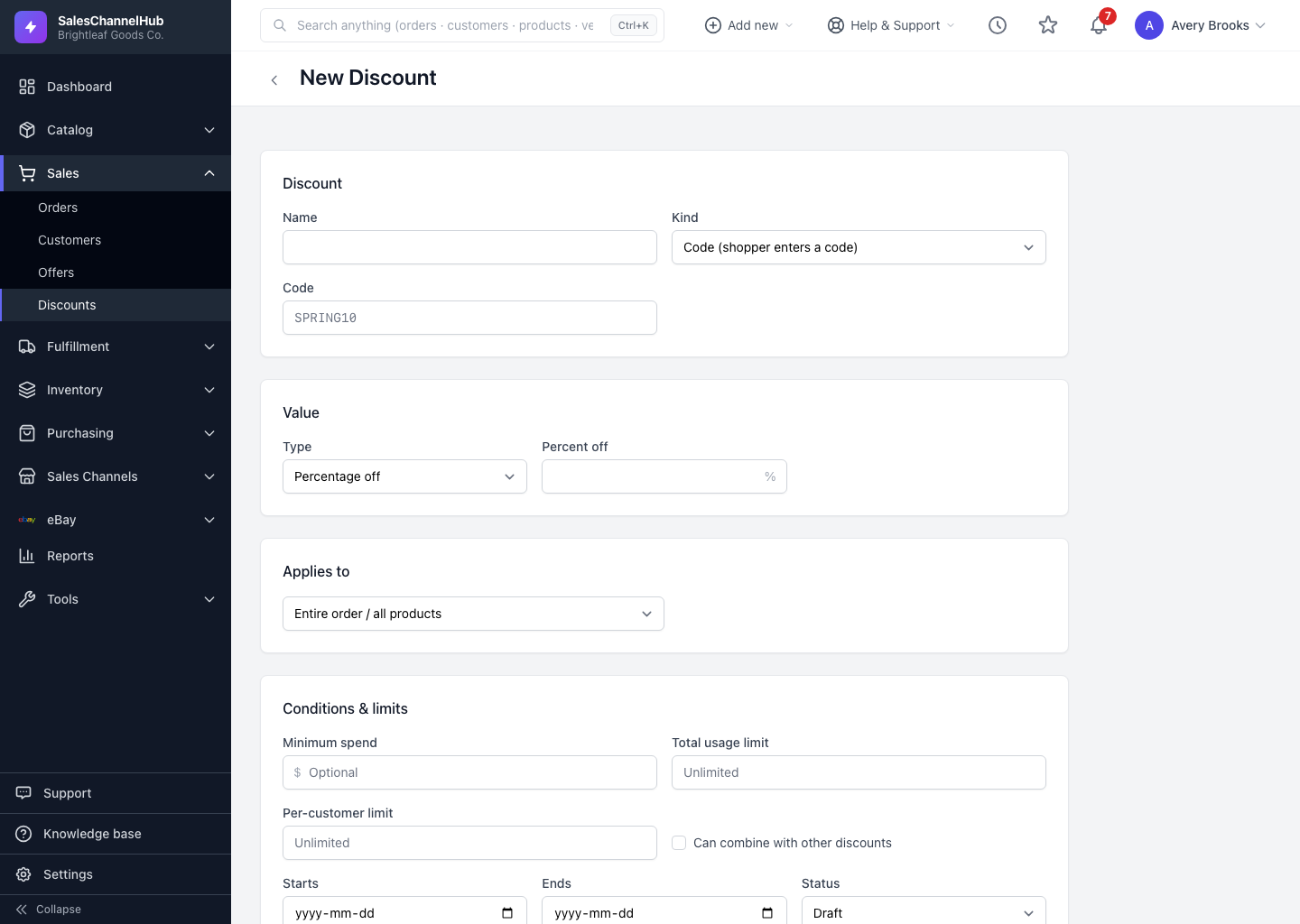
Set the value Type to Buy X get Y for a buy-one-get-one or buy-more-save-more offer, then scope it to the products it covers.
Buy X get Y rewards shoppers for buying more, for example buy two cushions and get the third free. Choose it from the type list when you want a quantity-based promotion rather than a straight discount.
How do I set up buy X get Y?
- On a new discount, set Type to Buy X get Y under Value.
- Use the Applies to scope to target the products or categories the offer covers.
- Pick the channels and save.
Tip. Buy X get Y is supported differently by each store. After saving, open the Channels tab; if a channel can't represent the offer exactly, its link reports the limitation there.
Common questions
Why does a buy X get Y discount show Unsupported on one store?
Not every store can represent that offer type. The Channels tab marks the link Unsupported for any store that can't build it. Use a simpler type for that store, or accept the offer won't run there.
How do shoppers receive a buy X get Y offer?
The same as any discount. Set it as a Code they type, or Automatic so it applies once the cart meets the quantity the store's rule requires.