Customer types explained
Retail, Wholesale and Distributor classify how you trade with an account. Type is a required label for segmentation, separate from pricing.
Every customer carries a type (Retail, Wholesale or Distributor) that classifies how you trade with them. It's a required field, and it lets you segment the list, report by channel and pair the account with the right pricing.
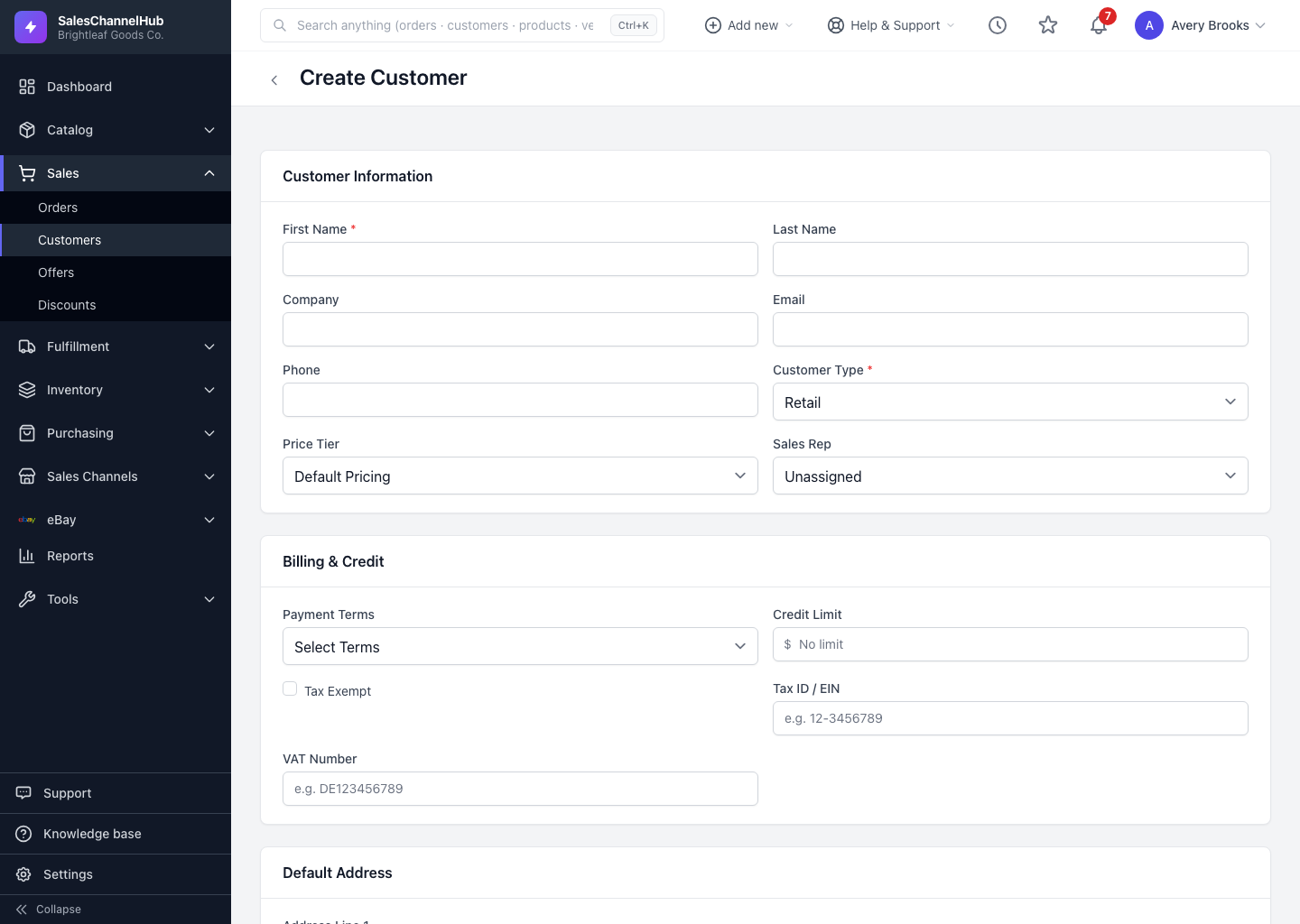
What do the three types mean?
- Retail — individual end buyers paying at or near list price. The default for new customers.
- Wholesale — businesses buying in bulk to resell, usually on a tier discount and often on payment terms.
- Distributor — larger trade partners on your deepest discount, typically with higher credit limits.
At Brightleaf Goods Co., a homeowner buying one planter is Retail, a local garden shop reselling your range is Wholesale, and a regional supplier stocking dozens of stores is a Distributor.
Is the type the same as the discount?
No. Type is a label for segmentation; the price tier is what actually applies a discount. Pair them so a Wholesale customer also sits on a wholesale tier, otherwise the label is set but the pricing isn't.
Tip. Filter the customer list by type to pull a clean segment, such as every Distributor, for a price review or a targeted export.