Change a listing's eBay category
Edit the listing, click Change category, pick the new one, then Save & relist on eBay. The item is ended and recreated in the new category.
eBay can't change a live listing's category in place, so SalesChannelHub ends the current item and recreates it in the new category, keeping your photos, item specifics and other details.
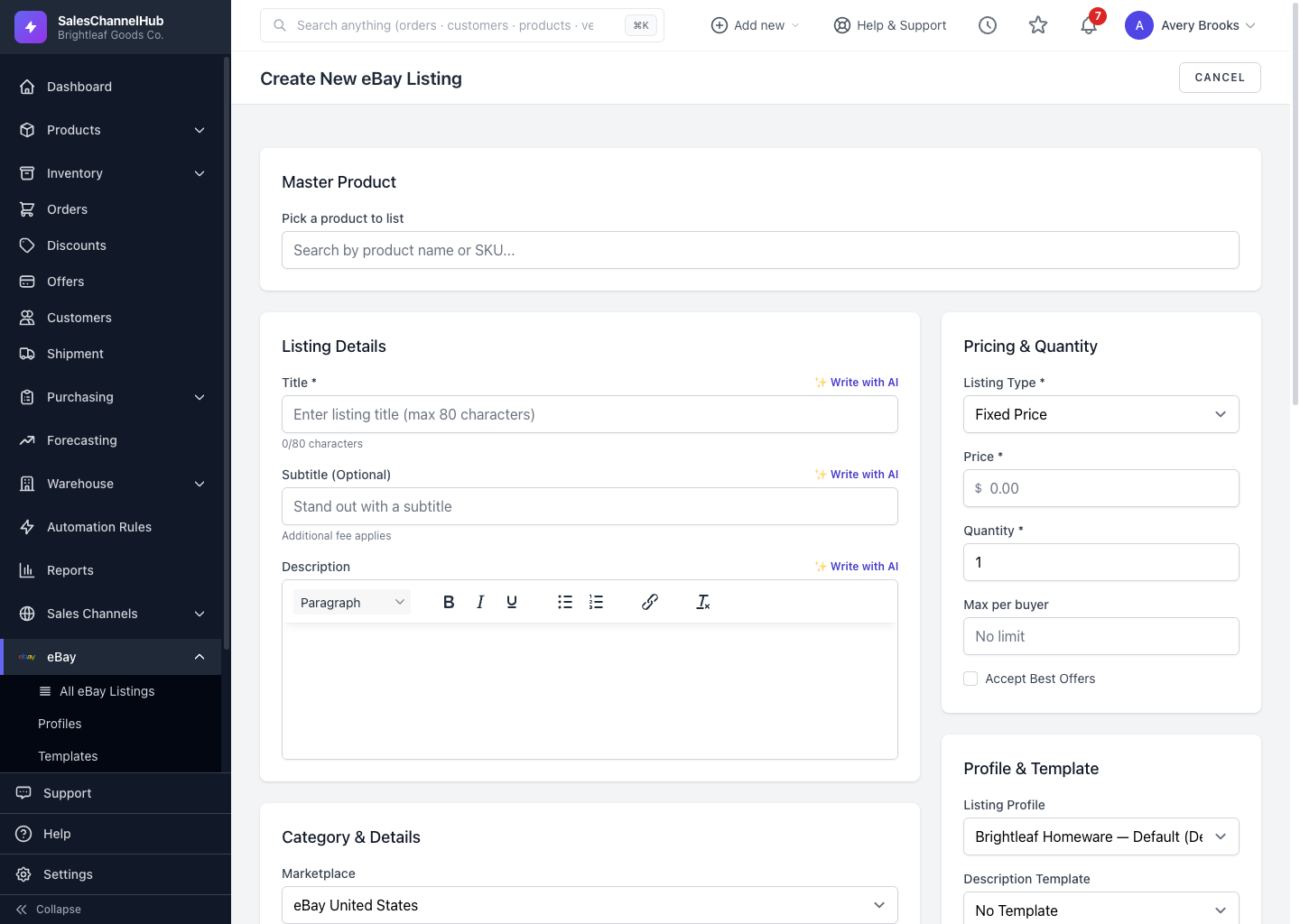
How do I move a listing to a new category?
- Open the listing and click Edit.
- Beside the current category, click Change category to open the Change marketplace category dialog.
- Search for and pick the new category.
- Click Save & relist on eBay.
Tip. The item gets a new eBay item ID after the move, but the listing record in SalesChannelHub stays the same, so your links and history are preserved.
Was this article helpful?