


A Price Match is a kind of offer where the shopper points to a competitor's listing and asks you to match it. It arrives in the same inbox as Make-an-Offer requests, tagged Price Match.
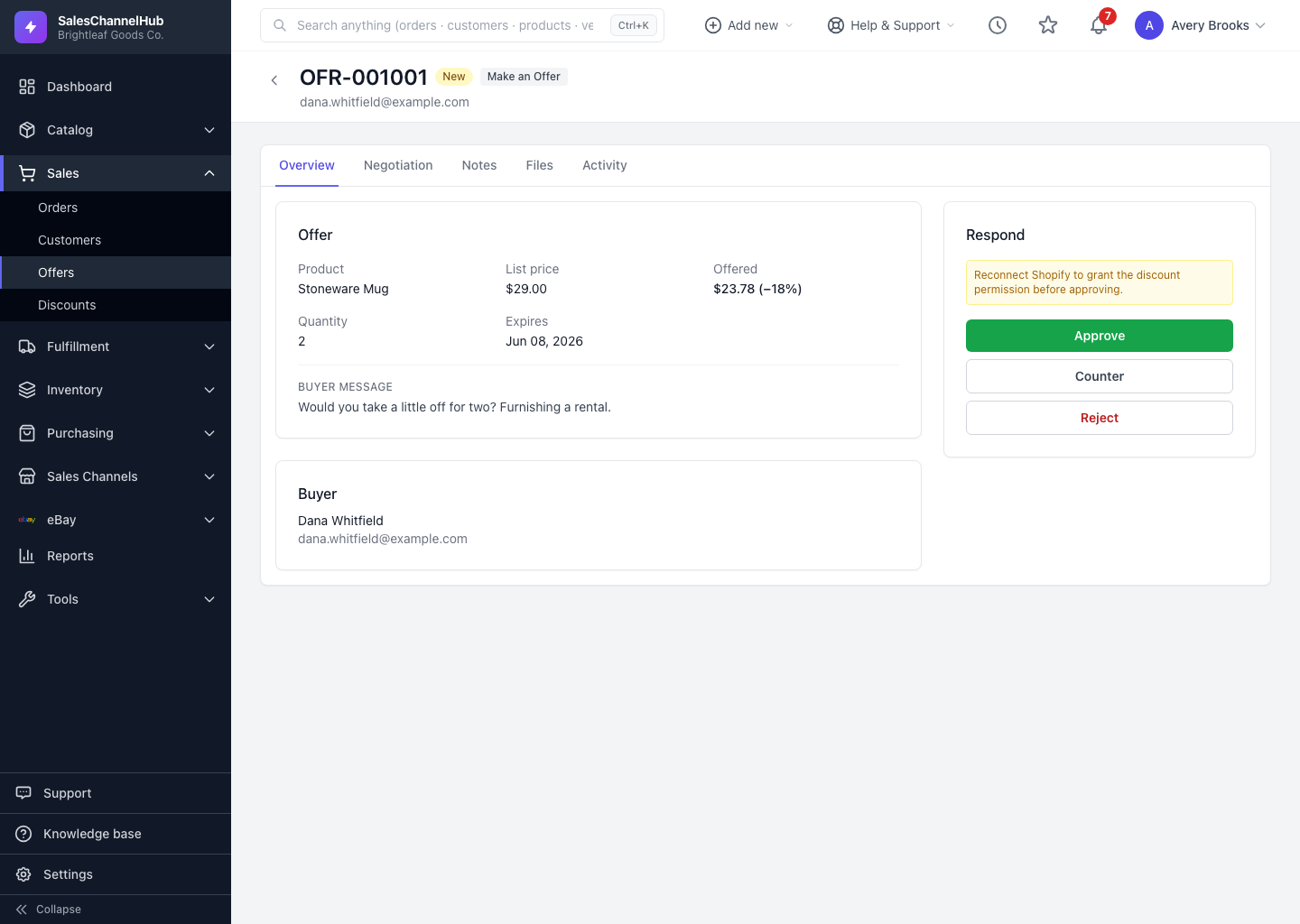
What's different about a price match?
- The offer detail shows a Competitor link and the price the shopper claims, alongside your list price and their requested price.
- You respond exactly as with any offer: Approve, Counter or Reject from the same panel.
To accept price-match requests at all, turn on Price Match in the Offers Widget settings. To only run negotiation, leave it off and keep Make an Offer on.
Tip. Always open the competitor link before approving. Check it's the same product, condition and quantity, not a smaller pack or a marketplace reseller.
Was this article helpful?