Use the Write with AI and Draft buttons
Click the sparkle buttons to draft product copy, customer messages and replies from data you already have.
The assistant lives as small sparkle buttons next to the fields they fill. Each one reads the record you're on, drafts text, and drops it into the field so you can edit before saving or sending.
Where do I find them?
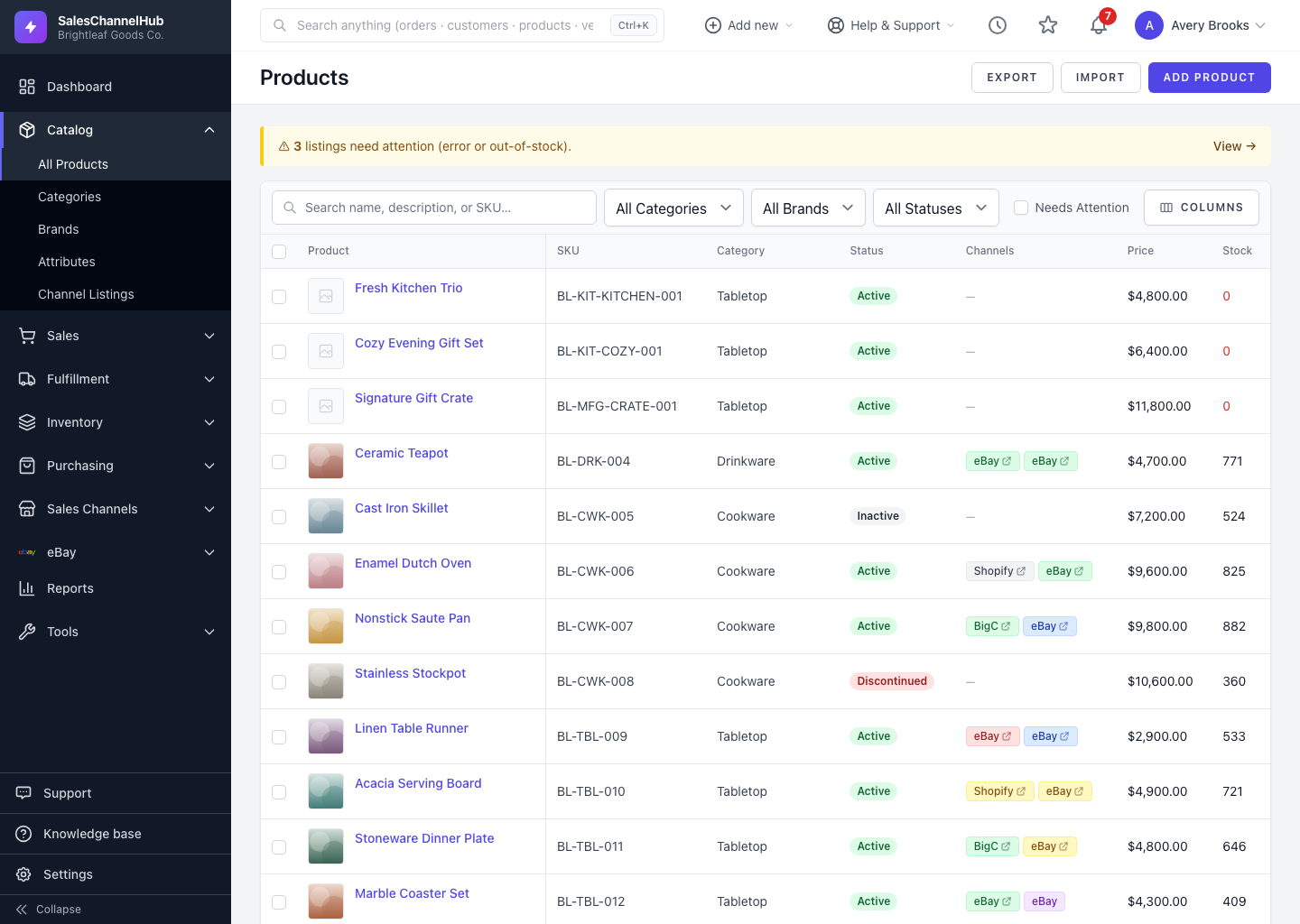
- Products. On a product's General tab, Write with AI drafts the description and summary, Generate bullets writes selling points, and Suggest proposes material composition. The SEO tab drafts the page title and meta description.
- eBay listings. On the create-listing page, draft the title, subtitle, item description, condition note and item specifics from the chosen product.
- Orders & returns. The Message customer box has Draft message to start an email from the order or return details.
- eBay buyer messages. A thread's reply box has Draft reply.
- Notes & Activity. Use Summarize to condense a long note thread or activity timeline.
How does a button work?
- Click the sparkle button next to the field. It shows Generating… while it works.
- The draft fills the field. Read it, edit anything, then save or send as normal.
Tip. On a product, the buttons read your current unsaved edits too. Fill in the obvious facts first and the draft comes back sharper.
Common questions
Why don't I see any Write with AI buttons?
The buttons appear only for roles with the AI view permission. Ask an owner or admin to grant it under Settings → Roles & Permissions.
Does clicking a button save anything automatically?
No. It only fills the field with a draft. You still review it and click save or send yourself.
Can I regenerate if I don't like the draft?
Yes. Click the button again for a fresh draft, or edit the text by hand. Each click runs a new generation.