Import customers from CSV
From the customer list click Import, download the blank template, fill it in, then upload your CSV to create or update customers.
Importing is the fastest way to onboard a list of customers or update many at once. From the customer list click Import, upload a CSV, and the importer creates new customers and optionally updates existing ones.
How do I run an import?
- From the customer list, click Import.
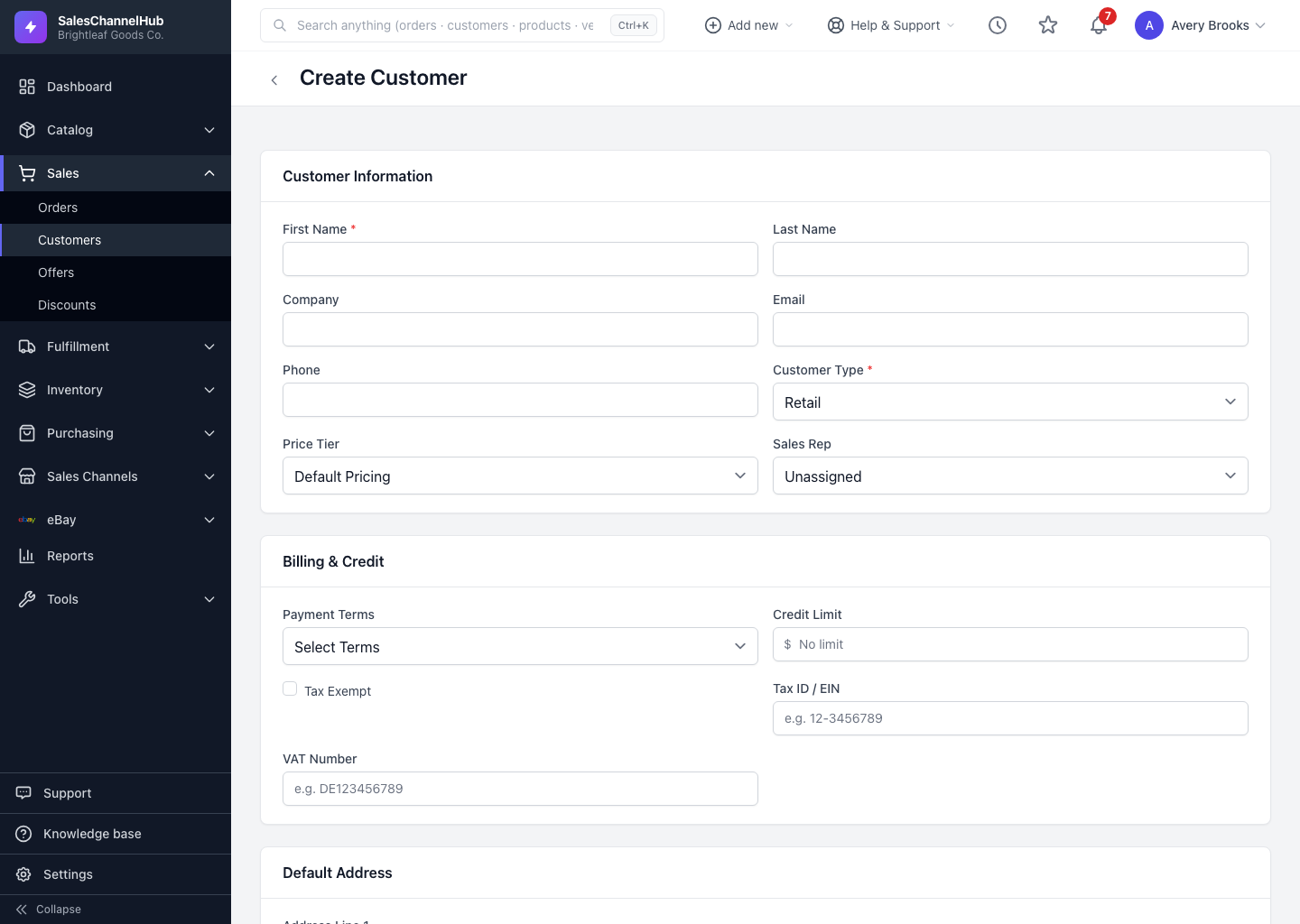
- Click Download a blank CSV template and fill it in. First Name is the only required column; the template also covers company, email, phone, type, price tier, payment terms, credit limit and tax fields.
- Choose your CSV file (up to 10 MB and 5,000 rows).
- Keep Update existing customers ticked to update matches; matching is by customer number first, then email. Untick it to skip existing rows.
- Leave Skip rows with errors ticked to import the good rows even if some fail, set a Default Type for blank cells, then click Import Customers.
Can I import addresses too?
No. The importer handles customer records only. Add billing and shipping addresses from each customer's Addresses panel after import.
Tip. A price tier name has to match an existing tier exactly, or the customer imports with no tier. Boolean columns such as Active and Credit Hold accept 1/0, yes/no or true/false.
Common questions
What columns does the import accept?
Customer Number, First Name, Last Name, Company, Email, Phone, Type, Price Tier, Payment Terms, Credit Limit, Credit Hold, Tax Exempt, the tax certificate and expiry, Active and Notes — 16 columns in all. Only First Name is required.
How does the importer match an existing customer?
By customer number first, then by email. A row matching either updates that customer when Update existing customers is ticked, or is skipped when it isn't.
Why did some rows get skipped?
If Update existing customers is unticked, any row matching an existing customer number or email is skipped. The flash message reports how many rows were created, updated and skipped.
What are the size limits?
Up to 10 MB and 5,000 rows per file, saved as UTF-8 CSV.