List a product on a sales channel
Publish a product to a connected channel like eBay from the Platforms tab on the edit page.
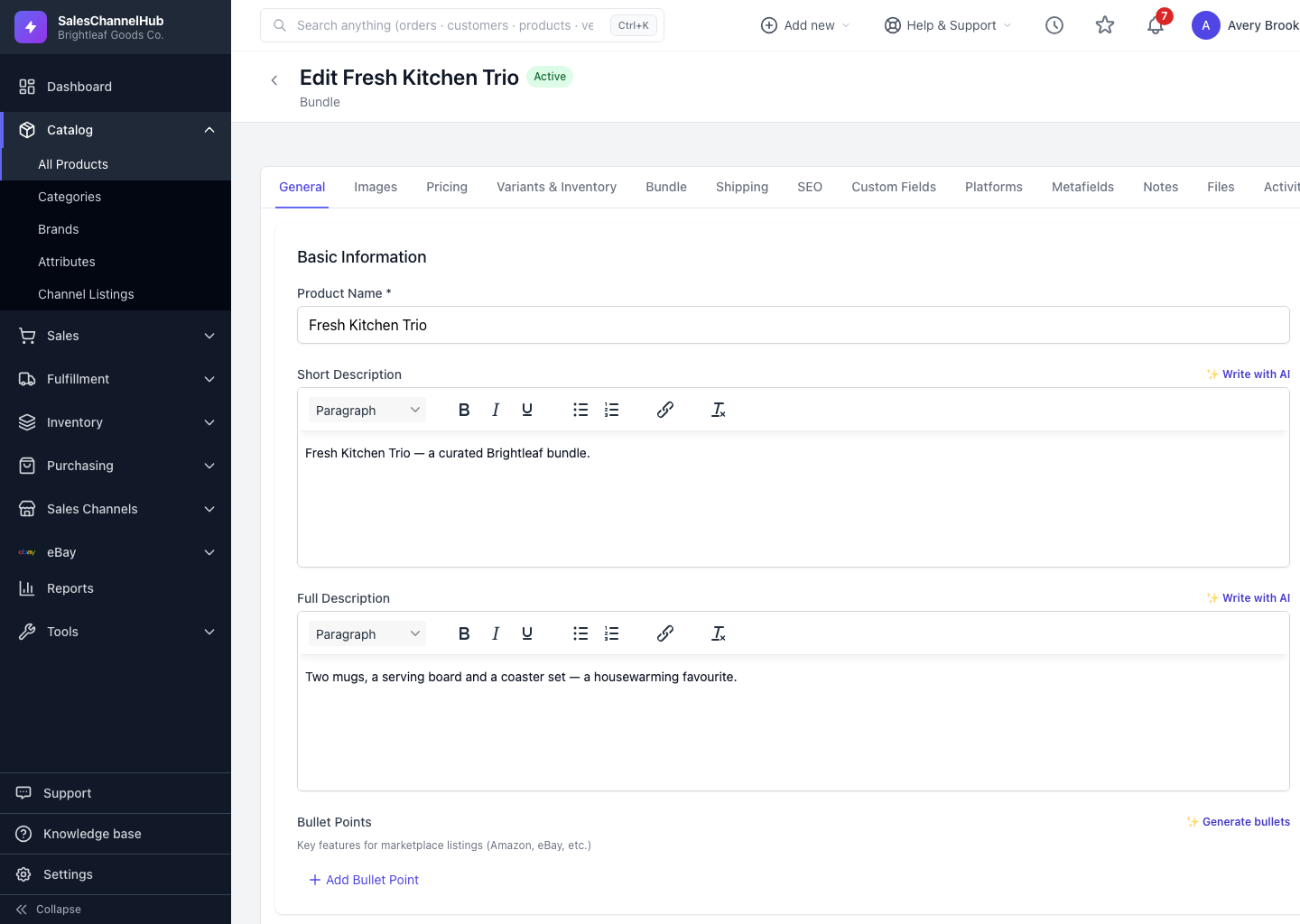
To list a product on a connected channel, open the Platforms tab on the edit page. It lists every supported channel and its connection state.
How do I list a product on a channel?
- Open the product and click the Platforms tab to see all Sales Channels.
- Connected channels appear active; ones that aren't connected are greyed out.
- For eBay, use the create-listing flow to build and publish the listing.
- Other channels publish through the sync jobs you set up under Integrations.
Tip. You can also start an eBay listing from the product detail page using the List on eBay button in the header.
Was this article helpful?