Handle partial receipts
Receive only the lines that arrived and leave the rest at 0. The PO moves to Partially Received and tracks the outstanding balance.
Vendors often ship in stages. A partial receipt lets you bring in what arrived now and keep the outstanding balance visible until the rest follows.
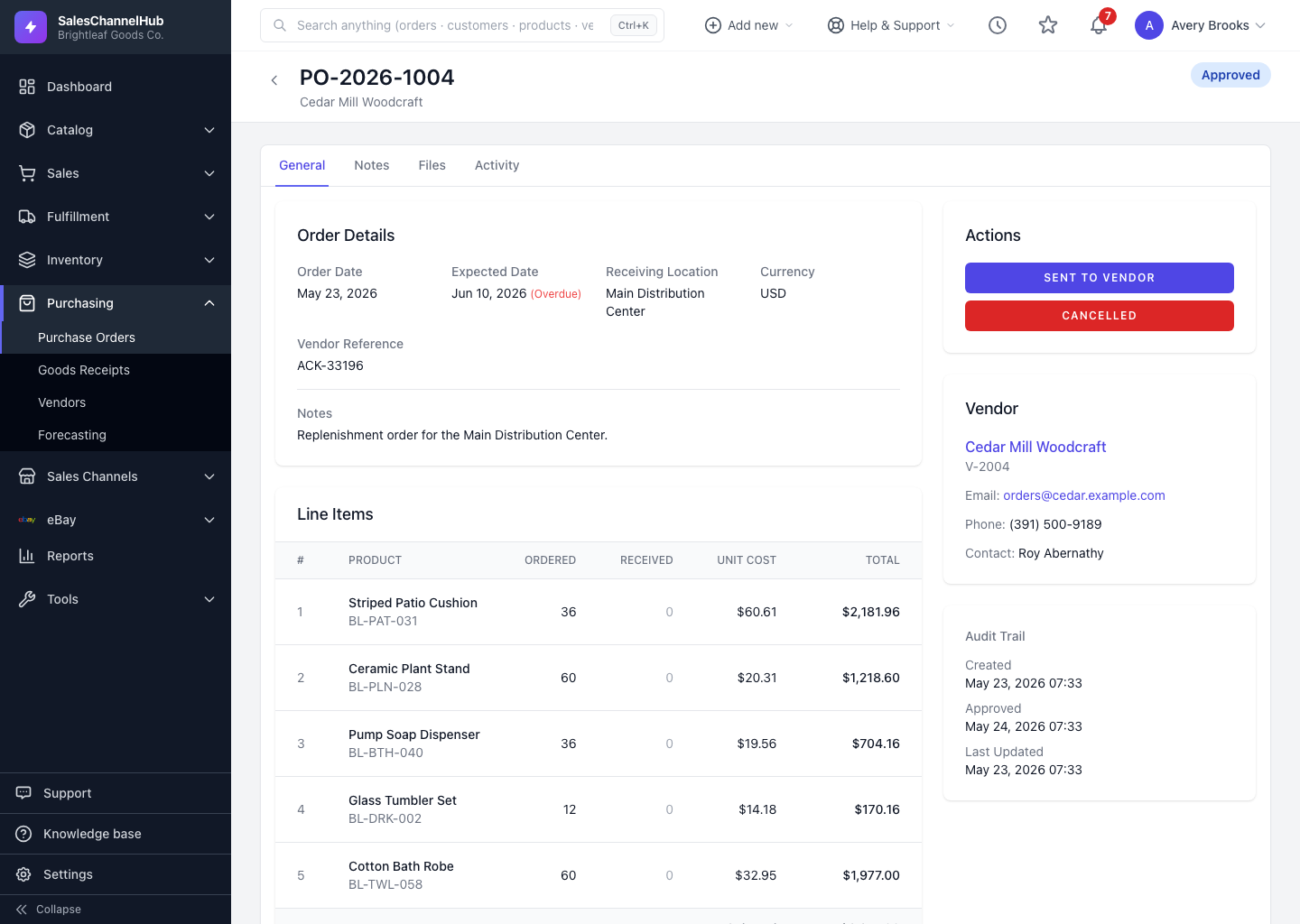
How do I receive a partial shipment?
- Open the sent purchase order and find the Receive Goods section.
- Enter the received quantity only for the lines that arrived; leave others at 0.
- Click Record Receipt.
- The PO moves to Partially Received and the Receiving Progress bar shows the percentage received.
How do I track what's still outstanding?
- Each line shows Ordered, Received and Remaining, so the balance is always clear.
- When the next shipment arrives, receive again. Only the remaining quantity is available to enter.
- Once every line is fully received, the PO becomes Fully Received.
Tip. The Received / Remaining totals in the sidebar give you a quick figure across all lines, handy for chasing a vendor on what's still outstanding.
Common questions
Can I receive a PO in more than one go?
Yes. Receive whatever arrived, leave the rest at 0, and the order sits at Partially Received. Receive again each time a shipment lands until every line is complete.
How do I see how much of an order is left?
Each line's Remaining column and the Receiving Progress bar show what's outstanding, with a Received / Remaining total in the sidebar.
Was this article helpful?