Import listings from a CSV
On the Import eBay Listings (CSV) page, download the template, fill in sku, title, price and quantity, then upload to create draft listings.
Got a lot of items to list? Import them from a CSV instead of building each by hand. Every matching row becomes a draft listing under your active eBay account, ready to review and publish.
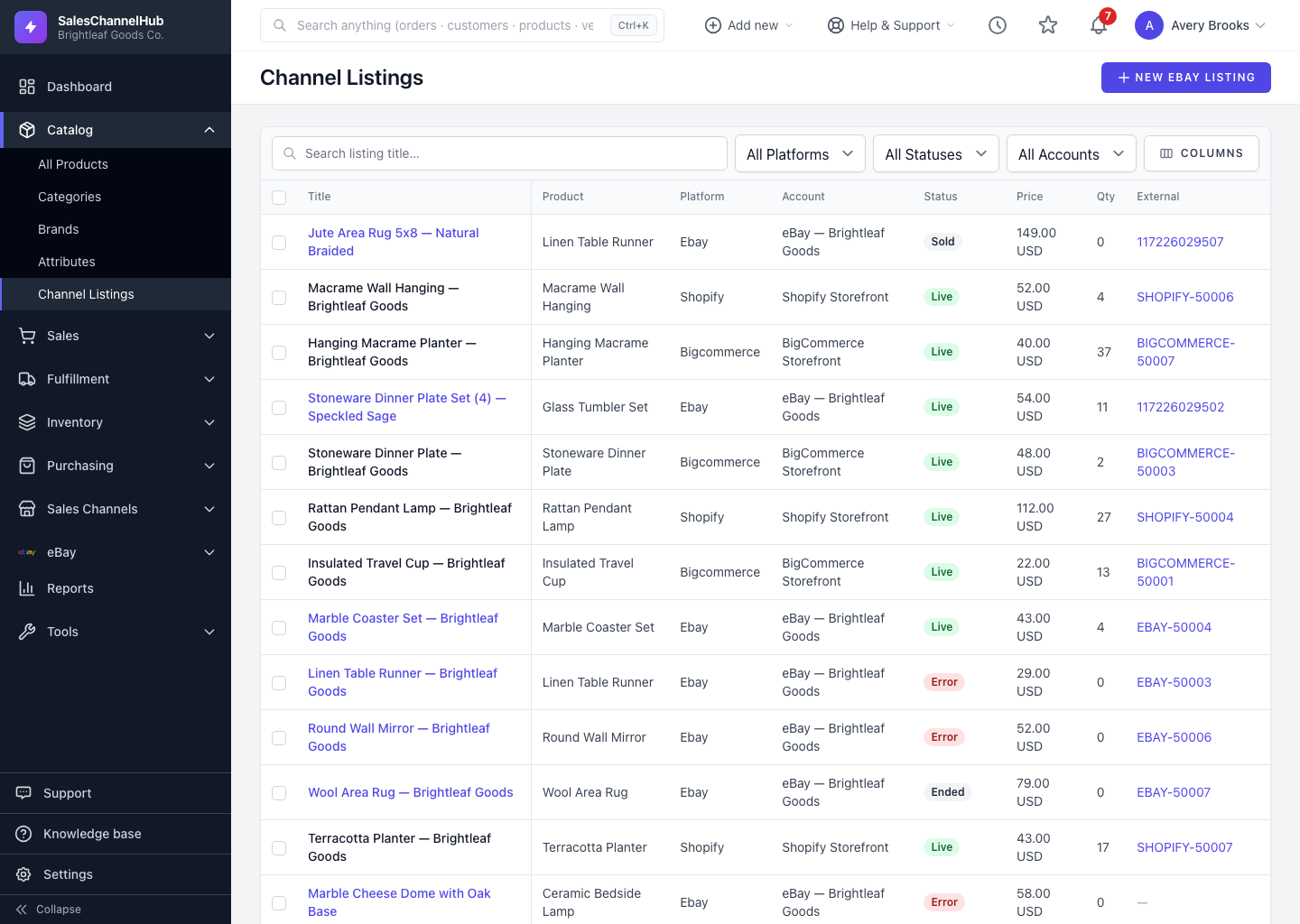
How do I import listings?
- Open the Import eBay Listings (CSV) page.
- Click Download a blank CSV template to get the right columns.
- Fill in the required columns (
sku,title,price,quantity) plus any optional ones:condition,description,category_idandlisting_type. - Choose your file (max 5 MB) and click Import.
Tip. Imported items land as drafts, and any skipped rows are listed with a reason. Review the drafts on the listings page, then publish.
Common questions
Which columns does the eBay import need?
Required: sku, title, price and quantity. Optional: condition, description, category_id and listing_type. Use the blank template so the headers match.
Does importing publish the listings straight away?
No. Each row creates a draft under your active eBay account. Nothing goes live until you review and publish, so you can check titles and categories first.
How does the import know which product to use?
It matches on the sku column. The SKU has to exist in your catalog; rows whose SKU can't be matched are skipped and reported.