View an activity log entry in detail
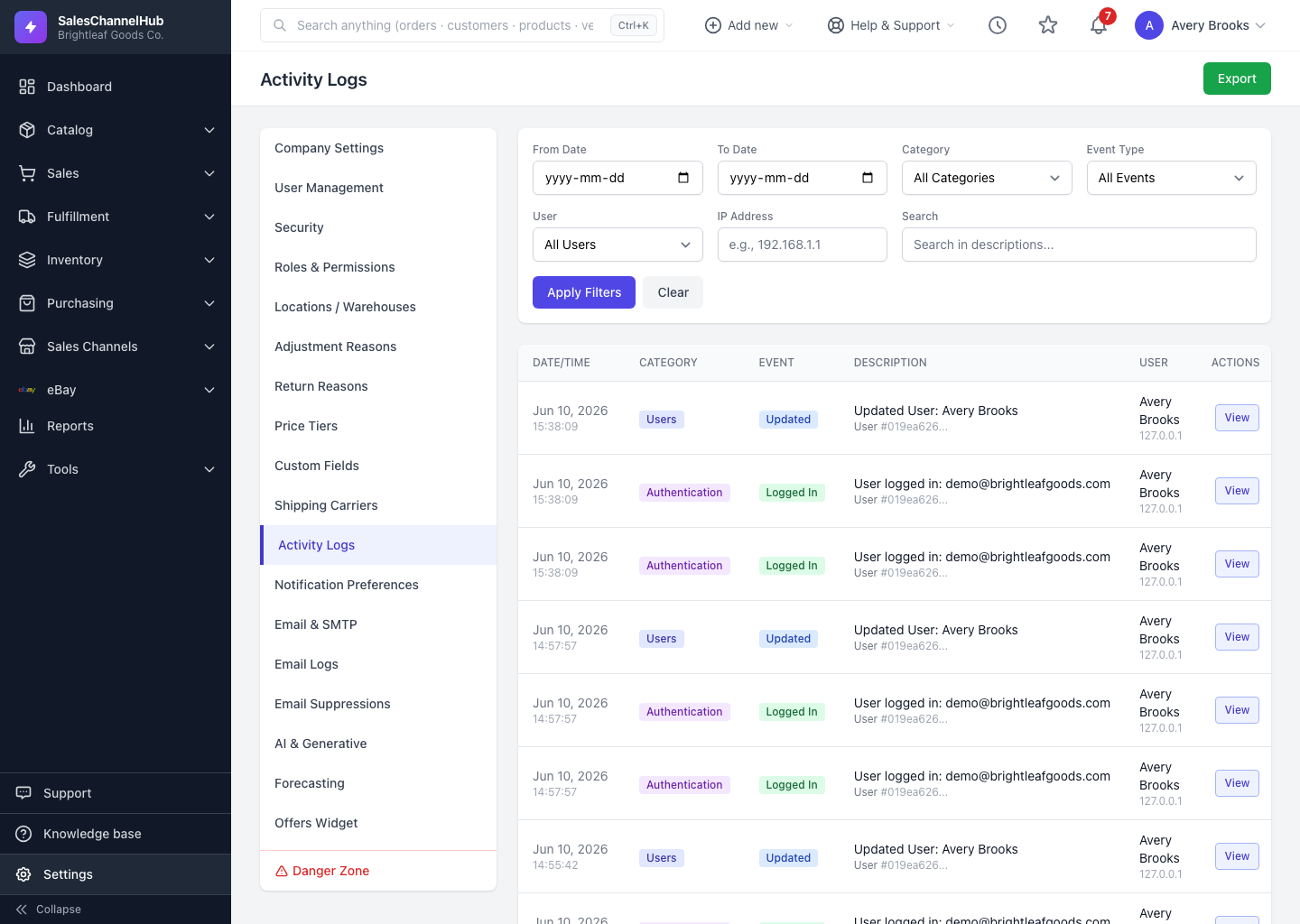
Click View on any row to see the exact fields that changed, the actor, their device, and any related actions from the same batch.
The list summarises each change; the detail view shows the full story, including the before-and-after values of every field that changed. Click View on any row in the activity log to open it.
What does the detail page show?
- Event Summary: the event type, category, plain-English description, and the record (subject) it applies to.
- Performed By: the user's name and email, the exact date and time, their IP address, and their browser or device.
- Changes: a table of each changed field with its Old Value and New Value side by side, so you can see exactly what was edited.
- Related Activities: when a change was part of a batch, such as a bulk update, the other actions from that batch are listed so you can review them together.
Tip. Use Back to Activity Logs at the bottom of the page to return to your filtered list exactly as you left it, rather than your browser's back button.
Was this article helpful?