Approve or reject an RMA
On a Requested RMA, click Approve Return to accept it and open the label and receiving steps, or Reject to decline.
A new RMA starts in Requested. Approving it accepts the return and opens the return-label and receiving steps. Rejecting it closes the request without taking goods back.
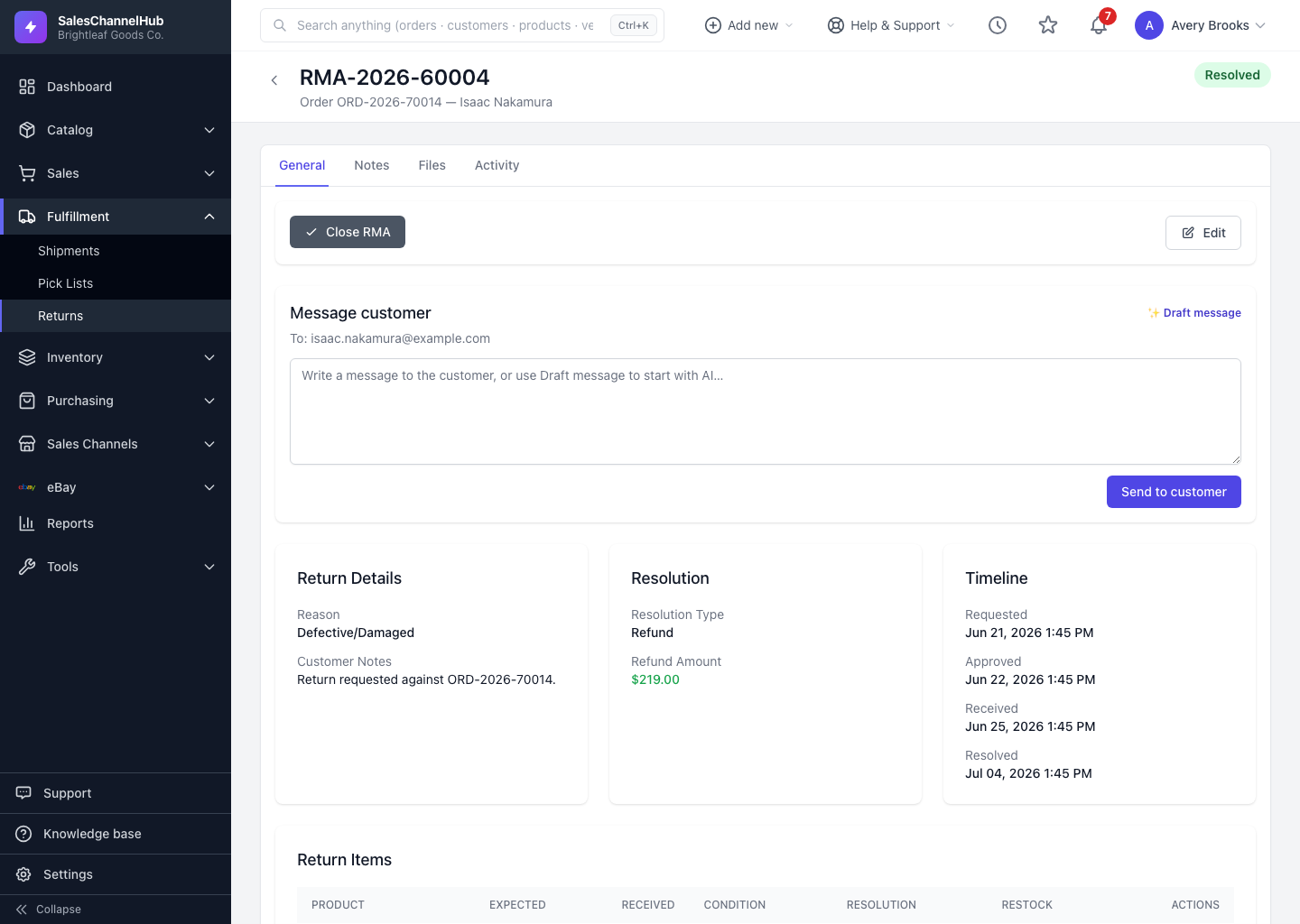
How do I decide on a return?
- Open a return in Requested status.
- In the status actions bar, click Approve Return to accept it, or Reject to decline.
What can I do after approval?
- Generate a return label, or mark Label Sent / In Transit if the customer ships the items back themselves.
Tip. Only requested or rejected returns can be deleted. Once an RMA is approved it stays on record, so reject rather than delete if you'd rather not keep a returned-then-cancelled request on file.
Common questions
Can I delete an approved RMA?
No. Only Requested or Rejected returns can be deleted. Approve creates a permanent record, so reject instead if you want the request gone.
Do I have to send a return label after approving?
No. You can generate a prepaid label, or just mark Label Sent or In Transit if the customer arranges their own shipping.
Was this article helpful?