Choose between SMTP and an email API
The Email page supports plain SMTP or a hosted API (Mailgun, Amazon SES, Postmark, SendGrid). The fields shown change with the provider you pick.
The Email & SMTP page supports either plain SMTP or one of the hosted email APIs. The fields shown change based on the Provider you select.
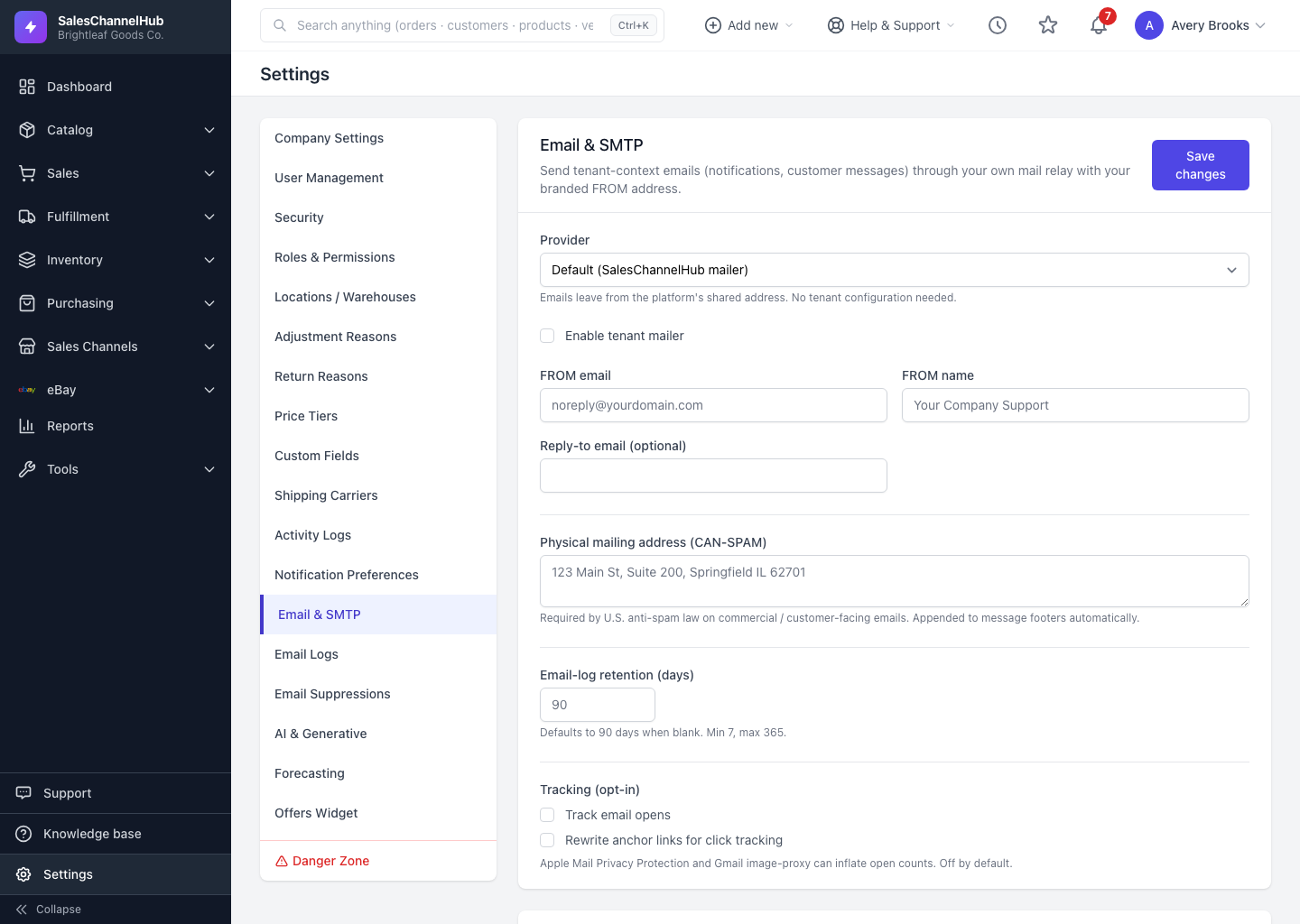
What are my provider options?
- Custom SMTP — enter Host, Port, Encryption (STARTTLS, SSL/TLS, or none), Username and Password. Use this for an in-house relay or a host that gives you SMTP details.
- Mailgun API — enter the Sending domain, Region (US or EU), and API key.
- Amazon SES — enter the AWS region, an optional Configuration set, and your Access key ID and Secret access key.
- Postmark — enter the Server token and a Message stream (defaults to outbound).
- SendGrid — enter an API key scoped to at least Mail Send.
Tip. A hosted API usually gives better deliverability and bounce handling than raw SMTP. Pick one your domain is already verified with.
Was this article helpful?